
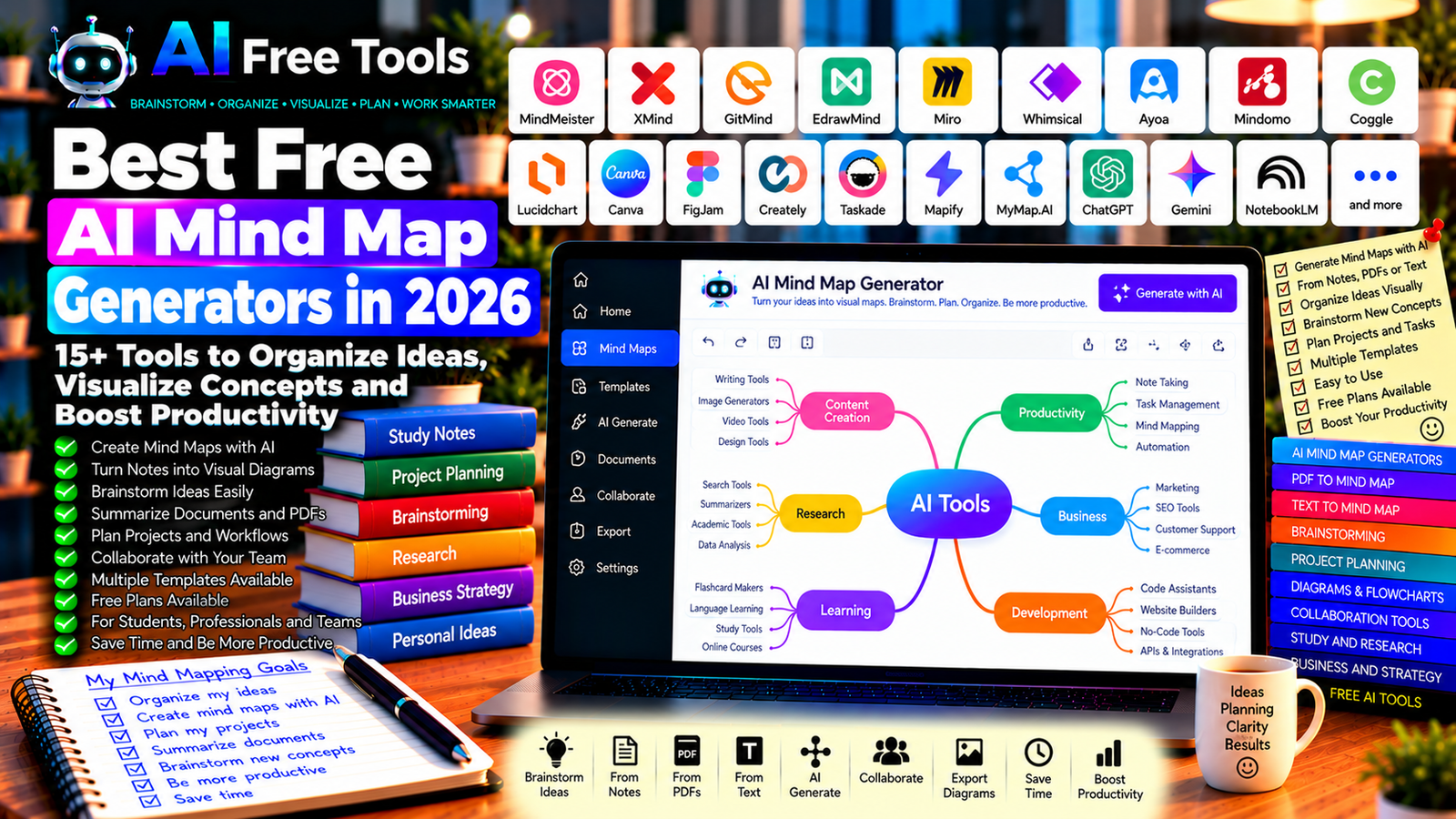
Best Free AI Mind Map Generators in 2026: 15+ Tools to Organize Your Ideas
Free AI mind map generators can help you turn scattered thoughts, notes, documents, and complex topics into visual diagrams. Instead of manually drawing every branch, you can use AI-powered features to brainstorm ideas, organize information, create project outlines, and understand relationships between different concepts.
These tools are useful for students, teachers, entrepreneurs, project managers, researchers, content creators, and professionals who need to plan ideas clearly. Some applications generate mind maps directly from text, while others combine mind mapping with whiteboards, flowcharts, diagrams, or collaborative workspaces.
In this guide, we compare 17 mind mapping applications and AI-powered visual planning tools in 2026. You will discover their main uses, what to check in their free plans, and how to choose the best tool for your needs.
Important: Not every tool listed here provides AI mind map generation in its free plan. Some offer traditional mind mapping, while others provide AI-assisted diagram creation with usage limits or paid upgrades. Free features, export options, and AI credits can change, so verify the current plan before starting a large project.
Quick Comparison: Best Free AI Mind Map Generators
| Tool | Best For | Free Access |
|---|---|---|
| MindMeister | Traditional collaborative mind maps | Free plan with restrictions |
| XMind | Structured mind maps and brainstorming | Free features; advanced options may cost |
| GitMind | AI-assisted mind maps and diagrams | Free access with limits |
| EdrawMind | Mind mapping and AI-assisted organization | Free features and plan limits |
| Miro | Collaborative visual whiteboards | Free plan with restrictions |
| Whimsical | Mind maps, flowcharts, and visual planning | Free plan with limits |
| Ayoa | Mind mapping and task planning | Free access with restrictions |
| Mindomo | Mind maps and concept maps | Free plan with limits |
| Coggle | Simple collaborative mind maps | Free diagrams with restrictions |
| Lucidchart | Diagrams and visual workflows | Free plan with limits |
| Canva | Visual brainstorming and presentations | Free features; AI access varies |
| FigJam | Collaborative brainstorming boards | Free access with limits |
| Creately | Visual planning and diagramming | Free plan with restrictions |
| Taskade | AI-assisted workflows and mind maps | Free access and AI limits may vary |
| Mapify | AI-generated maps from supported content | Free access with limits |
| MyMap.AI | AI-assisted idea mapping | Current free limits should be checked |
| ChatGPT | Generating mind map structures from text | Free tier with limits |
1. MindMeister — Best for Collaborative Mind Mapping
MindMeister is an online mind mapping application designed to help users organize ideas visually. You can create a central topic, add branches, and connect related concepts to build a structured overview of a subject.
It is particularly useful for brainstorming sessions, project planning, study notes, and team discussions. AI generation may depend on current product features or integrations, so check whether automated map creation is included in your plan.
Best features:
- Create visual mind maps.
- Organize ideas into branches and subtopics.
- Collaborate with other users.
- Share maps through supported options.
- Use mind maps to structure projects and presentations.
Free access: MindMeister offers a free plan with restrictions. The number of maps, export options, collaboration features, and advanced capabilities may vary.
Best for: Students, teams, teachers, and professionals who want a straightforward online mind mapping tool.
Official website: https://www.mindmeister.com/
2. XMind — Best for Structured Mind Maps
XMind is a mind mapping and brainstorming application with several visual structures for organizing information. It can help you turn a large subject into a hierarchy of themes, supporting ideas, and details.
Depending on the current version, XMind may also provide AI-assisted features or workflows that help users develop and organize ideas.
Best features:
- Create structured mind maps.
- Explore different diagram layouts.
- Organize complex topics into branches.
- Prepare brainstorming sessions and study plans.
- Export or share maps through supported features.
Free access: XMind offers free features, while some advanced layouts, AI functions, export options, and other capabilities may require a paid plan.
Best for: Students, writers, consultants, and professionals organizing complex information.
Official website: https://xmind.app/
3. GitMind — Best for AI-Assisted Mind Maps
GitMind provides online mind mapping and diagramming tools. Its AI-related features may help users develop ideas or create visual structures from text, depending on the current product and plan.
It can be useful when you have a topic or a rough outline but need help organizing the information into a clearer structure.
Best features to investigate:
- Create mind maps and diagrams.
- Explore AI-assisted map generation.
- Organize topics into branches.
- Collaborate through supported sharing features.
- Check available export formats.
Free access: GitMind offers free access options with restrictions that may apply to AI usage, storage, exports, or the number of projects.
Best for: Students, content creators, and professionals who want to turn text into visual structures.
Official website: https://gitmind.com/
4. EdrawMind — Best for Mind Mapping and Idea Organization
EdrawMind is a mind mapping application designed for brainstorming, planning, learning, and organizing information. It provides visual structures that help users break complex subjects into smaller, connected ideas.
AI-assisted capabilities may be available depending on the product version and plan.
Best features to investigate:
- Build mind maps and concept maps.
- Use templates for different subjects.
- Organize ideas and project outlines.
- Explore AI-assisted brainstorming.
- Export diagrams through supported formats.
Free access: EdrawMind offers free features, but advanced AI tools, export options, and other functions may have restrictions or require payment.
Best for: Students, teachers, project managers, and business users.
Official website: https://www.edrawsoft.com/edrawmind/
5. Miro — Best for Collaborative Visual Brainstorming
Miro is an online visual workspace for brainstorming, planning, diagrams, workshops, and team collaboration. Its boards can be used to create mind maps manually and organize ideas from multiple participants.
AI features may assist with generating, grouping, or summarizing information where supported by the current plan.
Best features:
- Create visual boards and mind maps.
- Collaborate in real time.
- Organize ideas using notes and shapes.
- Build workflows and diagrams.
- Explore available AI-assisted board features.
Free access: Miro offers a free plan with restrictions on editable boards and other features. AI capabilities and usage may depend on the current subscription.
Best for: Teams, project managers, consultants, and remote workshops.
Official website: https://miro.com/
6. Whimsical — Best for Mind Maps and Flowcharts
Whimsical combines mind maps, flowcharts, wireframes, and other visual planning tools in an online workspace. It is useful when you want to map ideas and then convert them into a process or workflow.
AI-related capabilities may help users generate diagrams or develop ideas, depending on current availability.
Best features to investigate:
- Create mind maps and flowcharts.
- Organize processes visually.
- Build wireframes and planning boards.
- Share diagrams with collaborators.
- Explore AI-assisted diagram creation.
Free access: Whimsical offers free access with limits. The number of items, AI actions, collaboration features, and other capabilities may vary by plan.
Best for: Designers, product teams, entrepreneurs, and content planners.
Official website: https://whimsical.com/
7. Ayoa — Best for Combining Mind Maps and Tasks
Ayoa combines mind mapping with task management and collaborative planning. This makes it useful when you want to turn brainstorming ideas into practical activities and follow-up tasks.
Best features to investigate:
- Create visual mind maps.
- Organize ideas into tasks.
- Plan projects and workflows.
- Collaborate with team members.
- Explore AI-assisted brainstorming where available.
Free access: Ayoa offers access options with restrictions. AI functions, map limits, and advanced task management features may require a paid subscription.
Best for: Freelancers, teams, project managers, and people who want to connect brainstorming with execution.
Official website: https://www.ayoa.com/
8. Mindomo — Best for Concept Maps and Study Planning
Mindomo supports mind maps, concept maps, and other visual learning structures. It can help students organize course material and help professionals plan projects or explain complex subjects.
Best features:
- Create mind maps and concept maps.
- Organize study topics.
- Build structured project outlines.
- Collaborate through supported features.
- Explore available AI-assisted tools.
Free access: Mindomo offers a free plan with restrictions on the number of maps, exports, or advanced capabilities.
Best for: Students, teachers, researchers, and professionals who organize complex information.
Official website: https://www.mindomo.com/
9. Coggle — Best for Simple Online Mind Maps
Coggle is an online tool for creating and sharing mind maps. Its interface is designed to make it easy to add branches and develop an idea without needing advanced design skills.
It is a practical option if you mainly need a visual outline and do not require extensive AI automation.
Best features:
- Create mind maps in a browser.
- Add branches and connected ideas.
- Collaborate with others.
- Share diagrams through supported links.
- Organize brainstorming sessions.
Free access: Coggle provides free access with restrictions on private diagrams and advanced features. AI generation is not its primary purpose, so you may need a separate AI assistant to prepare the initial structure.
Best for: Students, teachers, and individuals who want simple mind mapping.
Official website: https://coggle.it/
10. Lucidchart — Best for Diagrams and Visual Workflows
Lucidchart is a diagramming platform used for flowcharts, process maps, organizational charts, and other visual representations. It can be useful when a project requires more than a traditional radial mind map.
Best features to investigate:
- Create flowcharts and diagrams.
- Map business processes.
- Organize complex workflows.
- Collaborate on visual documents.
- Explore AI-assisted diagramming where available.
Free access: Lucidchart offers a free plan with restrictions on document size, editable objects, or available features. Advanced AI functions may require a paid subscription.
Best for: Business analysts, project managers, students, and technical teams.
Official website: https://www.lucidchart.com/
11. Canva — Best for Visually Appealing Idea Maps
Canva is a design platform that can be used to create mind maps, brainstorming diagrams, presentations, and infographics. Its templates are helpful when you want a map that looks polished enough to include in a report or presentation.
AI capabilities depend on the feature, account, and current plan.
Best features:
- Create visual mind maps using templates.
- Customize colors, shapes, and typography.
- Turn ideas into presentations or infographics.
- Collaborate on supported designs.
- Explore available AI design features.
Free access: Canva offers a free plan, but some templates, premium assets, and AI tools may have usage limits or require payment.
Best for: Students, teachers, marketers, content creators, and business users.
Official website: https://www.canva.com/
12. FigJam — Best for Interactive Team Brainstorming
FigJam is a collaborative online whiteboard for brainstorming, workshops, diagrams, and planning. It allows teams to collect ideas visually and group them into related topics.
AI-assisted features may be available depending on the current Figma product and subscription.
Best features to investigate:
- Create brainstorming boards.
- Group ideas with notes and shapes.
- Collaborate in real time.
- Organize workshops and planning sessions.
- Explore supported AI-assisted workflows.
Free access: FigJam provides free access options, but board limits and advanced features may vary by plan.
Best for: Designers, product teams, educators, and remote collaborators.
Official website: https://www.figma.com/figjam/
13. Creately — Best for Visual Planning and Concept Mapping
Creately is a visual workspace that supports diagrams, concept maps, workflows, and collaborative planning. It can help users structure complex ideas or communicate relationships between processes and topics.
Best features to investigate:
- Create concept maps and diagrams.
- Organize workflows visually.
- Use available templates.
- Collaborate on shared diagrams.
- Explore AI-assisted diagram creation.
Free access: Creately offers free access with restrictions. Workspace size, diagram limits, and advanced features may depend on the plan.
Best for: Business teams, students, project planners, and consultants.
Official website: https://creately.com/
14. Taskade — Best for AI-Assisted Mind Maps and Workflows
Taskade combines task management, collaborative workspaces, project organization, and AI-assisted workflows. Depending on current features, users may be able to develop ideas, generate structured content, and visualize projects.
Best features to investigate:
- Organize projects and task lists.
- Create visual mind maps.
- Explore AI-assisted brainstorming.
- Turn ideas into structured workflows.
- Collaborate with team members.
Free access: Taskade offers free access options, but AI usage, automation, storage, and other capabilities may have limits.
Best for: Freelancers, entrepreneurs, small teams, and users who want to connect brainstorming with task management.
Official website: https://www.taskade.com/
15. Mapify — Best for Turning Content into Visual Maps
Mapify focuses on AI-assisted mind maps generated from supported content. Depending on current features, it may help users transform text, documents, videos, or other sources into visual summaries.
This can be useful when you want a quick overview of material before studying or planning a project.
Best features to investigate:
- Generate mind maps from supported sources.
- Summarize content visually.
- Organize key ideas and subtopics.
- Explore document or video input options.
- Export or share maps through available features.
Free access: Mapify offers access options that may include limited AI credits or generation quotas. Check current restrictions and supported input types.
Best for: Students, researchers, content creators, and professionals who need visual summaries.
Official website: https://mapify.so/
16. MyMap.AI — Best for AI-Generated Idea Maps
MyMap.AI focuses on AI-assisted visual thinking and idea organization. It may help users turn prompts or text into diagrams and maps, depending on the current features.
Best features to investigate:
- Generate visual maps from text prompts.
- Explore brainstorming workflows.
- Organize related ideas.
- Create diagrams from supported content.
- Check export and collaboration options.
Free access: Current free usage limits and available features should be checked directly before using it for extensive projects.
Best for: Students, entrepreneurs, marketers, and people who want to develop ideas quickly.
Official website: https://www.mymap.ai/
17. ChatGPT — Best for Generating Mind Map Structures
ChatGPT can help you organize a subject into a structured hierarchy of main ideas, branches, and subtopics. You can then copy that structure into a mind mapping tool such as XMind, MindMeister, GitMind, or another application.
Although ChatGPT is not a dedicated visual mind map editor in every workflow, it can be useful for generating the content that forms the basis of a map.
Best features:
- Brainstorm ideas around a central topic.
- Create hierarchical outlines.
- Identify related themes and subtopics.
- Summarize notes into key branches.
- Prepare text structures for diagramming tools.
Free access: ChatGPT offers a free tier with usage and feature limits.
Best for: Students, content creators, researchers, entrepreneurs, and professionals who need help structuring ideas.
Official website: https://chatgpt.com/
Example prompt:
“Create a detailed mind map about [TOPIC]. Start with one central idea and organize the information into 5–7 main branches, each with relevant subtopics. Keep labels short, avoid duplicate ideas, and distinguish facts from suggestions. Return the result as an indented outline that I can copy into a mind mapping application.”
How to Choose the Best Free AI Mind Map Generator
The right tool depends on whether you want automatic generation, collaborative brainstorming, detailed diagrams, or a visually polished presentation.
| Your Main Goal | Recommended Starting Tools |
|---|---|
| Generate a map from text | GitMind, Mapify, or MyMap.AI |
| Organize study topics | XMind or Mindomo |
| Brainstorm with a team | Miro or FigJam |
| Create mind maps and task lists | Ayoa or Taskade |
| Build flowcharts and workflows | Whimsical or Lucidchart |
| Create attractive visual maps | Canva |
| Make simple manual mind maps | Coggle or MindMeister |
| Generate the structure with AI | ChatGPT or Gemini |
Best Free AI Mind Map Generators for Students
Students can use mind maps to organize lecture notes, revise textbook chapters, prepare presentations, and understand relationships between concepts.
XMind, Mindomo, GitMind, and other mapping tools can help structure the material visually. An AI assistant can first summarize the lesson and identify the main branches.
For best results, keep each branch focused on one concept and verify the map against your course material. A visually attractive map is not necessarily accurate or complete.
Best AI Mind Mapping Tools for Business
Businesses can use mind maps to develop marketing strategies, plan products, organize meetings, and break projects into smaller tasks.
Miro and FigJam are useful for collaborative brainstorming, while Taskade and Ayoa may help connect ideas to tasks and workflows. For process diagrams, Lucidchart or Whimsical may be a better fit.
Before sharing a map with an external AI service, review whether it contains confidential plans, customer data, or sensitive business information.
Best AI Mind Map Tools for Content Creators
Content creators can use mind maps to develop article ideas, organize content calendars, plan video series, and build topic clusters.
For example, you could start with the central topic “Free AI Tools” and create branches for writing, image generation, video editing, productivity, coding, and research. Each branch could then be expanded into article ideas or related resources.
AI can help brainstorm subtopics, but you should evaluate each idea for audience relevance, originality, and search intent before producing content.
How to Create an AI Mind Map in Five Steps
Step 1: Choose a Clear Central Topic
Start with a specific subject, problem, or goal. A focused topic makes it easier to create meaningful branches.
Step 2: Generate the Main Ideas
Use an AI assistant or a mind mapping tool to identify the main themes. Ask for a manageable number of branches and remove topics that are unrelated to your goal.
Step 3: Add Subtopics
Break each major theme into smaller concepts, examples, tasks, or questions. Keep labels concise so the map remains readable.
Step 4: Review and Improve the Structure
Remove repeated ideas, check relationships between branches, and confirm that important information is not missing. Rearrange topics if the original hierarchy does not make sense.
Step 5: Export or Share the Map
Use the export, presentation, or sharing options available in your chosen application. If you need to edit the map later, confirm that the selected format preserves the structure and remains editable.
Example AI Prompt for Mind Mapping
Copy and adapt this prompt:
“Create a mind map for [PROJECT OR TOPIC]. Include one central idea, 6 main branches, and up to 5 subtopics per branch. Prioritize the most important and actionable ideas. Use short labels, avoid duplication, and organize the branches logically. If information is missing, list questions instead of inventing facts. Return the result as a clean hierarchical outline.”
Are Free AI Mind Map Generators Worth Using?
Yes. They can help you move from an unstructured idea to a clearer visual plan. They are useful for study, brainstorming, project planning, content creation, and business strategy.
For AI-assisted map generation, explore GitMind, Mapify, or MyMap.AI. For structured mind mapping, consider XMind or Mindomo. For collaborative brainstorming, try Miro or FigJam. For connecting ideas with tasks, investigate Taskade or Ayoa.
However, AI-generated maps should be treated as drafts. They can miss important relationships, repeat ideas, or create branches that look plausible but are not useful. Review the result before relying on it for an important project.
Are AI Mind Map Generators Safe for Business Information?
Mind maps can contain product ideas, strategic plans, internal processes, research findings, and confidential information. If a tool uses cloud processing or AI services, some of that content may be sent to external systems.
Before entering sensitive information, review the provider’s privacy policy, data-retention practices, and security controls. Use an approved service for confidential projects and avoid including unnecessary personal or business data.
Frequently Asked Questions
What is the best free AI mind map generator in 2026?
The best option depends on your needs. GitMind, Mapify, and MyMap.AI are worth investigating for AI-assisted generation; XMind and Mindomo are useful for structured maps; and Miro or FigJam are designed for collaborative visual work. Check current free-plan limits before choosing.
Can AI create a mind map from text?
Yes, some tools can generate mind maps or diagrams from prompts and supported text. Other AI assistants can create a hierarchical outline that you can paste or import into a mind mapping application. The available formats depend on the tool.
Can I create a mind map from a PDF?
Some tools support document input or content summarization, while others require you to extract the text first. Verify the current file-upload features, page limits, and export options. Always check that the generated map accurately represents the original document.
Are free AI mind map generators really free?
Many offer a free plan, but AI generation, exports, collaboration, and project limits may be restricted. Some tools provide manual mind mapping for free while charging for AI-assisted features. Review the current plan before committing to a workflow.
What is the difference between a mind map and a flowchart?
A mind map organizes ideas around a central topic, usually with branches and subtopics. A flowchart represents steps, decisions, or processes in a sequence. Use a mind map for brainstorming and a flowchart when you need to explain how a process works.
Can AI mind maps help with studying?
Yes. They can help organize lessons, show relationships between concepts, and provide a visual overview of a topic. Combine mind maps with practice questions and flashcards to test what you actually remember.
Can I use an AI mind map for project planning?
Yes. You can start with the project goal, add branches for tasks and resources, and expand each branch into smaller activities. If you need deadlines, assignments, and status tracking, choose a tool that also supports project management or task lists.
Final Verdict
The best free AI mind map generators in 2026 can help you brainstorm, organize complex information, and turn rough ideas into visual structures.
For AI-assisted generation, explore GitMind, Mapify, or MyMap.AI. For structured mind maps, consider XMind or Mindomo. For team brainstorming, try Miro or FigJam. For diagrams and workflows, investigate Whimsical or Lucidchart, and for mind maps connected to tasks, compare Taskade and Ayoa.
Choose a tool that fits your workflow, check its free-plan restrictions, and review AI-generated content before using it in an important presentation, study plan, or business project.
Explore more guides on AI Free Tools:
Leave a Reply