
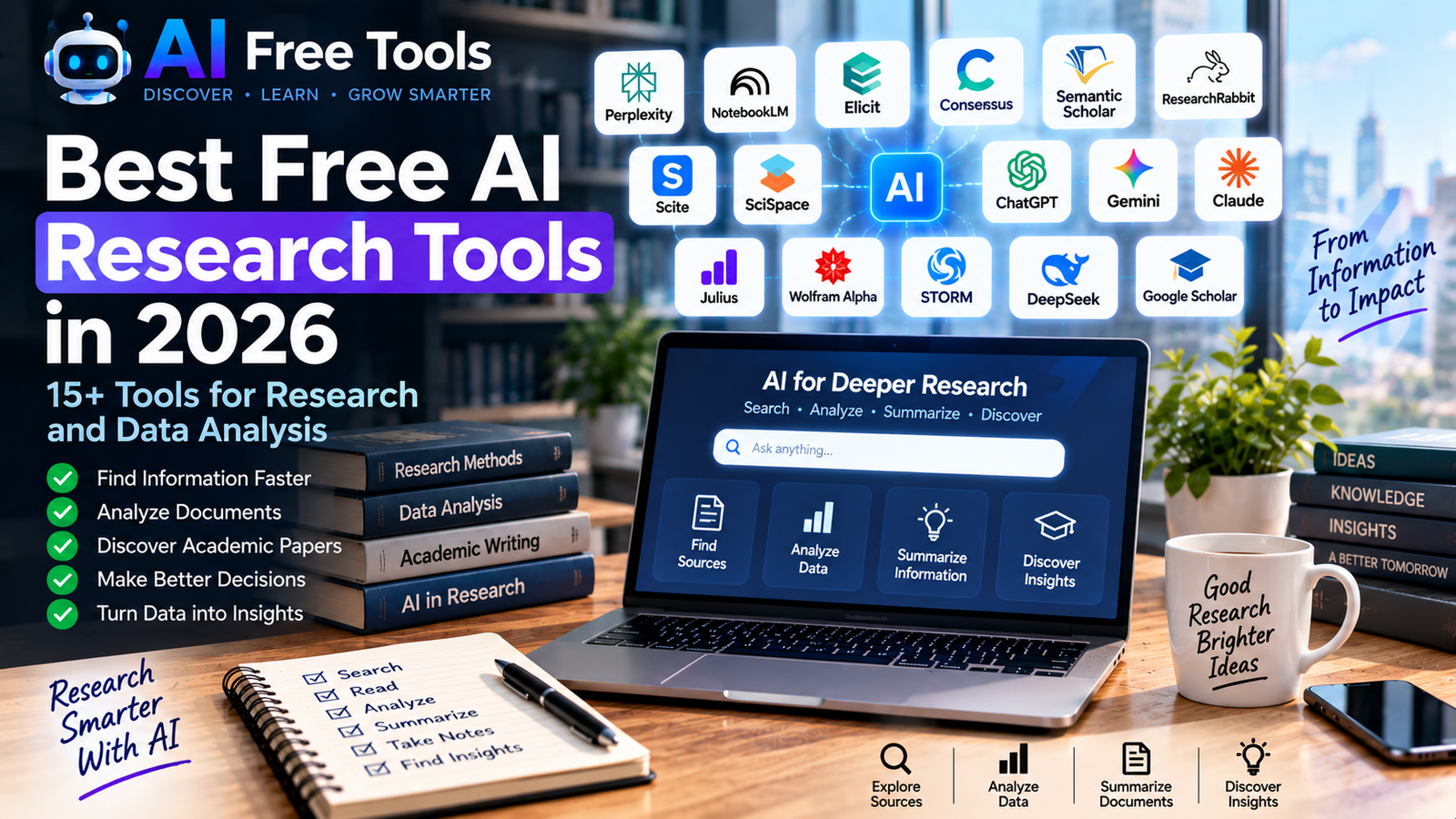
Best Free AI Research Tools in 2026
Research can take hours when you have to search through websites, academic papers, PDFs, spreadsheets and large amounts of information manually.
AI research tools can make this process much faster. They can help you discover sources, summarize documents, compare information, analyze data and organize research.
In this guide, we have selected 15+ free AI research tools in 2026 for students, researchers, professionals, entrepreneurs, marketers and anyone who needs to find and understand information faster.
If you want a broader collection of AI tools for different tasks, you can also explore our guide to the best free AI tools in 2026.
Important: Free plans and usage limits can change frequently. Always check the provider’s current plan before relying on a tool for an important workflow.
What Are AI Research Tools?
AI research tools are applications that use artificial intelligence to help users find, analyze, summarize or organize information.
Depending on the platform, an AI research tool can help you:
- Search the web
- Find academic papers
- Analyze PDFs
- Summarize documents
- Compare research findings
- Find supporting evidence
- Analyze spreadsheets
- Generate research reports
- Organize sources
- Discover related studies
- Extract information from documents
Different tools are designed for different types of research. Some focus on the web, while others specialize in academic literature, documents or data analysis.
1. Perplexity
Best for: Web research and source-based answers
Perplexity combines AI with web search to help users research questions and explore information from online sources.
It can be useful for market research, competitor research, product research and general information discovery.
Research uses:
- Web research
- Market research
- Competitor research
- Fact checking
- Source discovery
- Research summaries
- Current information
One of its useful characteristics for research is that answers can include links to the sources used, making it easier to investigate the original information.
2. Google NotebookLM
Best for: Researching your own documents
NotebookLM is designed around documents and sources that you provide.
You can add documents and then ask questions about their contents. This makes it useful for studying reports, research papers, business documents, notes and other source material.
Research uses:
- PDF analysis
- Document summaries
- Research notes
- Study materials
- Source comparison
- Question answering
- Knowledge organization
NotebookLM is particularly useful when you already have a collection of documents and want to understand them more quickly.
3. Elicit
Best for: Academic literature research
Elicit is an AI research assistant designed specifically around academic literature.
It can help researchers discover papers, extract information and organize findings into structured research workflows.
Elicit offers a free Basic plan, although usage limits apply.
Research uses:
- Literature reviews
- Academic paper discovery
- Paper summaries
- Research tables
- Evidence extraction
- Literature analysis
For researchers working with academic papers, Elicit can be much more specialized than a general-purpose AI chatbot.
4. Consensus
Best for: Research based on scientific papers
Consensus is designed to search academic research and provide answers based on scientific literature.
It can help users investigate questions where published research is more important than general web information.
Consensus currently provides free access with limitations, alongside paid plans.
Research uses:
- Scientific research
- Academic questions
- Literature discovery
- Evidence summaries
- Research comparison
- Paper discovery
It can be useful when you want to move beyond ordinary web searches and focus on published studies.
5. Semantic Scholar
Best for: Finding academic papers
Semantic Scholar is an academic research platform that helps users discover scientific papers and explore related research.
It can be used to search publications, researchers and academic topics.
Research uses:
- Academic paper search
- Literature discovery
- Citation exploration
- Research topics
- Related papers
- Scientific information
One advantage is that the core search platform is available for free.
6. ResearchRabbit
Best for: Discovering related research
ResearchRabbit helps researchers explore connections between academic papers and research topics.
Instead of simply searching for individual papers, users can explore related publications and discover additional research.
Research uses:
- Literature discovery
- Related papers
- Citation exploration
- Research mapping
- Academic discovery
This can be particularly useful when you have found one important paper and want to discover other research connected to it.
7. Scite
Best for: Checking citation context
Scite provides tools for exploring how academic publications are cited by other papers.
This can help researchers investigate whether a publication has been supported, mentioned or challenged in subsequent research.
Research uses:
- Citation analysis
- Literature reviews
- Research verification
- Paper evaluation
- Citation discovery
A citation alone does not necessarily tell you whether another researcher agrees with the original study, so examining citation context can provide additional information.
8. SciSpace
Best for: Understanding research papers and PDFs
SciSpace provides AI-powered tools for interacting with academic papers and documents.
Users can work with research papers, ask questions about documents and get assistance understanding technical material.
Research uses:
- PDF analysis
- Research papers
- Academic reading
- Literature reviews
- Document summaries
- Research questions
This can be useful when a research paper contains complex terminology or technical sections that take a long time to understand manually.
9. ChatGPT
Best for: General research and data analysis
ChatGPT can support many different research workflows.
Depending on available features and usage limits, users can ask questions, analyze documents, work with data and organize research information.
Research uses:
- Research brainstorming
- Document analysis
- Data analysis
- Summarization
- Information organization
- Research writing
- Spreadsheet analysis
For users who already use ChatGPT for writing and productivity, it can also become a general research assistant.
You can learn more about AI writing workflows in our guide to free AI writing tools.
10. Google Gemini
Best for: Research and information exploration
Gemini can help users explore topics, summarize information and organize research ideas.
It can be particularly convenient for people who already use Google’s ecosystem.
Research uses:
- Research questions
- Brainstorming
- Summaries
- Information discovery
- Planning
- Document-related tasks
Gemini can also be combined with other Google services depending on the account and available features.
11. Claude
Best for: Long documents and research synthesis
Claude can help users analyze and summarize large amounts of written information.
It can be useful when the research process involves reports, documents, notes or long-form material.
Research uses:
- Document analysis
- Research summaries
- Long-form synthesis
- Notes
- Reports
- Research writing
Claude can also help transform unstructured research notes into a clearer structure.
12. Julius AI
Best for: AI-powered data analysis
Julius AI is designed to help users analyze data using natural language.
Instead of manually creating formulas or writing code for every analysis, users can ask questions about datasets and request charts or insights.
Research uses:
- Spreadsheet analysis
- CSV analysis
- Data visualization
- Statistical analysis
- Business data
- Data exploration
The availability and limits of its free access can change, so check the current plan before using it for large projects.
13. Google AI Studio
Best for: AI experimentation and research workflows
Google AI Studio provides an environment for experimenting with Google’s AI models.
Although it is also useful for developers, researchers can use it to test prompts, analyze information and experiment with AI-powered workflows.
Research uses:
- AI experimentation
- Research workflows
- Data analysis
- Prompt testing
- Document-related tasks
- Prototyping
It can be especially interesting for users who want to move from simply using AI tools toward building custom AI workflows.
14. Wolfram Alpha
Best for: Mathematical and computational research
Wolfram Alpha is a computational knowledge engine that can answer questions involving mathematics, statistics, science and quantitative information.
It is different from a traditional AI chatbot because it focuses heavily on computation and structured knowledge.
Research uses:
- Mathematics
- Statistics
- Scientific calculations
- Data
- Equations
- Quantitative research
It can be useful when research requires calculations rather than only text-based explanations.
15. STORM
Best for: Creating structured research drafts
STORM is an open research project from Stanford that explores how AI can help create structured reports from information gathered from multiple sources.
It can be interesting for people experimenting with AI-assisted research and long-form information gathering.
Research uses:
- Research reports
- Topic exploration
- Source gathering
- Structured writing
- Knowledge synthesis
Because it is an open-source research project rather than a conventional commercial application, the setup can be different from typical online AI tools.
16. DeepSeek
Best for: General AI research and technical questions
DeepSeek provides AI models that can assist with research, reasoning and technical questions.
It can be useful for exploring ideas, analyzing text and working through technical problems.
Research uses:
- Technical research
- Reasoning
- Coding research
- Text analysis
- Brainstorming
- Information exploration
As with other AI assistants, important factual information should be checked against reliable primary sources.
17. Google Scholar
Best for: Finding academic literature
Google Scholar is not primarily an AI tool, but it remains an important research resource.
It helps users search academic publications, papers, theses and citations.
When combined with AI research tools such as Elicit, Consensus or NotebookLM, it can become part of a powerful research workflow.
Research uses:
- Academic papers
- Citations
- Research topics
- Theses
- Scholarly publications
- Literature discovery
How to Choose the Right AI Research Tool
The best tool depends on the type of information you are researching.
For web research
Consider:
- Perplexity
- ChatGPT
- Gemini
- Claude
For academic research
Consider:
- Elicit
- Consensus
- Semantic Scholar
- ResearchRabbit
- Scite
For PDF and document research
Consider:
- NotebookLM
- Claude
- ChatGPT
- SciSpace
For data analysis
Consider:
- Julius AI
- ChatGPT
- Gemini
- Wolfram Alpha
For citation research
Consider:
- Scite
- Semantic Scholar
- ResearchRabbit
AI Research Workflow for Beginners
You don’t need to use 15 different tools.
A simple research workflow could look like this:
Step 1 — Discover the topic
Start with Perplexity, Gemini or ChatGPT to understand the subject and identify important questions.
Step 2 — Find reliable sources
For academic research, use Semantic Scholar, Google Scholar, Consensus or Elicit.
Step 3 — Analyze the sources
Upload important documents to NotebookLM, Claude, ChatGPT or SciSpace.
Step 4 — Verify important claims
Check the original papers and sources instead of relying entirely on AI-generated summaries.
Step 5 — Analyze data
If your research includes spreadsheets or datasets, use an AI data-analysis tool such as Julius AI or ChatGPT where appropriate.
Step 6 — Organize your findings
Create structured notes containing:
- Source
- Date
- Main finding
- Evidence
- Important statistics
- Limitations
- Your own conclusions
This makes the final research much easier to review.
Free AI Research Tools for Students
Students can use AI research tools for:
- Finding academic papers
- Understanding difficult subjects
- Summarizing documents
- Creating study notes
- Exploring research topics
- Analyzing information
- Organizing references
However, AI-generated information should always be checked against the original source, especially for academic work.
Free AI Research Tools for Businesses
Businesses can use AI research tools for:
Market research
Research industries, products, competitors and customers.
Competitor analysis
Collect information about competing companies and compare their products and positioning.
Customer research
Analyze reviews, surveys and customer feedback.
Product research
Investigate products, features, prices and market trends.
Content research
Find sources and ideas before creating articles and marketing content.
Data analysis
Analyze sales data, customer data and other business information.
If you also need tools for automating these processes, see our guide to free AI automation tools.
How to Verify AI Research
AI can make research faster, but it should not eliminate human verification.
Before using an important piece of information:
- Open the original source.
- Check the publication date.
- Check who published the information.
- Compare important claims with another reliable source.
- Look for the original study when possible.
- Do not rely on an AI-generated citation without checking it.
This is particularly important for scientific, financial, legal, medical and business-critical research.
Frequently Asked Questions
What are the best free AI research tools?
Different tools are useful for different research tasks. Perplexity is designed for web research, NotebookLM for your own documents, Elicit and Consensus for academic research, and dedicated tools such as Julius AI for data analysis.
Can AI research tools replace Google?
Not completely. AI research tools can make information discovery and synthesis faster, but traditional search engines and original sources remain important for verification.
Can AI analyze academic papers?
Yes. Tools such as NotebookLM, Elicit, Consensus, SciSpace, ChatGPT and Claude can assist with academic documents, depending on the available features and plan limits.
Can AI analyze Excel files?
Some AI tools can analyze spreadsheets or other structured data. Availability depends on the platform, file type and current plan.
Are free AI research tools accurate?
No AI research tool should be treated as automatically accurate. AI can make mistakes, misunderstand sources or produce incorrect conclusions. Important information should be verified against the original sources.
Which AI research tools are useful for businesses?
Businesses can use Perplexity, ChatGPT, Gemini, NotebookLM and data-analysis tools for market research, competitor research, customer research and business analysis.
Final Thoughts
AI is changing the way people research information.
Instead of spending hours manually searching through websites, papers and documents, researchers and businesses can use AI to accelerate discovery, summarization and analysis.
The most effective approach is not to use every available tool. Start with the tool that matches your research task, verify important information using reliable sources and build a workflow that saves time without sacrificing accuracy.
If you are building a complete AI toolkit, explore our other guides covering free AI productivity tools, free AI automation tools, free AI writing tools and the best free AI tools in 2026.
Leave a Reply