
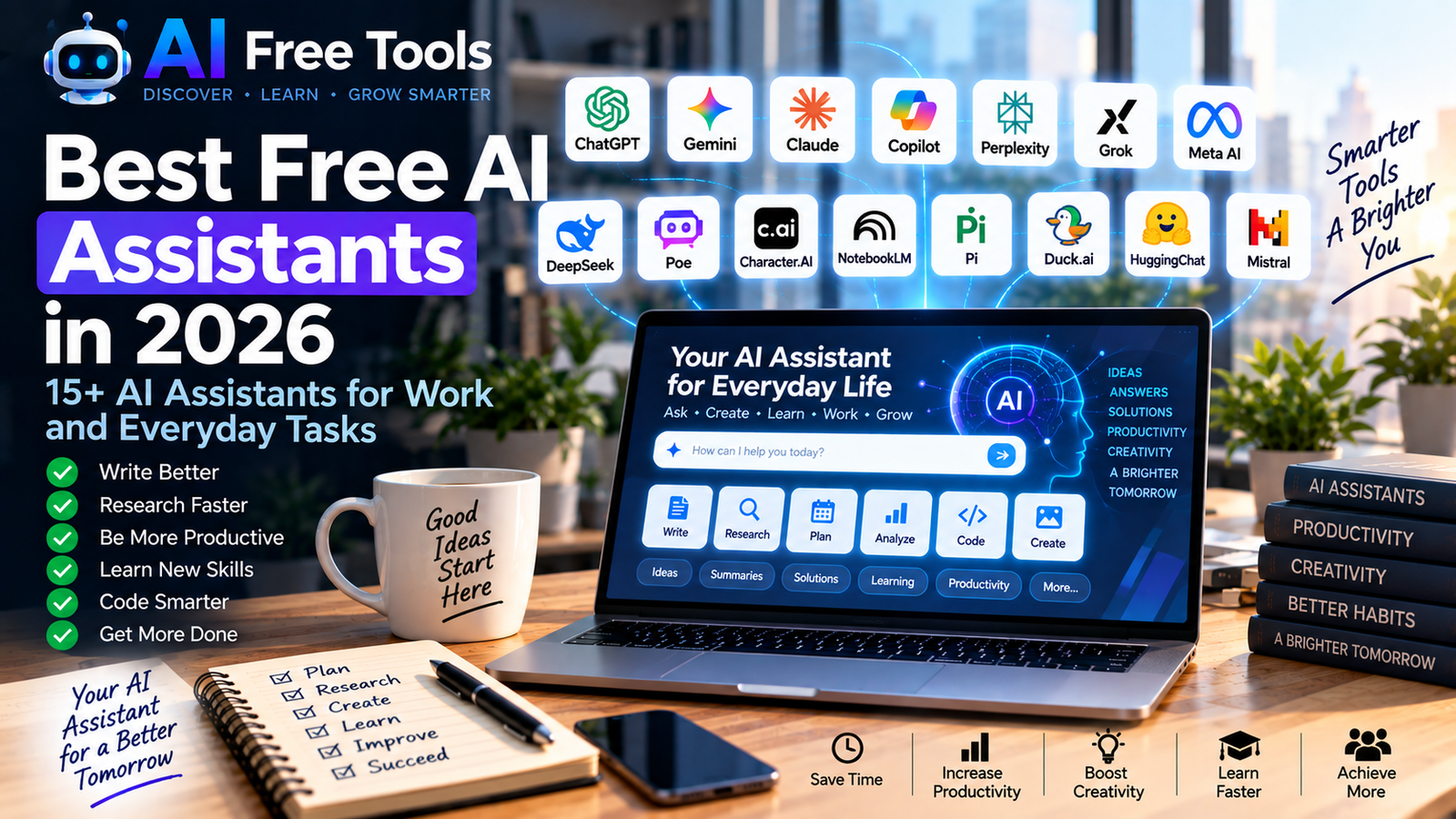
Best Free AI Assistants in 2026
AI assistants have become useful for much more than simple questions and answers.
Today, an AI assistant can help you write emails, research information, summarize documents, plan projects, learn new subjects, generate ideas, analyze data and even write code.
Many AI assistants offer free access or free plans, making them accessible to students, professionals, entrepreneurs and everyday users.
In this guide, we have selected 15+ free AI assistants in 2026 and explained what each one can do and who it is best suited for.
If you want to explore AI tools across many different categories, see our guide to the best free AI tools in 2026.
What Is an AI Assistant?
An AI assistant is software that uses artificial intelligence to understand requests and help users complete different tasks.
Depending on the assistant, it can help with:
- Writing
- Research
- Planning
- Brainstorming
- Learning
- Coding
- Data analysis
- Document analysis
- Image creation
- Productivity
- Business tasks
- Everyday questions
The important difference between AI assistants is that each platform has different strengths, models, features and usage limits.
1. ChatGPT
Best for: General-purpose AI assistance
ChatGPT is a general-purpose AI assistant that can help with a wide range of personal, professional and educational tasks.
Users can ask questions, generate text, brainstorm ideas, analyze information, work with documents and solve problems.
What you can use it for:
- Writing
- Research
- Brainstorming
- Learning
- Business tasks
- Data analysis
- Coding
- Planning
Its broad range of capabilities makes it useful as a central AI assistant for many different workflows.
For specialized writing tools, you can also explore our guide to free AI writing tools.
2. Google Gemini
Best for: Google users and everyday assistance
Google Gemini is Google’s AI assistant and can help with questions, brainstorming, writing, research and productivity.
It can be particularly convenient for users already working within Google’s ecosystem.
What you can use it for:
- Research
- Writing
- Planning
- Brainstorming
- Learning
- Summarization
- Everyday questions
Gemini can be useful when you want an AI assistant integrated into a broader Google-based workflow.
3. Claude
Best for: Writing, reasoning and long documents
Claude is an AI assistant developed by Anthropic.
It is widely used for writing, analysis, brainstorming and working with long-form information.
What you can use it for:
- Writing
- Document analysis
- Research
- Summarization
- Brainstorming
- Coding
- Business communication
Claude can be particularly useful when a task involves a large amount of written information.
4. Microsoft Copilot
Best for: Microsoft users
Microsoft Copilot is Microsoft’s AI assistant and can help users with questions, writing, research, summarization and other everyday tasks.
Its broader Microsoft ecosystem can make it useful for people who already work with Microsoft products.
What you can use it for:
- Writing
- Research
- Summaries
- Brainstorming
- Productivity
- Microsoft-related workflows
- Everyday assistance
For businesses using Microsoft products extensively, Copilot can be an interesting AI assistant to test.
5. Perplexity
Best for: AI-powered research
Perplexity combines conversational AI with web search and is designed to help users research topics and discover information.
It is particularly useful when you want answers accompanied by sources that you can investigate further.
What you can use it for:
- Web research
- Market research
- Competitor research
- Fact checking
- Current information
- Source discovery
For a more detailed comparison of research platforms, see our article about free AI research tools.
6. DeepSeek
Best for: Reasoning and technical tasks
DeepSeek provides AI models that can assist with reasoning, technical questions, coding and general conversations.
It can be useful as an additional AI assistant when you want to compare responses from different models.
What you can use it for:
- Reasoning
- Coding
- Technical questions
- Research
- Brainstorming
- Text analysis
As with any AI assistant, important information should be verified against reliable sources.
7. Grok
Best for: Conversational AI and current topics
Grok is an AI assistant developed by xAI.
It can be used for conversations, questions, brainstorming and information exploration.
What you can use it for:
- General questions
- Brainstorming
- Writing
- Research
- Conversations
- Current-topic exploration
The availability of specific features depends on the user’s account and the current service plan.
8. Meta AI
Best for: Everyday AI assistance within Meta’s ecosystem
Meta AI is Meta’s AI assistant and is available through supported Meta products and services.
It can help users ask questions, generate ideas and interact with AI through supported interfaces.
What you can use it for:
- Everyday questions
- Brainstorming
- Recommendations
- Writing assistance
- Information discovery
- Creative tasks
Availability and features can vary by country, product and account.
9. Poe
Best for: Accessing multiple AI models
Poe provides access to different AI models and AI-powered bots through one platform.
Instead of relying on a single AI assistant, users can experiment with different models and compare their responses.
What you can use it for:
- Comparing AI models
- Writing
- Brainstorming
- Research
- Coding
- Creative tasks
This makes Poe interesting for users who want to experiment with several AI assistants from one interface.
10. Character.AI
Best for: Conversational and entertainment experiences
Character.AI focuses on conversations with AI characters and personalities.
It is different from productivity-focused assistants because its main appeal is interactive conversation and entertainment.
What you can use it for:
- Creative conversations
- Story ideas
- Role-playing
- Entertainment
- Brainstorming
- Language practice
It can be an interesting example of how AI assistants can be used beyond traditional productivity.
11. NotebookLM
Best for: Working with your own sources
NotebookLM is Google’s AI-powered research and information assistant.
Instead of asking questions about the entire internet, you can provide your own sources and use AI to explore them.
What you can use it for:
- PDF analysis
- Research
- Study notes
- Document summaries
- Source-based questions
- Knowledge organization
It is particularly useful for students, researchers and professionals who regularly work with collections of documents.
12. Pi
Best for: Personal conversations and brainstorming
Pi is an AI assistant designed around conversational interactions.
It can be useful for brainstorming ideas, asking questions and having natural conversations with an AI system.
What you can use it for:
- Brainstorming
- Conversations
- Learning
- Idea development
- Everyday questions
Its conversational approach makes it different from assistants primarily focused on coding or document analysis.
13. Duck.ai
Best for: Private AI conversations
Duck.ai is an AI chat service from DuckDuckGo that provides access to AI models while emphasizing privacy.
It can be used for everyday questions, writing and brainstorming.
What you can use it for:
- Writing
- Questions
- Brainstorming
- Summarization
- Everyday AI assistance
It can be interesting for users who want an AI chat experience with a stronger focus on privacy.
14. HuggingChat
Best for: Exploring open AI models
HuggingChat is an AI chat interface associated with Hugging Face.
It provides access to different open and community-developed AI models.
What you can use it for:
- AI experimentation
- Writing
- Coding
- Research
- Model comparison
- Technical exploration
It is particularly interesting for users who want to explore the open AI ecosystem.
15. Le Chat by Mistral AI
Best for: General AI assistance and multilingual tasks
Le Chat is the AI assistant developed by Mistral AI.
It can help with writing, research, analysis, brainstorming and other general tasks.
What you can use it for:
- Writing
- Research
- Summarization
- Brainstorming
- Coding
- Multilingual tasks
It is worth testing alongside other major AI assistants to see which model works best for your particular tasks.
16. Amazon Q
Best for: Business and developer assistance
Amazon Q is an AI assistant from Amazon designed for work and development-related use cases.
It can help with questions, coding and business workflows depending on the version and service being used.
What you can use it for:
- Coding
- Developer assistance
- Business questions
- AWS-related tasks
- Productivity
- Technical research
For developers specifically, you can also explore our guide to free AI coding tools.
17. GitHub Copilot
Best for: AI-assisted coding
GitHub Copilot is designed primarily to help developers write and understand code.
It can provide coding suggestions, explanations and assistance while programming.
What you can use it for:
- Code completion
- Code generation
- Debugging
- Code explanations
- Programming
- Software development
For a larger selection of developer-focused tools, see our guide to free AI coding tools.
How to Choose the Right AI Assistant
The best AI assistant depends on what you actually want to accomplish.
For general tasks
Consider:
- ChatGPT
- Gemini
- Claude
- Copilot
For research
Consider:
- Perplexity
- ChatGPT
- Gemini
- NotebookLM
For writing
Consider:
- ChatGPT
- Claude
- Gemini
- Microsoft Copilot
For coding
Consider:
- GitHub Copilot
- ChatGPT
- Claude
- Amazon Q
- DeepSeek
For experimenting with different AI models
Consider:
- Poe
- HuggingChat
- Duck.ai
For conversations and entertainment
Consider:
- Character.AI
- Pi
- Grok
- Meta AI
Can You Use Multiple AI Assistants?
Yes.
In fact, using several assistants can sometimes be more useful than relying on one tool for everything.
For example, you could use:
ChatGPT for writing and general tasks.
Perplexity for web research.
Claude for long documents.
NotebookLM for your own sources.
GitHub Copilot for coding.
Canva for visual content.
This approach lets you choose the tool according to the task.
AI Assistant Workflow for Small Businesses
Small businesses can create a simple AI workflow without subscribing to dozens of services.
Research
Use Perplexity or Gemini to investigate a topic.
Writing
Use ChatGPT or Claude to create a first draft.
Documents
Use NotebookLM to analyze internal documents.
Design
Use Canva to create marketing visuals.
Automation
Connect your tools with Zapier or Make.
For more automation ideas, see our guide to free AI automation tools.
This type of workflow can help businesses save time while keeping their software costs under control.
AI Assistants for Students
Students can use AI assistants for:
- Explaining difficult concepts
- Summarizing notes
- Brainstorming assignments
- Research
- Language practice
- Study planning
- Creating revision questions
However, students should follow their school’s or university’s rules regarding AI use and should verify information rather than submitting unverified AI-generated material.
AI Assistants for Entrepreneurs
Entrepreneurs can use AI assistants for many everyday business activities:
- Business ideas
- Market research
- Customer communication
- Email writing
- Product descriptions
- Marketing campaigns
- Business planning
- Competitor research
- Data analysis
- Presentations
You can also explore our guide to free AI business tools for a larger selection of business-focused platforms.
Are Free AI Assistants Really Free?
Many AI assistants provide free access, but “free” does not always mean unlimited.
A free plan may have limits on:
- Number of messages
- Model availability
- File uploads
- Image generation
- Research requests
- Context size
- Advanced features
- Daily or monthly usage
Free plans can also change over time.
Therefore, check the provider’s current pricing before depending on a free plan for an important workflow.
How to Get Better Results From AI Assistants
The quality of an AI response often depends on the quality of your instructions.
Instead of asking:
“Write something about marketing.”
Try:
“Create a 500-word marketing plan for a small construction company targeting homeowners in Tunisia. Include three customer segments, five marketing channels and a simple monthly content plan.”
A more specific prompt gives the AI more useful context.
Include:
- Your objective
- Your target audience
- The desired format
- Relevant background information
- Important constraints
- Examples when useful
Frequently Asked Questions
What is the best free AI assistant?
Different assistants are designed for different purposes. Some focus on general tasks, while others specialize in research, coding, documents or conversations.
Can I use AI assistants for free?
Many AI assistants provide free access or free plans, although features and usage limits vary.
Can AI assistants replace search engines?
They can complement traditional search engines, but they should not completely replace source verification. For important information, always check the original source.
Can AI assistants analyze PDFs?
Yes. Several AI assistants can work with PDF documents or other uploaded files, depending on the platform and available plan.
Which AI assistant is best for research?
Research-focused tools such as Perplexity and NotebookLM can be useful, while general assistants such as ChatGPT, Claude and Gemini can also support research workflows.
Which AI assistants can help with coding?
ChatGPT, Claude, DeepSeek, GitHub Copilot and Amazon Q are examples of AI systems that can assist with programming.
Final Thoughts
AI assistants are becoming useful digital companions for work, research, learning and everyday tasks.
You don’t need to use every assistant listed in this article.
Start with one or two tools that match your needs, learn how to write effective prompts and gradually add specialized tools when they provide a clear benefit.
Whether you need help with writing, research, business, coding or productivity, there is now a growing selection of AI assistants with free access or free plans.
For a broader overview, explore our best free AI tools in 2026 guide.
Leave a Reply