
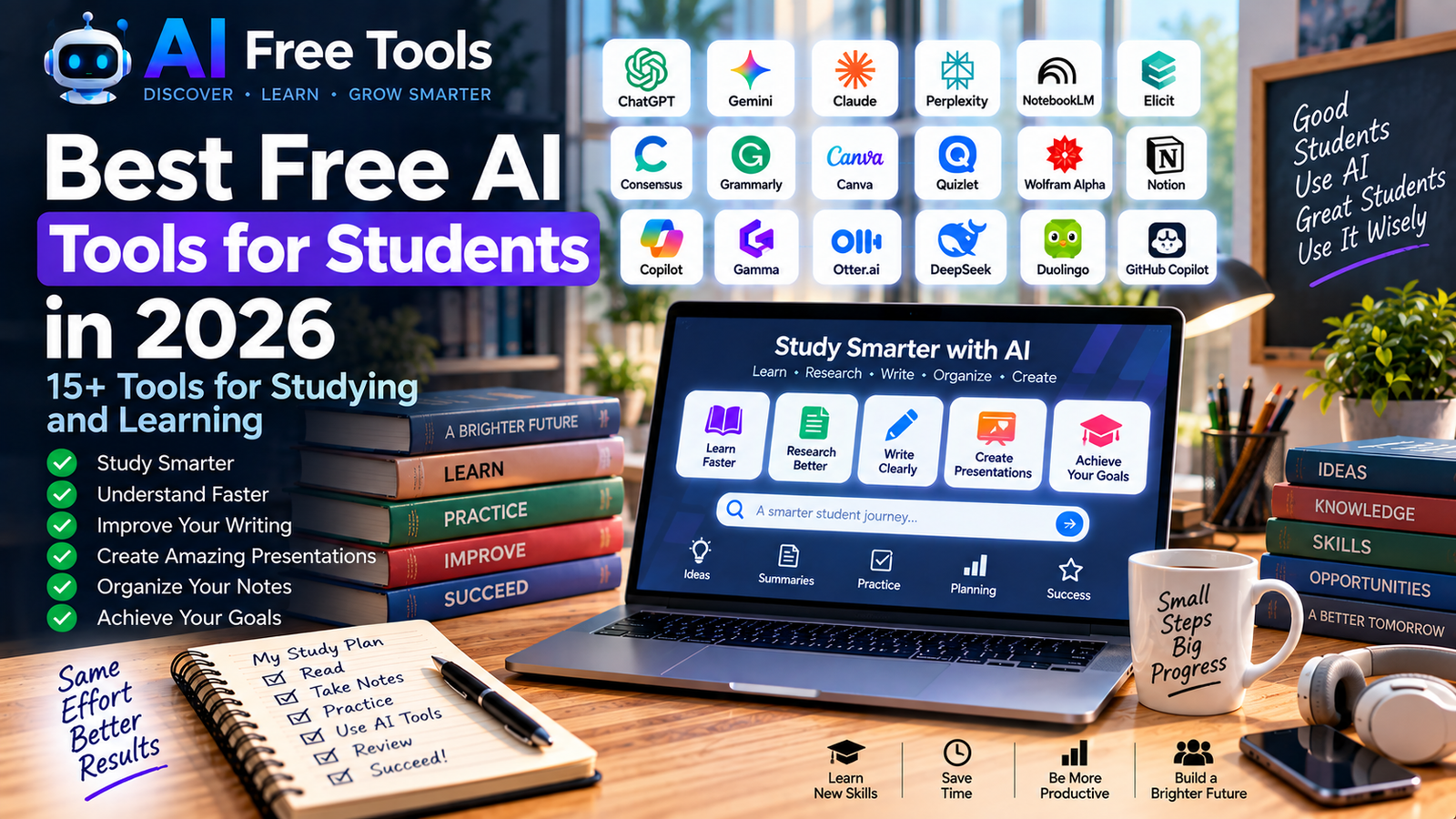
Best Free AI Tools for Students in 2026
AI is becoming an increasingly useful study companion for students.
From explaining difficult concepts and summarizing notes to researching academic topics, improving writing and organizing study schedules, AI tools can help students work more efficiently.
The important thing is to use AI as a learning assistant rather than simply asking it to do the work for you.
In this guide, we have selected 15+ free AI tools for students in 2026 covering studying, research, writing, note-taking, presentations, productivity and learning.
What Can AI Tools Do for Students?
Students can use AI tools for many different tasks:
- Explain difficult concepts
- Summarize notes
- Research topics
- Find academic papers
- Improve writing
- Check grammar
- Create presentations
- Organize information
- Generate study questions
- Create revision plans
- Analyze documents
- Practice languages
- Brainstorm ideas
- Analyze data
Different tools are useful for different situations, so you don’t need to use all of them.
1. ChatGPT
Best for: General studying and learning
ChatGPT can act as a general-purpose study assistant.
Students can ask it to explain difficult concepts, create practice questions, summarize information, brainstorm ideas and help organize study plans.
Student uses:
- Explain difficult subjects
- Create quizzes
- Summarize notes
- Brainstorm assignments
- Practice questions
- Study planning
- Research assistance
For writing-focused tasks, see our guide to free AI writing tools.
2. Google Gemini
Best for: Research and everyday learning
Google Gemini can help students research subjects, explain concepts, brainstorm ideas and organize information.
Student uses:
- Research
- Explanations
- Brainstorming
- Study planning
- Summarization
- Writing assistance
- Learning questions
It can be particularly convenient for students already using Google’s ecosystem.
3. Claude
Best for: Long documents and detailed explanations
Claude is useful for students working with long texts, documents and complex subjects.
Students can use it to summarize material, explain concepts and reorganize notes.
Student uses:
- Document analysis
- Summaries
- Essay planning
- Research
- Brainstorming
- Explanations
- Study notes
4. Google NotebookLM
Best for: Studying your own documents
NotebookLM is particularly useful when you already have study material.
You can provide sources such as documents, notes or other supported material and ask questions about them.
Student uses:
- Study notes
- PDF analysis
- Lecture material
- Research documents
- Summaries
- Question answering
- Revision
Instead of asking an AI about a general topic, you can use your own sources as the foundation for your study session.
5. Perplexity
Best for: Research and source discovery
Perplexity can help students explore topics and discover online sources.
It can be useful when starting a research project and trying to understand the major aspects of a subject.
Student uses:
- Research
- Source discovery
- Topic exploration
- Fact checking
- Current information
- Research summaries
Students should still open and verify important sources before using them in academic work.
6. Elicit
Best for: Academic literature research
Elicit is designed specifically around academic research.
It can help students discover papers and organize information from academic literature.
Student uses:
- Literature reviews
- Academic papers
- Research questions
- Paper discovery
- Evidence extraction
- Research organization
It can be particularly useful for university students preparing research projects or dissertations.
7. Consensus
Best for: Research based on scientific papers
Consensus helps users explore questions through academic research.
Students can use it when they need to investigate what scientific literature says about a particular subject.
Student uses:
- Scientific research
- Academic questions
- Literature discovery
- Evidence research
- Paper exploration
For a larger collection, see our article about free AI research tools.
8. Grammarly
Best for: Grammar and writing improvement
Grammarly can help students improve the quality and clarity of their writing.
It can identify grammar, spelling and style issues and help make text easier to understand.
Student uses:
- Essays
- Reports
- Emails
- Grammar
- Spelling
- Writing clarity
- English practice
It is particularly useful for students writing in English as a second language.
9. Canva
Best for: Presentations and visual projects
Canva is useful for students who need to create presentations, posters, infographics and other visual materials.
Its templates can significantly reduce the time required to design a project from scratch.
Student uses:
- Presentations
- Posters
- Infographics
- School projects
- Visual summaries
- Study materials
Canva can also be combined with AI image-generation tools when a project requires custom visuals.
10. Quizlet
Best for: Flashcards and revision
Quizlet is a popular study platform based around flashcards and learning activities.
Students can use it to review vocabulary, definitions, concepts and other information.
Student uses:
- Flashcards
- Vocabulary
- Revision
- Practice questions
- Memorization
- Exam preparation
AI-powered features may vary depending on the current plan and account.
11. Wolfram Alpha
Best for: Mathematics and scientific calculations
Wolfram Alpha is useful when students need help with mathematical and quantitative problems.
It can handle calculations, equations, statistics and many scientific queries.
Student uses:
- Mathematics
- Algebra
- Statistics
- Calculations
- Scientific problems
- Equations
It is best used to understand the process behind a solution rather than simply copying an answer.
12. Microsoft Copilot
Best for: General productivity and Microsoft users
Microsoft Copilot can help students with research, writing, brainstorming and everyday productivity.
Student uses:
- Writing
- Research
- Summarization
- Brainstorming
- Planning
- Productivity
Students already using Microsoft products may find it particularly convenient.
13. Gamma
Best for: Creating presentations
Gamma uses AI to help users create presentations and visual documents.
Students can use it to turn an outline or idea into a structured presentation.
Student uses:
- Presentations
- Project proposals
- Research presentations
- Study documents
- Visual summaries
Always review AI-generated presentations before submitting academic work.
14. Otter.ai
Best for: Lecture and meeting transcription
Otter.ai can transcribe spoken conversations and meetings.
For students, this can be useful for supported lectures, interviews, study discussions and research conversations where recording is permitted.
Student uses:
- Lecture notes
- Interviews
- Research
- Meeting transcription
- Study discussions
- Summaries
Always follow your institution’s rules and obtain any required permission before recording a lecture or another person.
15. DeepL
Best for: Translation and language learning
DeepL is a translation platform that can help students understand texts written in other languages.
It can be particularly useful when researching international sources.
Student uses:
- Translation
- Language learning
- Understanding foreign sources
- Vocabulary
- Academic reading
- Multilingual research
Students should still review important translations carefully, especially for specialized terminology.
16. Notion
Best for: Organizing study material
Notion can be used as a central workspace for notes, projects, tasks and study planning.
Students can create separate spaces for courses, assignments and revision.
Student uses:
- Study notes
- Course organization
- Assignment tracking
- Study schedules
- Project management
- Knowledge organization
Notion becomes particularly useful when you have many courses and need one organized place for your material.
17. GitHub Copilot
Best for: Students learning programming
GitHub Copilot can assist developers while writing code.
For students learning programming, it can help explain code, suggest implementations and assist with debugging.
Student uses:
- Code completion
- Programming exercises
- Debugging
- Code explanations
- Learning programming
- Software projects
AI-generated code should always be understood and tested rather than copied blindly.
For more developer-focused tools, see our guide to free AI coding tools.
Best Free AI Tools for Different Student Tasks
For studying
Consider:
- ChatGPT
- Gemini
- Claude
- NotebookLM
- Quizlet
For academic research
Consider:
- Elicit
- Consensus
- Perplexity
- Google Scholar
- Semantic Scholar
For writing
Consider:
- ChatGPT
- Claude
- Grammarly
- Gemini
For presentations
Consider:
- Canva
- Gamma
- ChatGPT
For mathematics
Consider:
- Wolfram Alpha
- ChatGPT
- Gemini
For programming
Consider:
- GitHub Copilot
- ChatGPT
- Claude
- DeepSeek
For organization
Consider:
- Notion
- ChatGPT
- Gemini
How to Use AI for Studying
AI can become much more useful when you give it a specific role.
Instead of asking:
“Explain biology.”
Try:
“Explain photosynthesis to a first-year university student. Start with a simple explanation, then explain the process step by step and finish with five questions to test my understanding.”
This gives the AI a clear objective and creates an interactive learning process.
A Simple AI Study Workflow
Step 1 — Learn
Ask ChatGPT, Gemini or Claude to explain a difficult concept.
Step 2 — Read
Study your textbook, course notes or academic sources.
Step 3 — Ask questions
Use NotebookLM or an AI assistant to clarify specific sections of your material.
Step 4 — Practice
Ask AI to create quizzes, exercises or exam-style questions.
Step 5 — Review
Use Quizlet, Notion or your own notes to organize revision.
Step 6 — Verify
Check important information against your course materials or reliable sources.
This workflow turns AI from an answer generator into a study assistant.
How AI Can Help With Research Projects
Students working on research projects can use AI at several stages.
Finding a topic
AI can help brainstorm possible research questions.
Discovering sources
Research tools can help locate academic papers and other relevant material.
Understanding papers
AI can summarize complex sections and explain terminology.
Organizing notes
Notion and NotebookLM can help organize research material.
Writing
AI can help improve structure, clarity and grammar.
However, students should always follow their institution’s academic integrity rules.
Important: Don’t Rely on AI Blindly
AI assistants can produce incorrect information.
They can sometimes:
- Invent facts
- Misinterpret a source
- Give outdated information
- Produce incorrect citations
- Make calculation errors
- Present uncertain information confidently
For academic work, always verify important information against the original sources.
AI should help you learn faster, not replace your own understanding.
Are Free AI Tools Really Free?
Many AI platforms provide free access, but free plans often have restrictions.
Limits may apply to:
- Number of messages
- File uploads
- AI generations
- Advanced models
- Research requests
- Storage
- Export features
- AI-powered features
Plans can change, so check the provider’s current pricing before relying on a particular feature.
Frequently Asked Questions
What are the best free AI tools for students?
Different tools serve different purposes. ChatGPT, Gemini and Claude are useful general assistants, NotebookLM is useful for documents, Elicit and Consensus are useful for academic research, and Canva and Gamma can help with presentations.
Can students use AI for homework?
Students should follow their school’s or university’s rules. AI can be useful for explanations, practice and brainstorming, but submitting AI-generated work as your own may violate academic policies.
Can AI help me study for exams?
Yes. AI can generate practice questions, explain difficult concepts, create revision plans and help you test your knowledge.
Can AI summarize lecture notes?
Yes. Tools such as ChatGPT, Claude and NotebookLM can help summarize notes and other documents.
Which AI tools are best for research papers?
Elicit, Consensus, Perplexity, Semantic Scholar and Google Scholar can be useful for discovering and researching academic literature.
Can AI help students learn programming?
Yes. ChatGPT, Claude, GitHub Copilot and other coding assistants can explain code, suggest solutions and help debug programs.
Final Thoughts
AI tools can become powerful study companions when they are used correctly.
Students can use them to understand difficult subjects, organize notes, discover research, practice skills and prepare presentations.
The key is to remain actively involved in the learning process.
Use AI to ask better questions, practice more effectively and understand difficult concepts—but always verify important information and follow your institution’s rules.
If you want to explore more AI tools, start with our guide to the best free AI tools in 2026.
Leave a Reply