
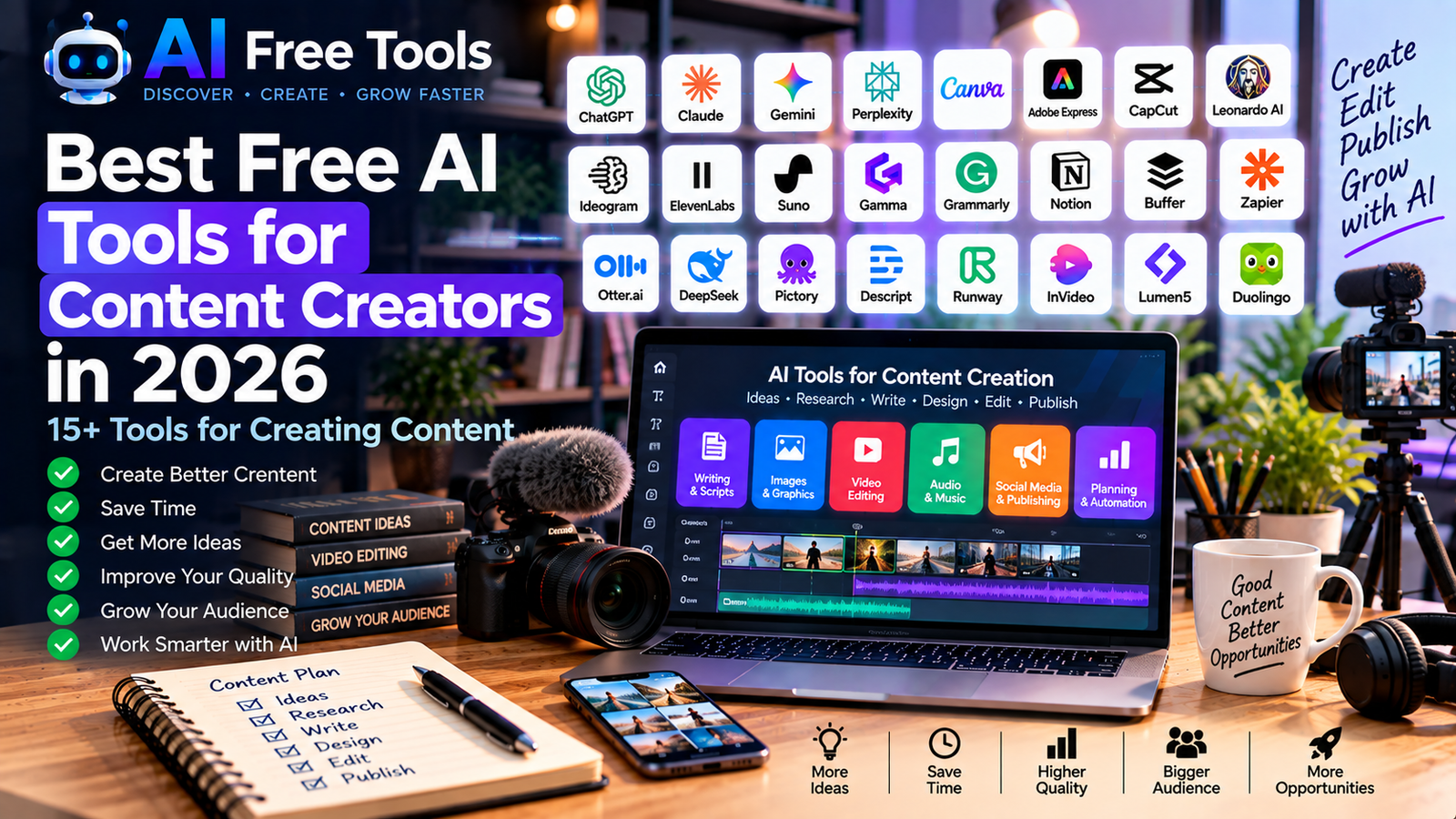
Best Free AI Tools for Content Creators in 2026
Creating content consistently can take a huge amount of time.
Bloggers, YouTubers, social media creators, marketers and entrepreneurs often need to research topics, write scripts, create images, edit videos, produce audio and publish content across multiple platforms.
AI tools can help speed up many of these tasks.
In this guide, we have selected 15+ free AI tools for content creators in 2026 covering writing, research, images, video, audio, social media, presentations and automation.
Whether you create blog posts, YouTube videos, Instagram content, newsletters or business content, these tools can help you build a faster content workflow.
What Can AI Do for Content Creators?
AI can assist with almost every stage of the content creation process.
You can use AI to:
- Find content ideas
- Research topics
- Write outlines
- Create articles
- Write video scripts
- Generate images
- Edit photos
- Create videos
- Generate voiceovers
- Create music
- Write social media posts
- Create presentations
- Repurpose existing content
- Automate repetitive tasks
The goal is not necessarily to let AI create everything.
Instead, creators can use AI to handle repetitive tasks while keeping human creativity, experience and editorial judgment at the center of the process.
1. ChatGPT
Best for: Ideas, writing and content planning
ChatGPT is one of the most versatile tools for content creators.
It can help you brainstorm article ideas, create outlines, write drafts, develop video scripts and repurpose existing content.
Content uses:
- Blog ideas
- Article outlines
- Video scripts
- Social media captions
- Newsletter ideas
- Content calendars
- Content repurposing
For a larger collection of writing-focused tools, see our guide to free AI writing tools.
2. Claude
Best for: Long-form content and editing
Claude can help creators work with long documents and develop detailed written content.
It can be useful for editing drafts, restructuring articles and turning research notes into organized content.
Content uses:
- Blog posts
- Scripts
- Editing
- Summaries
- Content planning
- Research synthesis
- Long-form writing
It can also help creators analyze their existing content and identify ways to improve its structure.
3. Google Gemini
Best for: Research and content ideas
Gemini can help creators explore topics, brainstorm content ideas and develop initial drafts.
Content uses:
- Topic research
- Content ideas
- Brainstorming
- Article outlines
- Social media ideas
- Summaries
- Planning
Creators can use it during the research stage before producing their final content.
4. Perplexity
Best for: Content research
Perplexity is particularly useful when content creation begins with research.
Creators can use it to explore a topic, identify useful sources and understand current information.
Content uses:
- Topic research
- Competitor research
- Source discovery
- Fact checking
- Trend research
- Article research
It is important to verify important facts against the original sources before publishing.
5. Canva
Best for: Social media graphics and visual content
Canva is one of the most useful tools for creators who need to produce visual content quickly.
It offers templates and design tools for social media, presentations, thumbnails, posters and other formats.
Content uses:
- YouTube thumbnails
- Instagram posts
- Social media graphics
- Presentations
- Infographics
- Posters
- Marketing visuals
Creators interested specifically in AI-generated images can also explore our guide to free AI image generators.
6. Adobe Express
Best for: Quick social media designs
Adobe Express provides tools for creating graphics, social posts, videos and other marketing content.
It can be useful for creators who want a simple workflow for producing visual content without using complex professional design software.
Content uses:
- Social media graphics
- Short videos
- Posters
- Flyers
- Marketing content
- Visual templates
The available AI features and free-plan limits can change, so check the current plan before relying on a particular feature.
7. CapCut
Best for: Short-form video editing
CapCut is widely used for creating and editing short-form videos.
Creators can use it for social media videos, captions, effects and other editing tasks.
Content uses:
- TikTok videos
- Instagram Reels
- YouTube Shorts
- Captions
- Video editing
- Social media content
AI-powered features can make some editing tasks faster, although specific features and availability can vary.
For more video-focused tools, see our article about free AI video generators.
8. Leonardo AI
Best for: AI image creation
Leonardo AI provides tools for generating and creating visual content with AI.
Creators can use AI-generated visuals for concepts, illustrations, marketing content and creative projects.
Content uses:
- Illustrations
- Concept art
- Marketing visuals
- Social media images
- Creative projects
- Visual experimentation
Free usage can have limits, so check the current plan before generating large volumes of images.
9. Ideogram
Best for: AI images with text
Ideogram is an AI image-generation platform that has been particularly useful for creating visuals containing text and typography.
This can make it interesting for posters, advertisements, social media graphics and creative designs.
Content uses:
- Posters
- Social media graphics
- Advertisements
- Typography
- Creative images
- Marketing visuals
As with other image-generation services, free usage and available models can change.
10. ElevenLabs
Best for: AI voice generation
ElevenLabs provides AI-powered voice and audio tools.
Creators can use AI voices for narration, videos, podcasts and other audio projects.
Content uses:
- Voiceovers
- Video narration
- Podcasts
- Audiobooks
- Educational content
- Audio projects
Always make sure you have the appropriate rights and permissions when using voices or voice-related content.
For additional audio tools, see our guide to free AI audio and music tools.
11. Suno
Best for: AI-generated music
Suno is an AI music-generation platform that can create music from text-based instructions.
It can be useful for creators who need original-sounding music or want to experiment with AI-assisted music creation.
Content uses:
- Background music
- Creative projects
- Music experiments
- Video projects
- Social media content
Before using AI-generated music commercially, check the current licensing terms associated with the plan you are using.
12. Gamma
Best for: Presentations and visual content
Gamma can transform ideas and written information into presentations and other visual documents.
Content creators can use it to turn research or an article into a visual presentation.
Content uses:
- Presentations
- Educational content
- Business presentations
- Research summaries
- Visual documents
- Content repurposing
13. Grammarly
Best for: Editing and improving written content
Grammarly can help creators improve grammar, spelling, clarity and writing style.
This is particularly useful when producing large amounts of written content.
Content uses:
- Blog posts
- Newsletters
- Social media captions
- Emails
- Scripts
- Website copy
It can act as a final editing step before publishing.
14. Notion
Best for: Content planning and organization
Notion can be used to create content calendars, organize research and manage publishing workflows.
Creators can build a central workspace containing their ideas, drafts, publishing dates and production tasks.
Content uses:
- Content calendars
- Idea databases
- Editorial planning
- Research notes
- Draft organization
- Publishing workflows
A well-organized content system can be just as important as the AI tools used to create the content.
15. Buffer
Best for: Social media publishing
Buffer helps creators organize and schedule social media posts.
Instead of publishing every post manually, creators can prepare content in advance and schedule it.
Content uses:
- Social media scheduling
- Content calendars
- Social posts
- Publishing workflows
- Content planning
Its free plan can be useful for creators who are just starting to build a social media presence.
16. Zapier
Best for: Content workflow automation
Zapier can connect different applications and automate repetitive steps.
For example, a creator could connect forms, spreadsheets, email platforms and other services to create a more automated content workflow.
Content uses:
- Content notifications
- Publishing workflows
- Lead collection
- Social media workflows
- Email automation
- Content organization
For more automation platforms, see our guide to free AI automation tools.
17. NotebookLM
Best for: Turning research into content
NotebookLM is useful when creators have a collection of sources and want to understand or organize them.
For example, a blogger could provide research documents and use the tool to explore the material before writing an article.
Content uses:
- Research
- Source summaries
- Document analysis
- Content research
- Knowledge organization
- Research notes
This can be particularly useful for creators producing research-based content.
How to Choose AI Tools for Content Creation
You don’t need every tool listed in this article.
The best approach is to build a small content stack based on your workflow.
For writing
Use:
- ChatGPT
- Claude
- Gemini
- Grammarly
For research
Use:
- Perplexity
- Gemini
- NotebookLM
- ChatGPT
For images
Use:
- Canva
- Leonardo AI
- Ideogram
For video
Use:
- CapCut
- Canva
- AI video-generation tools
For audio
Use:
- ElevenLabs
- Suno
For social media
Use:
- Canva
- Buffer
- ChatGPT
For automation
Use:
- Zapier
- Make
A Simple AI Content Creation Workflow
A creator can build a complete workflow using several free or free-tier tools.
Step 1 — Find an idea
Use ChatGPT, Gemini or Perplexity to brainstorm topics.
Step 2 — Research
Use Perplexity, NotebookLM or academic research tools to collect information.
Step 3 — Create an outline
Ask ChatGPT or Claude to organize the information into a logical structure.
Step 4 — Write
Create the first draft with an AI writing assistant.
Step 5 — Edit
Review the content manually and use Grammarly or another editing tool to identify language problems.
Step 6 — Create visuals
Use Canva, Leonardo AI or Ideogram for images and graphics.
Step 7 — Create video
Use CapCut or another video tool to transform the content into short-form video.
Step 8 — Create audio
Use an AI voice or music tool when appropriate.
Step 9 — Publish
Use Buffer or another social media platform to schedule promotional content.
Step 10 — Automate
Connect repetitive steps using Zapier or Make.
This workflow can turn one idea into multiple pieces of content.
How to Repurpose One Article Into Multiple Content Formats
One of the biggest advantages of AI is content repurposing.
For example, one blog article could become:
1 blog article
↓
1 YouTube script
↓
5 social media posts
↓
1 LinkedIn post
↓
1 email newsletter
↓
3 short videos
↓
1 infographic
↓
1 presentation
Instead of creating every piece from zero, AI can help transform the original research into different formats.
However, each format should be edited for its specific audience and platform.
AI Content Creation for Bloggers
Bloggers can use AI throughout the publishing process.
Before writing
- Keyword research
- Topic ideas
- Search intent analysis
- Competitor research
During writing
- Outlines
- Drafting
- Examples
- FAQs
- Editing
After writing
- Meta descriptions
- Social media posts
- Content repurposing
- Internal-link ideas
AI should accelerate the workflow without replacing the creator’s original expertise and editorial judgment.
AI Content Creation for YouTubers
YouTubers can use AI for:
- Video ideas
- Research
- Scripts
- Titles
- Descriptions
- Thumbnail concepts
- Captions
- Editing
- Voiceovers
- Content repurposing
A creator can therefore use AI before, during and after video production.
AI Content Creation for Social Media
Social media creators can use AI to generate:
- Content ideas
- Captions
- Hooks
- Short scripts
- Visual concepts
- Hashtag ideas
- Publishing calendars
But successful social content still depends heavily on understanding the audience and platform.
AI can generate possibilities; the creator decides what is worth publishing.
Are Free AI Content Tools Enough?
For many creators, free tools are enough to start.
A free toolkit can cover:
- Writing
- Research
- Images
- Video editing
- Audio
- Social media
- Organization
- Automation
The main limitations are usually:
- Usage limits
- Export restrictions
- Watermarks
- Limited AI models
- Limited storage
- Lower generation quotas
- Advanced features locked behind paid plans
As your content operation grows, you can decide whether paying for a particular tool saves enough time to justify its cost.
Important: Review AI-Generated Content
AI-generated content should not automatically be published without review.
Always check:
- Facts
- Sources
- Statistics
- Names
- Dates
- Links
- Copyright considerations
- Tone
- Originality
Your own experience and expertise can make AI-assisted content much more useful and distinctive.
Frequently Asked Questions
What are the best free AI tools for content creators?
Different tools are useful for different stages. ChatGPT and Claude can help with writing, Perplexity with research, Canva and image-generation tools with visuals, CapCut with video editing and ElevenLabs or Suno with audio.
Can AI create an entire piece of content?
AI can assist with almost every stage, but human review remains important. A creator should verify facts, improve the content and adapt it to the target audience.
Can AI turn a blog post into a video?
Yes. AI can help transform an article into a script, generate visuals or voiceovers and assist with video production.
Can AI create social media posts?
Yes. AI can generate captions, ideas, hooks and scripts. The creator should still review and adapt the content for the specific platform.
Are free AI tools good enough for professional content?
They can be useful for starting and for many individual tasks. Professional users may eventually choose paid plans when they need higher limits, advanced features or commercial capabilities.
How many AI tools does a content creator need?
You don’t need dozens. A small workflow containing one writing assistant, one research tool, one visual tool and one publishing or automation tool can already cover many needs.
Final Thoughts
AI is changing the content creation process.
Creators can now use AI to research ideas, write drafts, create visuals, edit videos, generate audio, schedule social posts and automate repetitive tasks.
The biggest advantage is not simply generating more content.
It is being able to spend more time on ideas, creativity, expertise and audience relationships while AI helps with repetitive production tasks.
Start with a small collection of tools, build a repeatable workflow and expand your toolkit only when a new tool solves a real problem.
For a broader collection, explore our guide to the best free AI tools in 2026.
Leave a Reply