
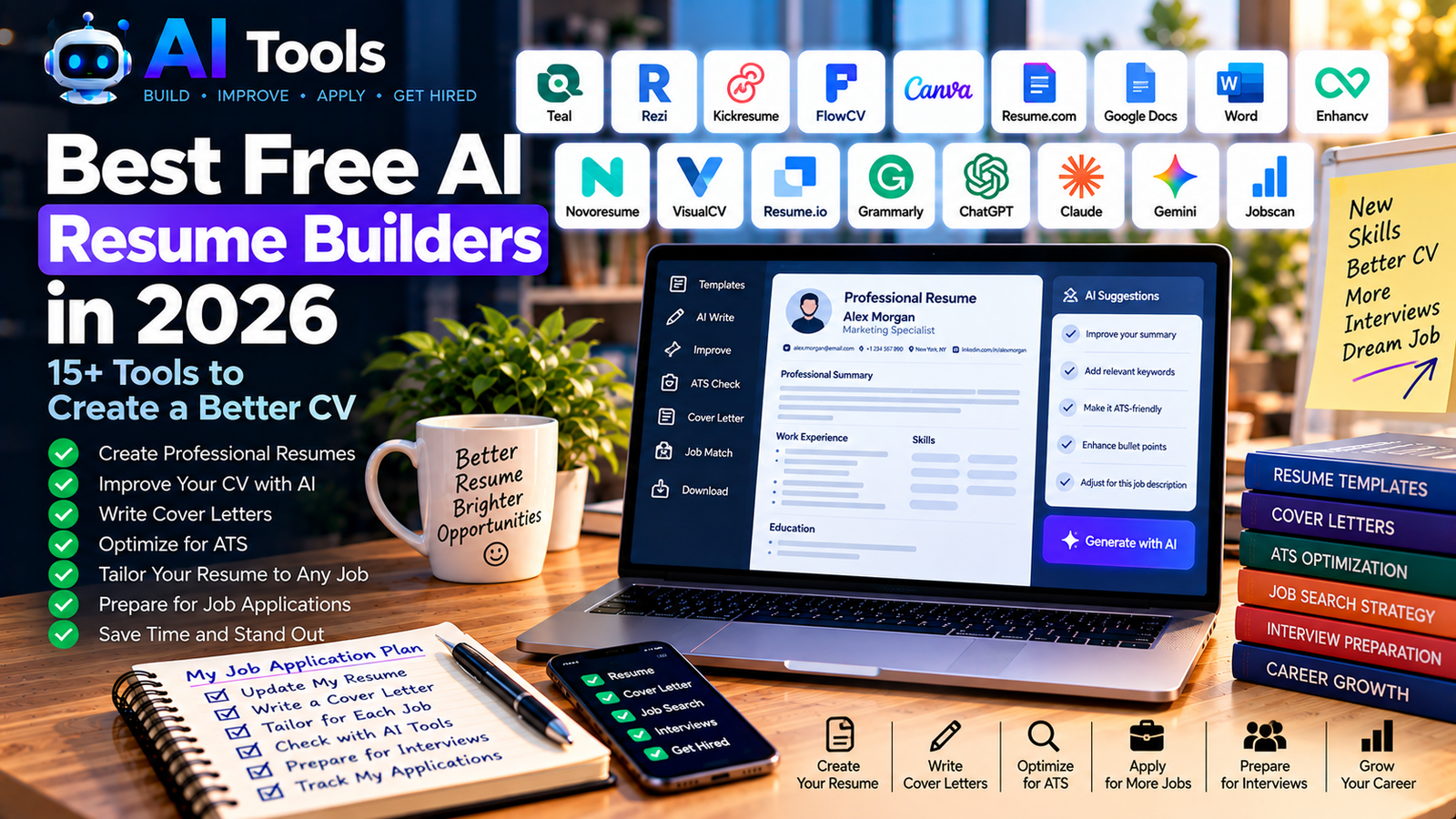
Best Free AI Resume Builders in 2026: 15+ Tools to Create a Better CV
Creating a professional resume can take hours, especially when you need to customize it for different job applications. Fortunately, free AI resume builders can help you write stronger descriptions, organize your experience, improve your CV and prepare tailored cover letters.
In this guide, we explore more than 15 AI-powered tools and useful resources for job seekers, students, recent graduates, freelancers and professionals. Some tools specialize in resume design, while others focus on AI writing, keyword matching, job tracking or interview preparation.
Important: Not every resume builder offers all its AI features or PDF downloads for free. Many have usage limits, premium templates or paid export options. Always check the current free plan before spending time creating your resume.
Quick Comparison: Best Free AI Resume Builders
Here is a quick overview of the tools covered in this guide.
| Tool | Best For | Free Access |
|---|---|---|
| Teal | Resume building and job tracking | Free features with limits |
| Rezi | ATS-focused resumes | Limited free plan |
| Kickresume | Resume templates and writing assistance | Free features with limits |
| FlowCV | Clean, professional CV design | Free basic resume |
| Canva | Creative resume templates | Free templates and assets available |
| Resume.com | Straightforward resume creation | Free resume-building options |
| Google Docs | Simple, editable CVs | Free with a Google account |
| Microsoft Word | Traditional professional resumes | Depends on your available license |
| Enhancv | Visual resume layouts | Limited free access |
| Novoresume | Structured resume templates | Limited free plan |
| VisualCV | Multiple resume layouts | Limited free account |
| Resume.io | Guided resume creation | Free features with export restrictions |
| Grammarly | Resume proofreading | Free writing assistance |
| ChatGPT | Resume writing and customization | Free access with usage limits |
| Claude | Improving resume content | Free access with usage limits |
| Google Gemini | Drafting and refining CV content | Free access with usage limits |
| Jobscan | Comparing a resume with a job description | Limited free scans |
Free features, export limits and AI allowances can change. This list is a starting point for evaluating tools, not a guarantee that every feature is free.
1. Teal — Best for Resume Building and Job Tracking
Teal combines resume creation with job application organization. It can help you manage different versions of your CV, keep track of applications and tailor your experience to specific job descriptions.
Key features:
- Resume creation and editing
- Job application tracking
- Resume versions for different positions
- AI-assisted writing features
- Tools for organizing a job search
Best for: People applying to multiple positions who want to keep their resumes and applications organized.
Free plan: Teal offers free features, but some AI capabilities and advanced analysis may have limits.
Website: https://www.tealhq.com/
2. Rezi — Best for ATS-Focused Resumes
Many employers use applicant tracking systems (ATS) to organize and filter applications. Rezi helps job seekers create structured resumes and incorporate relevant skills and terminology from job descriptions.
Key features:
- AI-assisted resume writing
- Resume editing and keyword suggestions
- Job-description targeting
- Resume scoring and feedback
- Structured resume layouts
Best for: Applicants who want to make their CV clearer and more relevant to a specific vacancy.
Free plan: Limited resume creation, AI features or downloads may apply.
Website: https://www.rezi.ai/
3. Kickresume — Best for Resume Templates
Kickresume offers resume templates, cover letter templates and writing assistance. It can be useful if you want a polished document without designing every section yourself.
Key features:
- Professional resume templates
- Matching cover letter designs
- AI writing features
- Resume examples and pre-written phrases
- Online resume editing
Best for: Students, graduates and professionals who want a visually polished CV.
Free plan: Some templates and editing features are available for free, while AI writing and premium options may require payment.
Website: https://www.kickresume.com/
4. FlowCV — Best for Simple, Professional CVs
FlowCV focuses on creating clean, readable resumes. It is worth considering if you want a professional document without complicated formatting.
Key features:
- Resume templates
- Editable sections
- Layout and design customization
- Resume and cover letter creation
- PDF export options
Best for: Job seekers who need a straightforward, professional-looking CV.
Free plan: The basic plan includes a limited resume workflow. Check the current plan for the number of resumes and available features.
Website: https://flowcv.com/
5. Canva — Best for Creative Resume Designs
Canva is a popular design platform with a wide selection of resume templates. It also offers AI-assisted tools for writing and design, depending on your plan and available usage.
Key features:
- Resume and CV templates
- Drag-and-drop editing
- Custom fonts, colors and graphics
- Cover letter designs
- AI-assisted writing and design tools
Best for: Designers, marketers, content creators and applicants who want more control over their resume’s appearance.
Free plan: Many templates and design features are available for free, but some elements and AI features are premium.
Website: https://www.canva.com/resumes/
Tip: For jobs that use automated screening systems, consider a simple, single-column resume rather than a highly decorative design.
6. Resume.com — Best for Straightforward Resume Creation
Resume.com is a resource for building a resume without needing advanced design skills. It is worth checking if you want a basic document rather than a complicated visual layout.
Key features:
- Resume creation tools
- Structured resume sections
- Professional examples
- Basic formatting
- Job-search resources
Best for: Beginners who want to create a conventional resume.
Free plan: Check the current export options and available features before creating your final version.
Website: https://www.resume.com/
7. Google Docs — Best Free Option for Editable CVs
Google Docs is not a dedicated AI resume builder, but it provides an accessible way to create and edit a CV. You can combine a clean template with a free AI assistant to draft and improve the content.
Key features:
- Editable resume templates
- Cloud-based document storage
- Collaboration and sharing
- Export to PDF
- Easy updates for different job applications
Best for: Students and job seekers who need a practical, editable resume without paying for a dedicated builder.
Free access: Google Docs is available free with a Google account.
Website: https://docs.google.com/
8. Microsoft Word — Best for Traditional Professional Resumes
Microsoft Word remains useful for creating conventional resumes with clear headings, consistent formatting and editable sections.
Key features:
- Resume templates
- Formatting and editing tools
- DOCX document support
- PDF export in supported versions
- Compatibility with many employer workflows
Best for: Applicants who prefer a familiar word processor and need an editable document.
Free access: Availability and features depend on the version and account you use.
Website: https://www.microsoft.com/microsoft-365/word
9. Enhancv — Best for Modern Resume Layouts
Enhancv provides customizable resume layouts designed to help applicants present their skills and experience clearly.
Key features:
- Modern resume templates
- Customizable content sections
- Resume editing assistance
- Matching document styles
- Visual presentation options
Best for: Professionals who want more design flexibility than a basic word-processing template.
Free plan: Free access may be limited by the current plan, branding or export restrictions.
Website: https://enhancv.com/
10. Novoresume — Best for Structured Resume Templates
Novoresume guides users through a structured resume-building process. Its templates help organize professional experience, education, skills and achievements.
Key features:
- Guided resume creation
- Structured layouts
- Professional templates
- Resume examples
- Cover letter options on eligible plans
Best for: Applicants who want guidance while building a well-organized CV.
Free plan: The basic plan has limitations, which can include resume length and premium features.
Website: https://novoresume.com/
11. VisualCV — Best for Exploring Different Resume Layouts
VisualCV lets users create resumes using different templates and presentation styles. It can be useful when you need to compare several designs before choosing one.
Key features:
- Resume templates
- Online editing
- Multiple layout options
- Resume sharing features on eligible plans
- Cover letter tools on eligible plans
Best for: Professionals who want to experiment with different resume formats.
Free plan: Some features and downloads may be restricted to paid plans.
Website: https://www.visualcv.com/
12. Resume.io — Best for Guided Resume Creation
Resume.io provides a step-by-step process for building a resume. It helps users structure their information and choose a consistent format.
Key features:
- Guided resume creation
- Resume templates
- Cover letter builder
- Pre-written content suggestions
- Resume editing tools
Best for: People creating their first CV who prefer a guided workflow.
Free plan: Check the download format and payment conditions carefully. A tool may allow you to build a resume without offering a fully formatted PDF for free.
Website: https://resume.io/
13. Grammarly — Best for Proofreading Your Resume
A resume can contain strong experience and still lose impact because of spelling errors, unclear wording or inconsistent language. Grammarly can help improve grammar, readability and tone.
Key features:
- Grammar and spelling checks
- Clarity suggestions
- Tone recommendations
- Writing improvements
- Assistance with professional communication
Best for: Anyone who already has a resume and wants to polish its wording.
Free plan: Basic writing assistance is available, while advanced features may require a paid plan.
Website: https://www.grammarly.com/
14. ChatGPT — Best for Writing and Tailoring Resume Content
ChatGPT can help you draft a professional summary, rewrite work experience, identify relevant skills and tailor your resume to a job description.
Useful prompts include:
- “Rewrite these resume bullet points to make them clearer and more results-oriented without inventing achievements.”
- “Compare my resume with this job description and identify missing relevant skills.”
- “Help me write a professional summary based only on the experience I provide.”
- “Draft a cover letter using my resume and this job description.”
Best for: Applicants who need flexible writing support rather than a fixed resume template.
Free plan: Free access is available with usage limits that may change.
Website: https://chatgpt.com/
Important: Never ask AI to invent degrees, employment history, skills or achievements. Review every statement before sending your application.
15. Claude — Best for Refining Long or Detailed CVs
Claude can help reorganize lengthy professional experience, improve descriptions and adapt the tone of a resume for different industries.
Key features:
- Resume wording improvements
- Professional summaries
- Cover letter drafts
- Job-description comparisons
- Suggestions for clearer structure
Best for: Professionals with extensive experience or detailed career histories who need help making their CV more concise.
Free plan: A free version is available, subject to current usage limits.
Website: https://claude.ai/
16. Google Gemini — Best for Drafting and Editing
Google Gemini can help generate resume drafts, summarize professional experience and prepare answers for job applications.
Key features:
- Resume and cover letter drafts
- Writing and editing assistance
- Skills and experience organization
- Interview preparation
- Brainstorming career achievements
Best for: Users who want an AI assistant to help with the writing process before transferring the final content into a resume template.
Free plan: Free access is available with limits that may change.
Website: https://gemini.google.com/
17. Jobscan — Best for Comparing Your CV with a Job Description
Jobscan focuses on comparing a resume with a particular job posting. Its tools can help you identify relevant terminology and areas that may need improvement.
Key features:
- Resume and job-description comparisons
- Keyword analysis
- ATS-related guidance
- Suggestions for aligning experience with a vacancy
- Job-search support tools
Best for: Applicants who want to check whether their resume clearly reflects the requirements of a specific position.
Free plan: Some scans or features may be limited. Check the current allowance before relying on it for multiple applications.
Website: https://www.jobscan.co/
How to Create a Professional Resume with Free AI Tools
You do not need to pay for several subscriptions to get started. A simple workflow can combine a writing assistant with a resume editor.
Step 1: Collect Your Information
Prepare your contact details, work history, education, skills, certifications and measurable achievements. Use real information only.
Step 2: Analyze the Job Description
Read the vacancy carefully. Identify the required skills, responsibilities and qualifications that genuinely match your experience.
Step 3: Draft Your Resume with AI
Use ChatGPT, Claude or Gemini to improve the wording of your experience and write a concise professional summary. Provide accurate information and ask the AI not to invent details.
Step 4: Choose a Resume Builder
Use FlowCV or Google Docs for a clean, conventional resume. Consider Canva if the role benefits from a more visual presentation.
Step 5: Check Keywords and Readability
You can use Rezi or Jobscan to help compare your CV with the job posting. Treat scores and suggestions as guidance, not as a guarantee of passing an ATS.
Step 6: Proofread and Export
Check dates, spelling, contact information and formatting. Confirm that the downloaded file is readable and that the free plan allows the export you need.
Step 7: Customize Your Application
Make relevant adjustments for each job instead of sending the same generic resume everywhere.
How to Choose the Best Free AI Resume Builder
The right tool depends on your priorities.
- For a simple, free workflow: Start with Google Docs and a free AI assistant.
- For a clean resume layout: Explore FlowCV.
- For creative designs: Try Canva using free templates and elements.
- For resume and job tracking: Consider Teal.
- For ATS-focused feedback: Explore Rezi or Jobscan.
- For grammar and readability: Use Grammarly.
- For guided resume creation: Compare Kickresume, Novoresume and Resume.io, paying attention to export limits.
Before choosing a tool, check whether it requires a credit card, limits PDF downloads, adds a watermark or reserves its AI writing features for paid users.
Frequently Asked Questions
What is the best free AI resume builder in 2026?
There is no single best option for everyone. Google Docs combined with a free AI assistant is a practical starting point. Teal, Rezi and FlowCV are worth exploring for more specialized resume workflows, depending on their current free-plan limits.
Can AI create a resume for free?
Yes. You can use a free AI assistant to draft and improve your resume content, then place it into a free template. Some dedicated resume builders also offer free features, although AI usage and downloads may be limited.
Are AI-generated resumes accepted by employers?
AI-assisted resumes can be useful when they accurately represent your experience and are written clearly. Employers evaluate the relevance, credibility and quality of your application—not simply whether you used an AI tool.
How can I make my resume ATS-friendly?
Use clear headings, standard section names, relevant skills and readable formatting. Avoid relying entirely on graphics, complex tables or decorative elements. Tailor your resume to the job description without adding keywords that do not reflect your actual experience.
Can AI write a cover letter?
Yes. AI assistants and some resume builders can draft cover letters based on your experience and the job description. Review the result, add specific reasons for your interest in the role and remove generic claims.
Should I use the same resume for every job?
It is usually better to adapt your resume to each position. Highlight the experience and skills that are most relevant to the specific vacancy while keeping all information accurate.
Are free AI resume builders really free?
Some are free for basic use, while others limit downloads, templates, AI credits or the number of resumes you can create. Check the pricing page and export conditions before committing to a tool.
Final Thoughts
Free AI resume builders can make job applications faster and help you present your experience more clearly. The best approach is to choose tools based on what you actually need: writing assistance, professional formatting, keyword analysis or job tracking.
Start with a free AI assistant and a clean resume template, then consider a specialized builder if you need additional features. Most importantly, keep your CV truthful, easy to read and tailored to the job you want.
Explore more AI tools on AI Free Tools:
Leave a Reply