
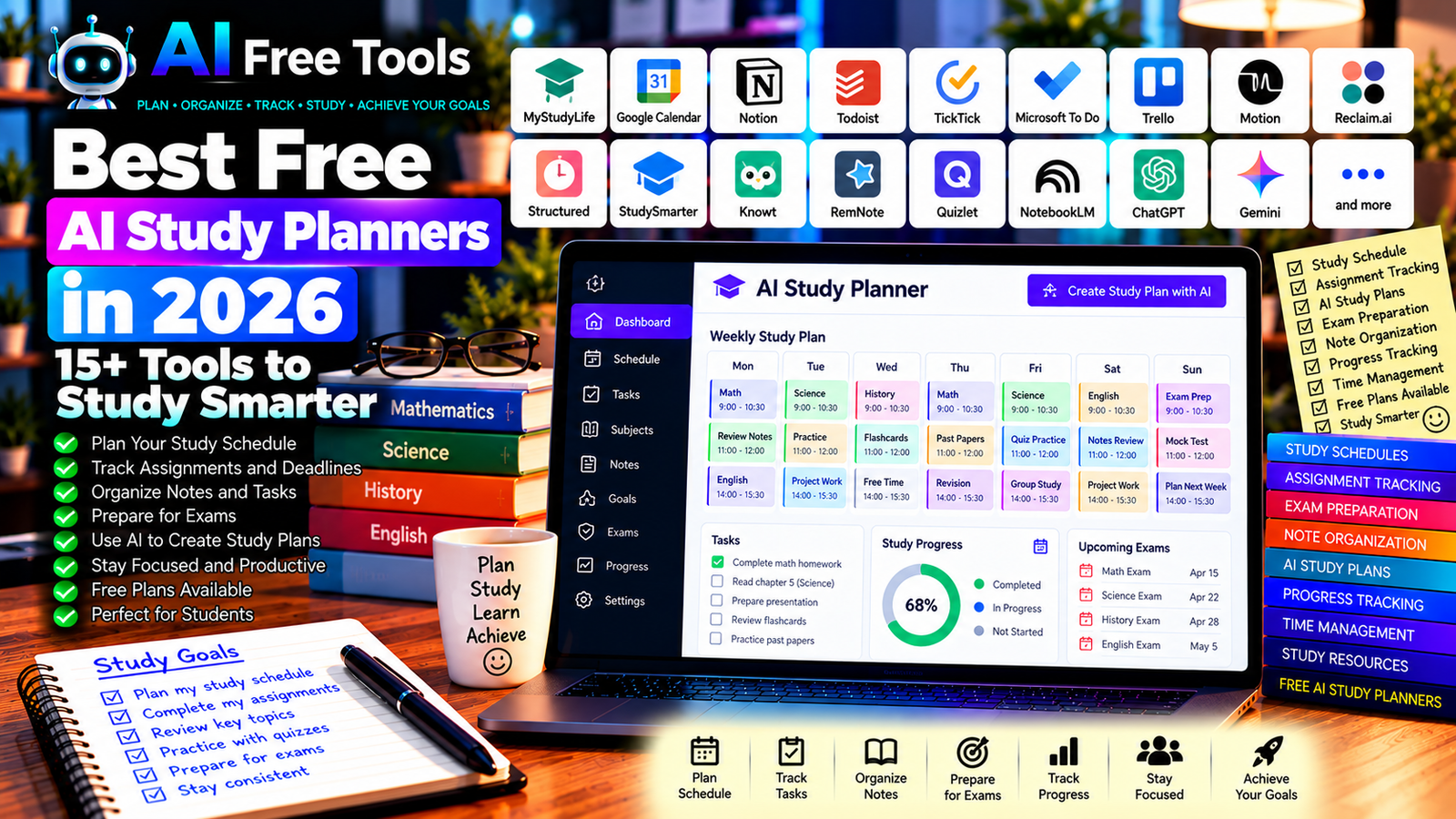
Best Free AI Study Planners in 2026: 15+ Tools to Study Smarter
Free AI study planners can help you organize assignments, build realistic study schedules, track deadlines, and prepare for exams. Instead of trying to manage every task manually, you can use AI-assisted planning tools to break large goals into smaller steps and decide what to study first.
Whether you are a high school student, university student, language learner, or professional taking an online course, a good study planner can make your learning routine easier to manage. Some tools focus on tasks and calendars, while others help generate study plans, summarize course material, or track progress.
In this guide, we compare 17 study planning applications and AI assistants in 2026. You will learn what each tool can do, which free options are worth exploring, and how to choose a solution that fits your schedule.
Important: Not every tool listed here is a dedicated AI study planner. Some are task managers or calendar apps that can support a study workflow, while others offer AI-assisted learning features. Free-plan limits, AI credits, integrations, and available features can change, so check the current terms before signing up.
Quick Comparison: Best Free AI Study Planners
| Tool | Best For | Free Access |
|---|---|---|
| MyStudyLife | Managing classes, exams, and assignments | Free core features; limits may apply |
| Google Calendar | Planning study sessions and deadlines | Core features available free |
| Notion | Organizing notes, assignments, and study projects | Free plan; AI access varies |
| Todoist | Tracking assignments and study tasks | Free plan with restrictions |
| TickTick | Tasks, reminders, and daily planning | Free plan with limits |
| Microsoft To Do | Simple study task lists | Core features available free |
| Trello | Visual assignment and project planning | Free plan with restrictions |
| Motion | AI-assisted task scheduling | Paid access or trial may apply |
| Reclaim.ai | Protecting time for study sessions | Free access and limits vary |
| Structured | Visual daily planning | Free features; premium options vary |
| StudySmarter | Study materials and exam preparation | Free access; premium features vary |
| Knowt | Notes, flashcards, and study activities | Free access with possible limits |
| RemNote | Notes and spaced-repetition planning | Free plan with restrictions |
| Quizlet | Flashcards and revision routines | Free features with restrictions |
| Google NotebookLM | Organizing source material for study | Free access with usage limits |
| ChatGPT | Building personalized study plans | Free tier with limits |
| Google Gemini | Creating study schedules and learning plans | Free tier with limits |
1. MyStudyLife — Best for Class Schedules and Exams
MyStudyLife is a student planner designed around classes, assignments, exams, and study tasks. It can help you see your academic commitments in one place rather than keeping separate lists for each subject.
It is not primarily an AI-generated planning service, but it can provide a useful foundation for a study workflow supported by an AI assistant.
Best features to investigate:
- Organize classes and timetables.
- Track assignments and deadlines.
- Record examination dates.
- Manage study tasks.
- Review upcoming academic commitments.
Free access: MyStudyLife provides student-planning features, but current availability and any premium limits should be checked directly.
Best for: School students, university students, and learners managing several subjects.
Official website: https://mystudylife.com/
2. Google Calendar — Best for Scheduling Study Sessions
Google Calendar is a practical tool for arranging study sessions, revision blocks, classes, and examination dates. It helps you see how much time is actually available between other commitments.
You can combine it with an AI assistant to prepare a weekly schedule, estimate study time, or divide a large assignment into manageable sessions.
Best features:
- Schedule study sessions and classes.
- Set reminders for deadlines.
- Create recurring revision blocks.
- Share calendars when appropriate.
- Review your week or month at a glance.
Free access: Core Google Calendar features are available free with a Google account. Some advanced AI integrations may require an eligible plan or separate service.
Best for: Students who need a clear timetable and deadline reminders.
Official website: https://calendar.google.com/
3. Notion — Best for Organizing Study Projects
Notion combines documents, databases, task lists, and notes in a flexible workspace. You can create a study dashboard containing subjects, assignments, reading lists, revision dates, and links to course materials.
AI features may help summarize information or organize content, but their availability depends on the current plan.
Best features:
- Create a dashboard for each subject.
- Track assignments and deadlines.
- Organize study notes and resources.
- Build revision databases.
- Use eligible AI features to help structure information.
Free access: Notion offers a free plan. AI capabilities and usage allowances may require an eligible paid plan.
Best for: University students, researchers, and learners who want a customizable study workspace.
Official website: https://www.notion.so/
4. Todoist — Best for Assignment Tracking
Todoist is a task management application that can help you turn coursework into clear actions. Instead of writing “study biology,” you can create smaller tasks such as reviewing a chapter, preparing flashcards, and completing practice questions.
Best features:
- Create tasks and subtasks.
- Set deadlines and priorities.
- Organize tasks by subject or project.
- Track recurring revision activities.
- Use supported calendar integrations.
Free access: Todoist offers a free plan with limits on projects and certain features. Check the current plan for your intended workflow.
Best for: Students with many assignments, deadlines, and recurring study tasks.
Official website: https://todoist.com/
5. TickTick — Best for Daily Study Planning
TickTick combines task lists, reminders, and calendar-related planning features. It can help you organize your daily study workload and keep important tasks visible.
Best features:
- Create study tasks and reminders.
- Organize priorities and due dates.
- Track recurring activities.
- Review tasks in supported calendar views.
- Use available focus and productivity features.
Free access: TickTick offers a free plan with restrictions. Some advanced calendar and productivity capabilities may require a premium subscription.
Best for: Students who want daily task management and reminders in one application.
Official website: https://ticktick.com/
6. Microsoft To Do — Best for Simple Study Checklists
Microsoft To Do is a straightforward task manager for recording assignments, revision goals, and everyday responsibilities. It is useful if you prefer a simple checklist instead of a complex study dashboard.
Best features:
- Create subject-specific task lists.
- Add deadlines and reminders.
- Break assignments into smaller steps.
- Organize personal and academic tasks.
- Synchronize tasks through supported Microsoft services.
Free access: Microsoft To Do is available free with a Microsoft account. Some integrations depend on the services you use.
Best for: Students who need a simple, accessible way to track what they must complete.
Official website: https://to-do.office.com/
7. Trello — Best for Visual Study Planning
Trello uses boards, lists, and cards to organize projects. Students can create a board for each semester and move assignments through stages such as “To Study,” “In Progress,” “Needs Review,” and “Completed.”
Best features:
- Organize assignments on visual boards.
- Track progress through stages.
- Add deadlines and checklists.
- Collaborate on group projects.
- Use supported automation features.
Free access: Trello offers a free plan with restrictions on workspaces, automation, and advanced capabilities.
Best for: Students working on several projects, group assignments, or long-term coursework.
Official website: https://trello.com/
8. Motion — Best for AI-Assisted Study Scheduling
Motion focuses on automatically organizing tasks and calendar events around deadlines and available time. It may help students who struggle to decide when to work on each assignment.
You should still check the schedule it proposes, especially when you have fixed classes, commuting time, or examination commitments.
Best features to investigate:
- Schedule tasks around deadlines.
- Organize daily work.
- Adjust plans when priorities change.
- Coordinate tasks with calendar events.
- Manage supported project workflows.
Free access: Motion is primarily a paid product, although trial offers may change. Do not assume that it provides a permanent free plan.
Best for: Students with demanding schedules and professionals studying alongside work.
Official website: https://www.usemotion.com/
9. Reclaim.ai — Best for Protecting Study Time
Reclaim.ai focuses on scheduling tasks, habits, and focused work around existing calendar commitments. It can be useful when classes, meetings, and personal responsibilities make it difficult to find consistent revision time.
Best features to investigate:
- Reserve time for study tasks.
- Protect recurring focus blocks.
- Schedule habits around commitments.
- Adjust eligible calendar events.
- Coordinate supported productivity workflows.
Free access: Reclaim.ai has offered free access with limitations, but current plan features and allowances can change. Verify whether the scheduling features you need are included.
Best for: University students, working professionals, and learners with busy calendars.
Official website: https://reclaim.ai/
10. Structured — Best for Visual Daily Planning
Structured is a visual planner that helps users organize their day as a timeline. It can be useful if you prefer seeing activities arranged in chronological order rather than managing a long list of tasks.
Best features to investigate:
- Build a visual daily schedule.
- Organize tasks by time.
- Track daily routines.
- Review upcoming activities.
- Explore available planning and AI-related features.
Free access: Structured offers free features, with premium options depending on the platform and current plan.
Best for: Students who prefer visual schedules and clear daily routines.
Official website: https://structured.app/
11. StudySmarter — Best for Study Materials and Exam Preparation
StudySmarter is a learning platform that helps students organize study materials, create flashcards, and prepare for exams. It can complement a study planner by connecting revision resources with your academic goals.
Best features:
- Organize study materials.
- Create and review flashcards.
- Access available practice activities.
- Track learning through supported features.
- Use available exam-preparation resources.
Free access: StudySmarter offers free access to core study features, although premium features and AI capabilities may vary.
Best for: School students, university students, and exam candidates.
Official website: https://www.studysmarter.co.uk/
12. Knowt — Best for AI-Assisted Revision Materials
Knowt provides flashcards, notes, and practice activities. It may help you turn existing course material into resources that you can incorporate into a study schedule.
Best features to investigate:
- Create flashcards from supported materials.
- Organize study notes.
- Practice with quizzes and revision modes.
- Review key concepts.
- Explore AI-assisted study workflows.
Free access: Knowt offers free study features, with possible limits on AI generations and other capabilities. Check current terms before relying on it for extensive document processing.
Best for: Students who want to combine revision resources with a regular study plan.
Official website: https://knowt.com/
13. RemNote — Best for Notes and Long-Term Revision
RemNote combines note-taking with flashcards and spaced repetition. It can help you organize information from lectures and schedule repeated reviews of important concepts.
Best features to investigate:
- Organize notes by subject.
- Create flashcards from notes.
- Review material using spaced repetition.
- Connect related concepts.
- Explore eligible AI-assisted study features.
Free access: RemNote offers a free plan with restrictions. Some AI features and advanced capabilities may require payment.
Best for: University students, researchers, and learners studying complex subjects over time.
Official website: https://www.remnote.com/
14. Quizlet — Best for Flashcard-Based Revision
Quizlet helps learners create and review flashcards and study sets. It is useful when your study plan includes regular recall practice rather than only rereading notes.
Best features:
- Create digital flashcards.
- Organize terms and definitions.
- Review study sets.
- Explore public study materials.
- Use available practice modes.
Free access: Quizlet offers free features, while some study modes and AI-related capabilities may require a paid plan.
Best for: Students, language learners, and exam candidates.
Official website: https://quizlet.com/
15. Google NotebookLM — Best for Planning from Course Materials
Google NotebookLM is an AI research assistant that helps users work with supported source materials. It can summarize documents, answer questions based on supplied sources, and help organize information for revision.
It is not a traditional timetable application, but it can support the content side of a study plan.
Best features:
- Work with supported source materials.
- Summarize course documents.
- Ask questions about supplied sources.
- Organize research and revision notes.
- Generate study-oriented summaries using available features.
Free access: NotebookLM offers free access with usage limits. Source limits and supported formats can change.
Best for: Students with lecture notes, textbooks, research documents, or reading lists.
Official website: https://notebooklm.google.com/
16. ChatGPT — Best for Personalized Study Plans
ChatGPT can help you create a study plan based on your exam dates, subjects, available time, and current level of preparation. It can also break large assignments into smaller tasks and suggest revision methods.
It does not automatically update your calendar unless you have a supported integration configured, so treat the schedule as a proposal that you review and transfer into your planner.
Best features:
- Create daily and weekly study schedules.
- Prioritize subjects based on deadlines.
- Break large assignments into smaller tasks.
- Generate revision questions and practice exercises.
- Adapt a plan when your available time changes.
Free access: ChatGPT offers a free tier with usage and feature limits.
Best for: Students, exam candidates, language learners, and working professionals.
Official website: https://chatgpt.com/
Example prompt:
“Create a realistic 4-week study plan for my exams. My subjects are [SUBJECTS], my exam dates are [DATES], and I can study [HOURS] per day. My strongest subject is [SUBJECT] and my weakest is [SUBJECT]. Include revision sessions, practice questions, breaks, and weekly review periods. Do not schedule more time than I have available. Identify any topics that may need extra time.”
17. Google Gemini — Best for Organizing Study Goals
Google Gemini can help organize study priorities, create revision outlines, and draft a timetable from the information you provide. You can use the resulting plan alongside Google Calendar or another planner.
Best features:
- Draft weekly study schedules.
- Organize tasks by subject.
- Summarize supplied study materials.
- Generate revision questions.
- Support eligible Google productivity workflows.
Free access: Gemini offers a free tier with usage limits. Advanced capabilities and integrations depend on your current account and plan.
Best for: Students, teachers, researchers, and learners using Google services.
Official website: https://gemini.google.com/
How to Choose the Best Free AI Study Planner
The right tool depends on whether you mainly need a timetable, task manager, study-resource organizer, or AI-generated plan.
| Your Main Goal | Recommended Starting Tools |
|---|---|
| Organize classes and exam dates | MyStudyLife or Google Calendar |
| Track assignments and deadlines | Todoist or Microsoft To Do |
| Build a visual study dashboard | Notion or Trello |
| Schedule tasks around available time | Reclaim.ai or Motion |
| Organize revision resources | StudySmarter or Knowt |
| Create flashcards and spaced repetition | Quizlet or RemNote |
| Study from documents | NotebookLM |
| Generate a personalized weekly plan | ChatGPT or Gemini |
Best Free AI Study Planners for University Students
University students often need to coordinate lectures, assignments, reading lists, group projects, and exam preparation.
Google Calendar can manage fixed events, while Todoist or Microsoft To Do can track deadlines. Notion may help organize course notes and assignments, and NotebookLM can help review supported source documents.
Choose a simple setup that you can maintain consistently instead of spending too much time designing a complicated system.
Best AI Study Planners for Exam Preparation
Exam preparation requires more than listing subjects. You need to decide what to study, when to review it, and how to check your understanding.
ChatGPT or Gemini can help divide the syllabus into manageable tasks. Google Calendar can reserve time for revision, while Quizlet or RemNote can support active recall. Adjust the plan as you discover which topics require more practice.
Best AI Study Planners for Students with Busy Schedules
If you combine school or university with work, family responsibilities, or commuting, planning must reflect your actual availability.
Start by entering fixed commitments into your calendar. Then use a task manager to list assignments and an AI assistant to suggest a realistic schedule. Leave buffer time for unexpected tasks and avoid planning every minute of the day.
How to Create an Effective Study Plan with AI in Five Steps
Step 1: List Your Exams and Deadlines
Record each examination date, assignment deadline, and important academic commitment. Confirm the dates from your official course information.
Step 2: Break Each Subject into Topics
Divide each subject into chapters, concepts, or learning objectives. Smaller tasks are easier to schedule and track than vague goals such as “study chemistry.”
Step 3: Estimate the Time Required
Estimate how much time each topic needs, including reading, practice questions, and review. Give difficult topics extra time when necessary.
Step 4: Generate a Realistic Schedule
Ask an AI assistant to arrange the tasks around your fixed commitments and available hours. Review the result before transferring it to your calendar.
Step 5: Track Progress and Adjust
At the end of each study session, record what you completed and what remains difficult. Update the next sessions rather than trying to follow an unrealistic plan perfectly.
Example AI Prompt for a Weekly Study Schedule
Copy and adapt this prompt:
“Create a weekly study schedule using the information below. My subjects are [SUBJECTS], my deadlines are [DATES], and my available study hours are [HOURS]. Prioritize urgent and difficult topics, include practice questions and revision sessions, and leave time for breaks. Avoid overlapping activities and do not invent exam dates. At the end, list the three most important tasks for each day.”
Are Free AI Study Planners Worth Using?
Yes. They can help you organize deadlines, reduce the effort of building a timetable, and turn large academic goals into manageable tasks.
For class schedules, try MyStudyLife or Google Calendar. For assignments, compare Todoist and Microsoft To Do. For a more flexible workspace, explore Notion. For personalized study schedules, ChatGPT and Gemini can help you create a first draft.
However, an AI-generated plan is only a starting point. Review the amount of work, account for your actual availability, and adjust the schedule when you fall behind or discover a topic needs more attention.
Are AI Study Planners Safe to Use?
Study planners may contain personal schedules, school documents, grades, or private notes. Before uploading documents to an AI service, review the provider’s privacy policy and data-handling terms.
Avoid uploading sensitive personal information or confidential educational records unnecessarily. For important academic decisions, verify deadlines and requirements with your school or university rather than relying solely on an AI-generated plan.
Frequently Asked Questions
What is the best free AI study planner in 2026?
The best choice depends on your needs. MyStudyLife and Google Calendar can organize schedules, Todoist can track assignments, and ChatGPT or Gemini can help draft personalized study plans. Verify current free-plan restrictions before choosing.
Can AI create a study timetable for me?
Yes. An AI assistant can propose a timetable from your subjects, deadlines, and available hours. You should review the plan for realistic workloads and transfer it into your calendar or planner.
Can AI help me prepare for exams?
AI can help divide a syllabus into topics, create practice questions, summarize supplied notes, and plan revision sessions. Verify important facts against your course materials and use practice exercises to test your understanding.
Are AI study planners free?
Some planners provide free core features, while dedicated AI scheduling services may limit automation or require payment. Check current plan details and AI allowances before relying on a tool.
How many hours should I study every day?
There is no single schedule that works for everyone. Your workload, exam dates, current understanding, and other responsibilities all matter. Create a realistic plan with breaks and regular review, then adjust it based on your progress.
Can I use ChatGPT with Google Calendar?
You can ask ChatGPT to draft a schedule and transfer it to Google Calendar manually. Automatic calendar changes depend on whether a supported integration is available and configured in your account.
What is the difference between a study planner and a flashcard app?
A study planner helps you decide when and what to study. A flashcard app helps you practice recalling specific information. Combining both can help you allocate revision time and use that time effectively.
Final Verdict
The best free AI study planners in 2026 can help you organize assignments, schedule revision, and prepare for exams more efficiently.
For class schedules, start with MyStudyLife or Google Calendar. For task tracking, explore Todoist or Microsoft To Do. For organizing course material, consider Notion or NotebookLM. For flashcards and repeated revision, investigate Quizlet or RemNote. To generate a personalized schedule, use ChatGPT or Google Gemini alongside your preferred planner.
Choose a tool that fits your real routine, check its current free-plan limits, and review AI-generated schedules before applying them.
Explore more guides on AI Free Tools:
Leave a Reply