
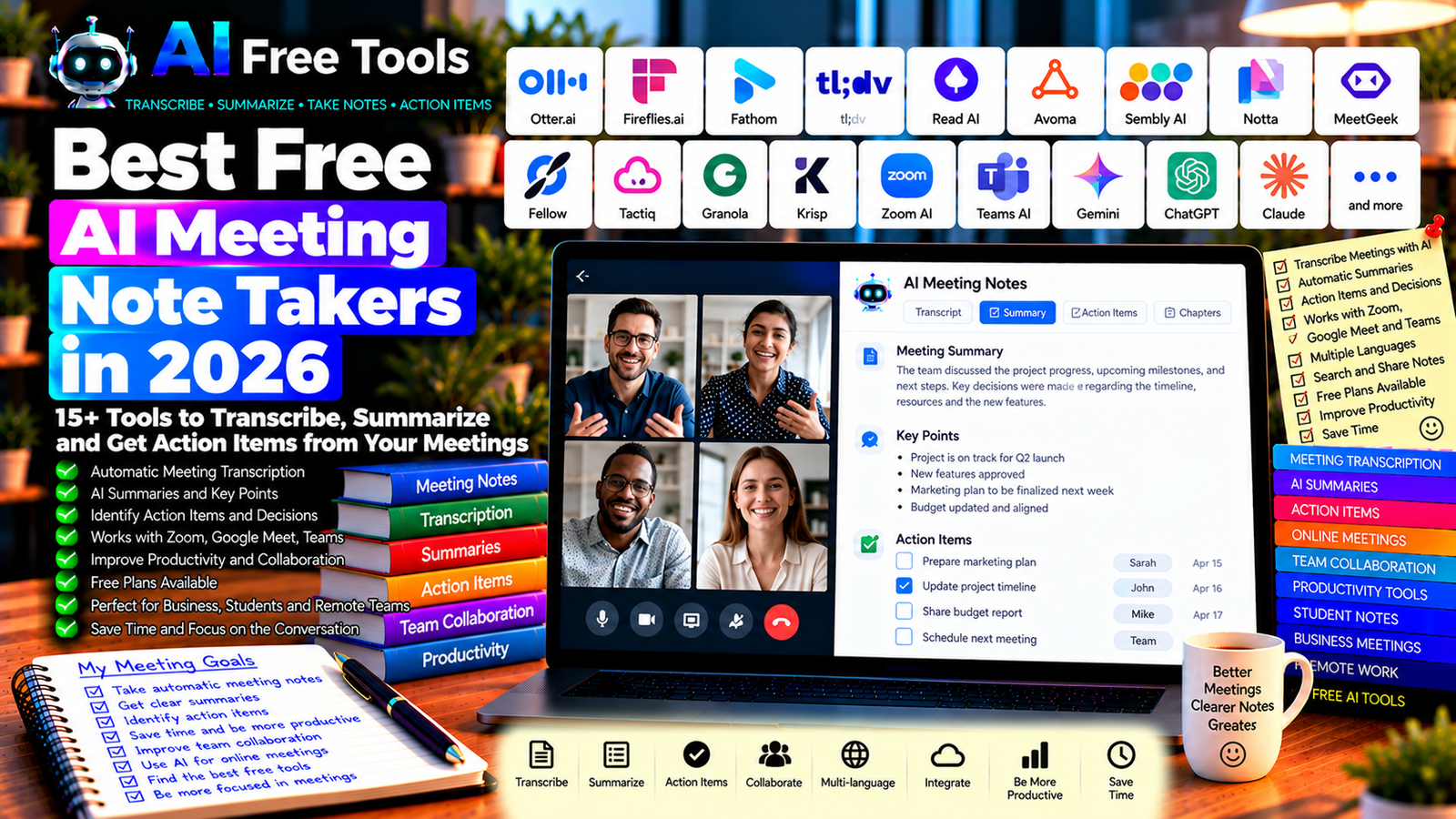
Best Free AI Meeting Note Takers in 2026: 15+ Tools to Transcribe and Summarize Meetings
Meetings are an important part of business, education, project management, and remote work. However, taking detailed notes while listening, asking questions, and participating in a discussion can be difficult.
Free AI meeting note takers can help by transcribing conversations, summarizing important points, identifying action items, and organizing follow-up tasks. Instead of trying to write down every sentence, you can focus on the discussion and review the notes afterward.
In this guide, we compare 17 AI meeting assistants, transcription tools, and productivity platforms in 2026. You will learn what each tool does best, which free options to investigate, and how to choose a solution for online meetings, interviews, classes, or business calls.
Important: Not every tool listed here offers unlimited free meeting transcription. Some free plans restrict recording minutes, AI summaries, storage, integrations, or the number of meetings. Recording and transcription may also require the consent of participants. Check the current terms and applicable privacy rules before using any tool.
Quick Comparison: Best Free AI Meeting Note Takers
| Tool | Best For | Free Access |
|---|---|---|
| Otter.ai | Meeting transcription and summaries | Free plan with limits |
| Fireflies.ai | Meeting notes and searchable transcripts | Free plan with restrictions |
| Fathom | Online meeting summaries | Free access; features may change |
| tl;dv | Meeting recordings and highlights | Free plan with limits |
| Read AI | Meeting summaries and insights | Free access and limits vary |
| Avoma | Sales meetings and conversation intelligence | Trial or plan restrictions may apply |
| Sembly AI | Meeting notes and action items | Free access may be limited |
| Notta | Transcription and meeting summaries | Free usage with limits |
| MeetGeek | Meeting recordings and summaries | Free plan with restrictions |
| Fellow | Meeting agendas and action items | Free plan with limits |
| Tactiq | Transcription for online meetings | Free usage with limits |
| Granola | AI-assisted notes for meetings | Free access and usage limits may vary |
| Krisp | Noise cancellation and meeting assistance | Free features may have limits |
| Zoom AI Companion | Notes and summaries in Zoom | Depends on account and plan |
| Microsoft Teams intelligent recap | Meeting recaps in Teams | Availability depends on license |
| Google Gemini and Meet | Meeting notes in Google Meet | Depends on account and plan |
| ChatGPT | Summarizing supplied notes or transcripts | Free tier with limits |
1. Otter.ai — Best for Meeting Transcription
Otter.ai is a meeting assistant designed to transcribe conversations and create summaries. It can help users review discussions, search for important information, and identify points that need follow-up.
It is useful for business meetings, interviews, online classes, and collaborative projects.
Best features:
- Transcribe supported conversations.
- Generate meeting summaries.
- Review searchable transcripts.
- Identify key discussion points.
- Organize information for follow-up.
Free access: Otter.ai offers a free plan with restrictions that may include transcription minutes, conversation limits, and features. Check the current plan before relying on it for frequent meetings.
Best for: Students, professionals, journalists, and teams that need searchable meeting notes.
Official website: https://otter.ai/
2. Fireflies.ai — Best for Searchable Meeting Records
Fireflies.ai helps users record, transcribe, and summarize meetings through supported integrations. Its searchable meeting records can be useful when you need to revisit a decision, find a specific comment, or prepare follow-up tasks.
Best features:
- Transcribe supported meetings.
- Generate summaries.
- Search meeting transcripts.
- Organize notes and discussion points.
- Explore integrations with collaboration tools.
Free access: Fireflies.ai offers free access with limits. Storage, transcription, AI summaries, and integration options may vary by plan.
Best for: Remote teams, project managers, sales professionals, and people who attend frequent online meetings.
Official website: https://fireflies.ai/
3. Fathom — Best for Online Meeting Summaries
Fathom is an AI meeting assistant designed to help users capture and review online meetings. It can create summaries and make important parts of a conversation easier to revisit.
Best features:
- Record supported online meetings.
- Generate meeting summaries.
- Review important conversation highlights.
- Share relevant meeting information.
- Reduce manual note-taking.
Free access: Fathom has offered free access for individual users, but current limits, supported platforms, and team features should be verified.
Best for: Consultants, freelancers, sales professionals, and remote workers.
Official website: https://fathom.video/
4. tl;dv — Best for Meeting Recordings and Highlights
tl;dv is designed to help users record, transcribe, and summarize online meetings. It can be especially useful when you need to revisit specific moments rather than review an entire recording.
Best features:
- Record supported online meetings.
- Generate transcripts and summaries.
- Highlight important moments.
- Share selected meeting clips.
- Organize information from multiple conversations.
Free access: tl;dv offers a free plan with restrictions that may affect AI features, recordings, integrations, or usage. Check the current offer.
Best for: Remote teams, researchers, customer-facing teams, and people who conduct repeated interviews.
Official website: https://tldv.io/
5. Read AI — Best for Meeting Insights
Read AI offers meeting assistance and conversation analysis features. Depending on the available plan, it can help summarize discussions and provide insights that make meetings easier to review.
Best features to investigate:
- Generate meeting summaries.
- Review transcripts and key points.
- Identify topics that need follow-up.
- Explore supported meeting integrations.
- Review available analytics and reporting features.
Free access: Read AI’s free access and usage limits may change. Verify the current plan and permissions before connecting your calendar or meeting account.
Best for: Professionals and teams that want more structured meeting reviews.
Official website: https://www.read.ai/
6. Avoma — Best for Sales Meetings
Avoma focuses on meeting assistance and conversation intelligence for business workflows, particularly sales and customer-facing interactions.
It may help teams review conversations, understand customer needs, and improve follow-up processes.
Best features to investigate:
- Capture and review supported conversations.
- Generate meeting summaries.
- Identify follow-up items.
- Review sales conversation insights.
- Connect meeting notes to eligible business workflows.
Free access: Avoma’s availability, trial options, and advanced features depend on the current plan. Check pricing before using it for an ongoing team workflow.
Best for: Sales teams, account managers, customer success teams, and consultants.
Official website: https://www.avoma.com/
7. Sembly AI — Best for Meeting Notes and Action Items
Sembly AI is designed to assist with meeting documentation. Its features may include transcription, summaries, and action items that help participants understand what was discussed and what should happen next.
Best features:
- Transcribe supported meetings.
- Generate meeting notes.
- Identify action items.
- Review decisions and discussion topics.
- Organize meeting records.
Free access: Free usage may be limited by meeting minutes, storage, or available AI features. Check current plan conditions.
Best for: Project managers, remote teams, and professionals who need structured meeting records.
Official website: https://www.sembly.ai/
8. Notta — Best for Transcription and Summaries
Notta provides transcription and AI-assisted note-taking features for supported audio and meeting workflows. It can be useful when you need to turn spoken information into searchable text.
Best features:
- Transcribe supported audio.
- Generate summaries.
- Review and edit transcripts.
- Organize important points.
- Explore supported languages and integrations.
Free access: Notta offers free usage with restrictions that may include transcription minutes, file length, or export options. Verify current limits before processing long recordings.
Best for: Students, interviewers, researchers, and professionals who work with spoken content.
Official website: https://www.notta.ai/
9. MeetGeek — Best for Automated Meeting Records
MeetGeek is an AI meeting assistant that can help capture and summarize supported online meetings. It is designed to make meeting records easier to review and share.
Best features:
- Record supported meetings.
- Generate summaries and transcripts.
- Identify key points and action items.
- Organize meeting history.
- Explore collaboration integrations.
Free access: MeetGeek offers access options with restrictions that may apply to recording time, storage, AI features, and integrations.
Best for: Remote teams, consultants, project coordinators, and managers.
Official website: https://meetgeek.ai/
10. Fellow — Best for Agendas and Follow-Up Tasks
Fellow focuses on meeting management, including agendas, notes, and action items. It can be useful if your goal is not just to transcribe conversations but to make meetings more organized before and after they happen.
Best features:
- Prepare meeting agendas.
- Record structured notes.
- Track action items.
- Organize decisions and follow-ups.
- Explore supported AI meeting assistance.
Free access: Fellow offers plan options with restrictions on meetings, collaboration, and advanced features. Check the current free plan.
Best for: Managers, project teams, and organizations that want a more structured meeting process.
Official website: https://fellow.app/
11. Tactiq — Best for Browser-Based Meeting Transcription
Tactiq provides transcription and meeting note-taking features for supported online meeting workflows. Its browser-based approach can be convenient when you want to capture conversation text without managing a separate recording workflow.
Best features to investigate:
- Transcribe supported online meetings.
- Highlight important statements.
- Generate AI-assisted summaries.
- Extract follow-up tasks.
- Use supported browser and productivity integrations.
Free access: Tactiq offers free usage with restrictions that may include transcription limits and AI credits. Verify current supported platforms and features.
Best for: Professionals who frequently use browser-based meetings and need searchable notes.
Official website: https://tactiq.io/
12. Granola — Best for AI-Assisted Personal Notes
Granola is an AI note-taking tool designed to help users organize information from meetings. Depending on its current capabilities, it can combine a user’s notes with AI-assisted summaries to create a more structured record.
Best features to investigate:
- Capture personal meeting notes.
- Organize information into summaries.
- Turn rough notes into structured content.
- Review key decisions and action items.
- Check supported operating systems and integrations.
Free access: Granola’s current free access and usage conditions should be checked directly. Features and plan limits may change.
Best for: Professionals who prefer to take their own notes and use AI to organize them afterward.
Official website: https://www.granola.ai/
13. Krisp — Best for Cleaner Meeting Audio
Krisp is known for AI-powered noise cancellation and meeting audio assistance. Clearer audio can improve the quality of conversations and, where supported, the reliability of transcription.
Its capabilities are broader than note-taking alone, so check the current product features if your primary goal is automated meeting summaries.
Best features to investigate:
- Reduce background noise.
- Improve meeting audio quality.
- Explore supported transcription or note features.
- Work with eligible meeting applications.
- Check available integrations.
Free access: Krisp offers plan options with possible usage and feature limits. Verify the current free features before choosing it as your main note-taking tool.
Best for: Remote workers, people working in noisy environments, and users who need clearer online calls.
Official website: https://krisp.ai/
14. Zoom AI Companion — Best for Meetings in Zoom
Zoom AI Companion provides AI-assisted capabilities within eligible Zoom services. Depending on your account and plan, these may include meeting summaries and assistance with discussion follow-ups.
Best features to investigate:
- Generate supported meeting summaries.
- Review key points and follow-up items.
- Work within Zoom meeting workflows.
- Explore available recap features.
- Check organization-level settings.
Free access: Availability depends on the Zoom plan, account eligibility, and current product conditions. Some features may require a paid subscription or administrator activation.
Best for: Teams that already use Zoom for regular meetings.
Official website: https://www.zoom.com/
15. Microsoft Teams Intelligent Recap — Best for Microsoft Teams Meetings
Microsoft Teams provides meeting recap and AI-assisted features through eligible Microsoft services and licenses. These features may help participants review meeting content and identify follow-up actions.
Best features to investigate:
- Review meeting recaps.
- Access supported transcripts.
- Find key moments and discussion points.
- Review action items where available.
- Connect meeting follow-ups to Microsoft workflows.
Free access: Availability depends on the Microsoft Teams version, account, license, and organizational settings. Advanced recap features may require an eligible subscription.
Best for: Organizations that use Microsoft Teams and Microsoft 365.
Official website: https://www.microsoft.com/microsoft-teams/
16. Google Gemini and Google Meet — Best for Google Workspace Users
Google offers AI-assisted meeting and productivity features through eligible Google services. Depending on your account and plan, these may include meeting notes, summaries, or other assistance in Google Meet and Workspace workflows.
Best features to investigate:
- Review available meeting note features.
- Summarize supported meeting content.
- Organize discussion points.
- Explore Google Workspace integrations.
- Check language and account eligibility.
Free access: Features vary by Google account, Workspace edition, region, and subscription. Do not assume that all AI meeting features are included with a standard free Google account.
Best for: Teams and individuals who already use Google Meet and Workspace.
Official website: https://meet.google.com/
17. ChatGPT — Best for Summarizing Supplied Meeting Notes
ChatGPT can help organize meeting notes or summarize a transcript that you provide. This approach is useful if you do not need an automatic meeting bot or prefer to control exactly which information is shared with the AI.
You can paste non-sensitive notes, ask for a concise summary, and request a list of decisions, questions, and action items.
Best features:
- Summarize supplied meeting notes.
- Organize decisions and next steps.
- Turn rough notes into a structured report.
- Draft follow-up emails.
- Create task lists from a transcript.
Free access: ChatGPT offers a free tier with usage and feature limits.
Best for: Students, freelancers, managers, consultants, and anyone who already has notes or a transcript.
Official website: https://chatgpt.com/
Example prompt:
“Summarize the meeting notes below. Organize the result into: (1) executive summary, (2) key discussion points, (3) decisions made, (4) action items with owners and deadlines if explicitly stated, and (5) unresolved questions. Do not invent missing details. Mark any unclear information as ‘Needs confirmation.’”
How to Choose the Best Free AI Meeting Note Taker
The best tool depends on whether you need automatic transcription, summaries, action items, searchable records, or integration with an existing meeting platform.
| Your Main Goal | Recommended Starting Tools |
|---|---|
| Transcribe online meetings | Otter.ai, Notta, or Tactiq |
| Generate meeting summaries | Fathom, Fireflies.ai, or MeetGeek |
| Review important meeting moments | tl;dv or Read AI |
| Organize agendas and action items | Fellow or Sembly AI |
| Improve audio quality | Krisp |
| Work inside Zoom | Zoom AI Companion, if eligible |
| Work inside Microsoft Teams | Teams recap features, if eligible |
| Work inside Google Meet | Eligible Google Workspace meeting features |
| Summarize notes you already have | ChatGPT |
Best Free AI Meeting Note Takers for Small Businesses
Small businesses often need to document customer calls, project discussions, supplier meetings, and internal planning sessions without spending hours preparing notes.
Start by checking whether your current meeting platform already provides a recap or transcription feature. If not, compare the free plans of tools such as Otter.ai, Fathom, Fireflies.ai, and MeetGeek.
Pay particular attention to monthly recording limits, the number of users included, and whether notes can be exported. If you only attend a few meetings each week, a limited free plan may be enough.
Best AI Meeting Note Takers for Students
Students can use meeting and transcription tools to review group projects, online classes, study sessions, and interviews, provided recording is permitted.
Notta, Otter.ai, and other transcription tools may help turn supported audio into text. ChatGPT can then organize supplied notes into a summary, revision points, or a task list.
Always check your institution’s rules before recording lectures or discussions, and verify important details against the original material.
Best AI Meeting Note Takers for Remote Teams
Remote teams may benefit from tools that automatically capture meetings, produce summaries, and share follow-up items. Fathom, Fireflies.ai, tl;dv, and MeetGeek are worth comparing for supported online meeting workflows.
Choose a tool that fits the platforms your team already uses. Confirm who can access recordings, whether external participants are notified, and how long meeting data is stored.
How to Create Useful AI Meeting Notes in Five Steps
Step 1: Define the Purpose
Before the meeting, identify what needs to be documented. A project review may require decisions and deadlines, while a customer interview may need questions, feedback, and unresolved issues.
Step 2: Check Recording and Privacy Requirements
Confirm that recording or transcription is permitted. Inform participants and obtain consent when required by law, company policy, or the meeting context.
Step 3: Capture the Discussion
Use an approved tool to record or transcribe the meeting, or take your own notes. Check audio quality and ensure that participants can understand when recording or transcription is active.
Step 4: Review the AI Summary
AI may misinterpret names, numbers, technical terms, or speaker intentions. Check the summary against the original conversation, especially when the meeting includes financial, legal, technical, or contractual information.
Step 5: Confirm Action Items
Make sure every action item has the correct owner and deadline. If the meeting did not specify an owner or date, mark it as unassigned rather than guessing.
Example AI Prompt for Meeting Summaries
Copy and adapt this prompt:
“Turn the following meeting notes into a concise, professional meeting report. Use these sections: Summary, Key Discussion Points, Decisions, Action Items, and Open Questions. For each action item, include the owner and deadline only if they are explicitly stated in the notes. Do not invent facts. Flag unclear statements for confirmation and preserve important numbers, dates, and names exactly as provided.”
Are Free AI Meeting Note Takers Worth Using?
Yes. They can reduce manual note-taking, make conversations easier to search, and help teams identify follow-up tasks.
For transcription, compare Otter.ai and Notta. For meeting summaries, investigate Fathom, Fireflies.ai, or MeetGeek. For structured agendas and action items, consider Fellow. If you already use Zoom, Microsoft Teams, or Google Meet, first check whether your current account includes suitable meeting recap features.
The best tool is not necessarily the one with the most AI features. It is the one that captures the information you need, fits your existing workflow, and provides acceptable privacy and data controls.
Are AI Meeting Note Takers Safe for Confidential Meetings?
Meeting transcripts may contain customer information, financial details, employee discussions, unpublished plans, or confidential negotiations. Uploading these details to a third-party service can create privacy and security risks.
Before using a meeting assistant:
- Review the provider’s privacy and data-retention policies.
- Check who can access recordings and transcripts.
- Confirm whether data may be used to improve AI systems.
- Use an organization-approved tool for sensitive meetings.
- Check recording consent and notification requirements.
- Delete recordings when they are no longer needed, in line with your policies.
For highly sensitive discussions, consider whether automated recording is necessary at all.
Frequently Asked Questions
What is the best free AI meeting note taker in 2026?
The best option depends on your workflow. Otter.ai and Notta are worth investigating for transcription, Fathom and Fireflies.ai for meeting summaries, tl;dv for highlights, and Fellow for structured agendas and action items. Check current free-plan limits before choosing.
Can AI take notes automatically during a meeting?
Some tools can automatically record or transcribe supported meetings when configured correctly. Availability depends on the meeting platform, account, permissions, and subscription. Participants should be informed and applicable consent rules followed.
Are free AI meeting note takers really free?
Many offer free plans, but recording minutes, AI summaries, storage, integrations, and export options may be limited. Some built-in meeting recap features require an eligible paid subscription.
Can AI meeting assistants identify action items?
Yes, some tools can extract tasks and decisions from meeting conversations. However, they may assign an incorrect owner or misunderstand a deadline. Review every action item before sharing it with your team.
Can I use AI to summarize a recorded meeting?
Some tools summarize their own recordings, while general AI assistants can help summarize notes or transcripts you provide. Check supported file formats, usage limits, privacy terms, and any consent requirements before uploading a recording.
Do AI meeting note takers work with Zoom and Google Meet?
Many tools support one or more popular meeting platforms, but compatibility varies. Confirm that the specific tool supports your platform, account type, and meeting workflow before signing up.
Should I record every meeting?
Not necessarily. Recordings can be useful for complex discussions, interviews, and meetings where accurate records matter. For routine conversations, a short summary and agreed action list may be sufficient. Consider privacy, participant expectations, and the sensitivity of the discussion.
Final Verdict
The best free AI meeting note takers in 2026 can help you capture discussions, summarize key points, and keep follow-up tasks organized.
For transcription, explore Otter.ai or Notta. For online meeting summaries, compare Fathom, Fireflies.ai, and MeetGeek. For highlights, investigate tl;dv. For agendas and action items, consider Fellow. If you already use a major meeting platform, check its built-in AI recap options before adding another service.
Always review AI-generated notes for accuracy, check the current free-plan limits, and follow applicable privacy and recording requirements. A reliable meeting summary should help people act on what was actually discussed, not introduce details that were never agreed upon.
Explore more guides on AI Free Tools:
Leave a Reply