
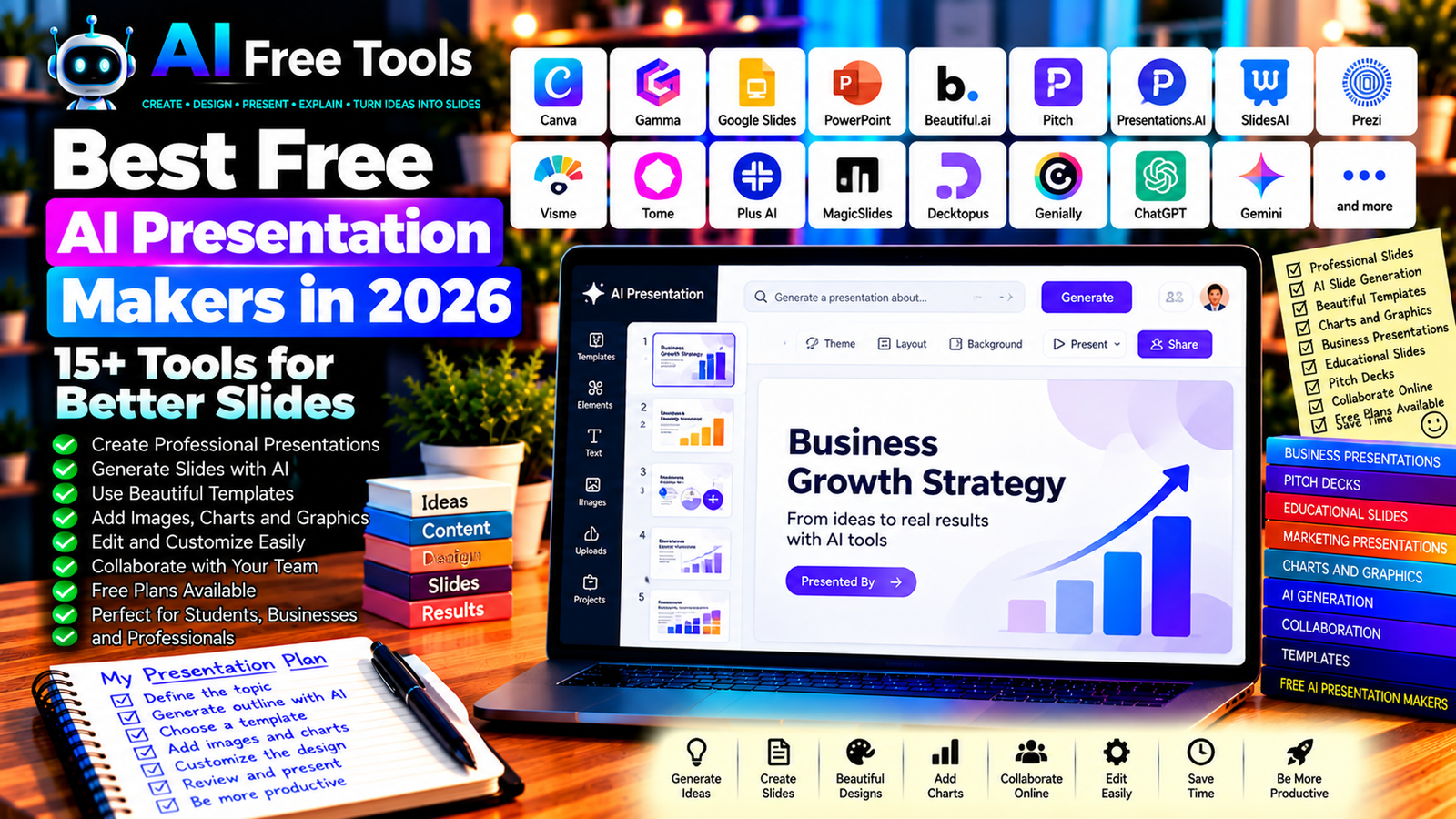
Best Free AI Presentation Makers in 2026: 15+ Tools for Better Slides
Free AI presentation makers can help you turn an idea, document, or short prompt into a structured presentation. Instead of starting with a blank slide, you can use AI-assisted tools to draft an outline, organize information, suggest layouts, and create visuals for your audience.
Presentations are essential for business proposals, sales pitches, training sessions, school projects, marketing campaigns, and online courses. The right tool can reduce preparation time while helping you communicate your ideas more clearly.
In this guide, we compare 17 AI presentation tools and presentation-related platforms in 2026. You will learn what each tool offers, which free options are worth exploring, and how to choose the right solution for your needs.
Important: A free presentation editor does not necessarily include unlimited AI slide generation. Some tools offer free templates and manual editing, while AI generation, exports, branding removal, or advanced features may require payment. Free allowances and plan details can change, so verify the current terms before creating an important presentation.
Quick Comparison: Best Free AI Presentation Makers
| Tool | Best For | Free Access |
|---|---|---|
| Canva | Visually attractive presentations | Free plan; some AI features are limited |
| Gamma | Generating presentations from prompts | Free credits or usage limits may apply |
| Google Slides | Online presentations and collaboration | Core features available free |
| Microsoft PowerPoint | Traditional professional slides | Web access and features vary |
| Beautiful.ai | Automated slide layouts | Trial or paid access may apply |
| Pitch | Collaborative business presentations | Free plan with restrictions |
| Presentations.AI | AI-assisted slide generation | Free access and limits vary |
| SlidesAI | Generating slides from text | Free or limited usage may apply |
| Prezi | Dynamic, zoomable presentations | Free access with restrictions |
| Visme | Presentations and visual reports | Free plan with limits |
| Tome | AI-assisted storytelling workflows | Current availability and product focus may vary |
| Plus AI | AI presentations in supported slide tools | Trial or paid plan may apply |
| MagicSlides | Creating slides from supplied content | Free usage or credits may be limited |
| Decktopus | Guided presentation creation | Free access and limits vary |
| Genially | Interactive presentations | Free plan with restrictions |
| ChatGPT | Planning and writing slide content | Free tier with limits |
| Google Gemini | Drafting presentation content | Free tier; integrations vary |
1. Canva — Best for Visually Attractive Presentations
Canva is a visual design platform with presentation templates, graphics, charts, and collaboration features. It is useful for creating business presentations, educational slides, marketing decks, and social media presentations.
Canva also offers AI-assisted design features, although their availability and usage limits depend on the current plan.
Best features:
- Start with presentation templates.
- Customize colors, fonts, and layouts.
- Add illustrations, images, icons, and charts.
- Collaborate with other users.
- Explore AI-assisted design and content features.
Free access: Canva offers a free plan. Some premium templates, assets, and AI features require payment or have usage limits.
Best for: Students, teachers, marketers, freelancers, and small businesses.
Official website: https://www.canva.com/
2. Gamma — Best for Generating Presentations from Prompts
Gamma is an AI-assisted content creation platform that can help users turn a prompt or outline into a presentation-style document. It is useful when you need a first draft quickly and want to refine the structure afterward.
Best features to investigate:
- Generate presentation drafts from prompts.
- Organize information into sections or cards.
- Apply visual themes and layouts.
- Edit text and visual content.
- Share or export work using supported options.
Free access: Gamma has offered free access with AI credit or usage limits. Current generation allowances, export options, and branding conditions may change.
Best for: Entrepreneurs, students, consultants, marketers, and professionals preparing quick presentations.
Official website: https://gamma.app/
3. Google Slides — Best for Free Online Collaboration
Google Slides is a browser-based presentation editor that lets users create, edit, and share slides. Although it is not exclusively an AI presentation maker, it works well alongside AI assistants that generate outlines, slide text, and presentation ideas.
Best features:
- Create and edit presentations online.
- Collaborate with other users.
- Use themes and layouts.
- Add charts, images, and diagrams.
- Present or share slides through supported options.
Free access: Core Google Slides features are available free with a Google account. Some AI capabilities may require an eligible Google plan or separate service.
Best for: Students, teachers, remote teams, and small businesses.
Official website: https://slides.google.com/
4. Microsoft PowerPoint — Best for Professional Slide Decks
Microsoft PowerPoint is a widely used presentation application for business, education, training, and public speaking. Its web version offers presentation editing, while advanced capabilities and AI features depend on the subscription and account.
Best features:
- Create professional slide decks.
- Use themes and slide layouts.
- Add charts, animations, and multimedia.
- Collaborate on supported files.
- Explore eligible AI-assisted features such as presentation drafting.
Free access: PowerPoint on the web has free access options, but desktop features and Copilot capabilities may require a paid Microsoft plan.
Best for: Businesses, educators, students, consultants, and corporate teams.
Official website: https://www.microsoft.com/microsoft-365/powerpoint
5. Beautiful.ai — Best for Automated Slide Layouts
Beautiful.ai focuses on presentation design and smart slide layouts. It aims to help users keep slides visually consistent without manually adjusting every element.
It can be useful when your priority is presentation design rather than building a deck from scratch in a traditional editor.
Best features to investigate:
- Use smart slide layouts.
- Maintain visual consistency.
- Create business presentations.
- Organize information into structured slides.
- Explore available AI-assisted creation features.
Free access: Beautiful.ai is primarily a paid product, and trial conditions may change. Check current pricing before assuming it provides a permanent free plan.
Best for: Business professionals, consultants, sales teams, and entrepreneurs.
Official website: https://www.beautiful.ai/
6. Pitch — Best for Collaborative Business Presentations
Pitch is a presentation platform designed for teams creating and sharing business slide decks. It can help organize presentation projects and maintain a consistent visual style across a team.
Best features:
- Create presentations using templates.
- Collaborate with teammates.
- Manage presentation projects.
- Share decks through supported options.
- Explore AI-assisted presentation workflows where available.
Free access: Pitch offers a free plan with restrictions. Advanced collaboration, analytics, or other features may require payment.
Best for: Startups, sales teams, marketing departments, and business professionals.
Official website: https://pitch.com/
7. Presentations.AI — Best for AI-Assisted Slide Creation
Presentations.AI focuses on helping users turn written instructions into presentation drafts. It may be useful when you have a topic or outline but need help organizing the content into slides.
Best features to investigate:
- Generate presentations from a prompt.
- Structure content into slides.
- Apply presentation themes.
- Edit generated text and layouts.
- Export or share through supported options.
Free access: Free access, credits, and export features can change. Check the current terms before building a large presentation.
Best for: Students, entrepreneurs, consultants, and professionals who need a quick first draft.
Official website: https://www.presentations.ai/
8. SlidesAI — Best for Turning Text into Slides
SlidesAI is designed to help users generate presentations from written content through supported slide workflows. Depending on the current integration, it may be useful when you want to transform notes or an outline into an initial deck.
Best features to investigate:
- Generate slides from supplied text.
- Organize content into presentation sections.
- Use available presentation themes.
- Edit generated slide content.
- Work with supported presentation platforms.
Free access: SlidesAI has offered free or limited usage options. Check current credit allowances, supported platforms, and export conditions.
Best for: Students, teachers, business professionals, and people preparing text-heavy presentations.
Official website: https://www.slidesai.io/
9. Prezi — Best for Dynamic Presentations
Prezi is known for its zoomable presentation format, which allows presenters to move between connected ideas rather than relying only on conventional slide transitions.
It can be useful for educational explanations, storytelling, and presentations that benefit from showing relationships between concepts.
Best features:
- Create dynamic visual presentations.
- Show relationships between ideas.
- Use presentation templates.
- Organize content into connected sections.
- Explore current AI-assisted creation features.
Free access: Prezi offers access options with restrictions. Branding, privacy, export, and advanced features may depend on the plan.
Best for: Teachers, students, trainers, and presenters who want a different visual format.
Official website: https://prezi.com/
10. Visme — Best for Presentations and Visual Reports
Visme combines presentation design with infographics, charts, reports, and other visual content. It is useful when a presentation needs data visualizations or branded graphics.
Best features:
- Create presentations and reports.
- Use charts and visual assets.
- Customize brand colors and layouts.
- Add graphics and diagrams.
- Explore eligible AI-assisted design tools.
Free access: Visme offers a free plan with restrictions. Some downloads, assets, and advanced features may require a paid subscription.
Best for: Marketers, educators, business analysts, and professionals creating visual reports.
Official website: https://www.visme.co/
11. Tome — Best to Evaluate for AI Storytelling Workflows
Tome became known for AI-assisted storytelling and presentation-style content. However, its product focus and availability have changed over time, so users should verify its current offering rather than assume that older tutorials still describe an active slide-generation service.
What to check:
- Whether the service currently supports your desired presentation workflow.
- Which AI creation features are available.
- Whether editing and exporting are supported.
- Current account requirements and pricing.
- Whether the tool suits your intended use.
Free access: Current availability and product terms should be verified directly before relying on Tome as a presentation maker.
Best for: Users researching AI-assisted storytelling tools and presentation alternatives.
Official website: https://tome.app/
12. Plus AI — Best for AI Workflows in Presentation Software
Plus AI focuses on AI-assisted presentation creation and editing in supported slide applications. It may help users generate a deck or refine existing slides without switching to a completely separate presentation editor.
Best features to investigate:
- Generate slides from written instructions.
- Create or revise slide content.
- Work within supported presentation applications.
- Apply available layouts and themes.
- Edit generated slides after creation.
Free access: Plus AI may offer trial or paid access depending on the current plan. Confirm pricing and supported integrations before using it regularly.
Best for: Business teams, consultants, educators, and professionals who already use presentation software.
Official website: https://plusai.com/
13. MagicSlides — Best for Turning Supplied Content into Presentations
MagicSlides is an AI-assisted presentation tool designed to convert supported content or prompts into slide drafts. It can be useful when you need a starting point from notes, text, or other supported inputs.
Best features to investigate:
- Generate presentation drafts from prompts.
- Convert supported text into slides.
- Organize material into a deck.
- Edit the resulting presentation.
- Use supported export or integration options.
Free access: Free credits or usage limits may apply. Check current restrictions on slide generation, input length, and downloads.
Best for: Students, educators, trainers, and professionals preparing presentations from existing information.
Official website: https://www.magicslides.app/
14. Decktopus — Best for Guided Presentation Creation
Decktopus provides a guided presentation workflow intended to help users organize content and design slides. It may be useful when you want assistance with the structure of a presentation rather than starting with a blank canvas.
Best features to investigate:
- Build presentations through guided steps.
- Use templates and layouts.
- Organize content into slides.
- Explore AI-assisted writing and design.
- Share presentations through supported options.
Free access: Free access and AI limits can change. Verify current plan details, exports, and branding requirements.
Best for: Freelancers, educators, entrepreneurs, and professionals who prepare presentations frequently.
Official website: https://www.decktopus.com/
15. Genially — Best for Interactive Presentations
Genially is a visual content platform for interactive presentations, learning materials, and digital experiences. It is especially useful when you want your audience to click through interactive elements rather than view only static slides.
Best features:
- Create interactive presentations.
- Add links and clickable elements.
- Build educational content.
- Use templates and visual assets.
- Share interactive projects online.
Free access: Genially offers a free plan with restrictions. Privacy settings, downloads, branding, and advanced features may depend on the plan.
Best for: Teachers, trainers, students, and content creators.
Official website: https://genially.com/
16. ChatGPT — Best for Planning and Writing Slide Content
ChatGPT can help you create a presentation outline, draft slide titles, simplify technical material, and prepare speaker notes. You can then transfer the content into Canva, PowerPoint, Google Slides, or another presentation tool.
It is especially useful when you want to improve the structure and clarity of your message before working on the design.
Best features:
- Create slide-by-slide outlines.
- Draft concise slide text.
- Generate speaker notes.
- Suggest examples and visual ideas.
- Adapt content for different audiences.
Free access: ChatGPT offers a free tier with usage and feature limits.
Best for: Students, teachers, business owners, marketers, and consultants.
Official website: https://chatgpt.com/
Example prompt:
“Create a 10-slide business presentation about [TOPIC] for [AUDIENCE]. For each slide, provide a short title, no more than five concise bullet points, a suggested visual, and speaker notes. Include an introduction, key findings, recommendations, and a conclusion. Do not invent statistics or sources; flag information that requires verification.”
17. Google Gemini — Best for Drafting Presentation Content
Google Gemini can help organize ideas, summarize supplied information, and prepare slide-by-slide outlines. Depending on your account and current integrations, it may also support workflows connected to Google productivity products.
Best features:
- Draft presentation outlines.
- Summarize source material.
- Organize information into slide sections.
- Suggest examples and visual concepts.
- Support eligible Google productivity workflows.
Free access: Gemini offers a free tier with usage limits. Advanced capabilities and integrations depend on the current account and plan.
Best for: Students, teachers, researchers, marketers, and professionals using Google tools.
Official website: https://gemini.google.com/
How to Choose the Best Free AI Presentation Maker
The right tool depends on whether you want automatic slide generation, visual design, collaboration, or control over every slide.
| Your Main Goal | Recommended Starting Tools |
|---|---|
| Generate a presentation from a prompt | Gamma or Presentations.AI |
| Design attractive slides | Canva |
| Collaborate online for free | Google Slides |
| Prepare traditional business decks | PowerPoint or Pitch |
| Convert text into slides | SlidesAI or MagicSlides |
| Create interactive presentations | Genially |
| Build dynamic visual stories | Prezi |
| Create a visual report with charts | Visme |
| Write slide content and speaker notes | ChatGPT or Gemini |
Best Free AI Presentation Makers for Students
Students can use AI presentation tools to organize assignments, prepare class presentations, and explain complex subjects visually.
Google Slides and Canva are useful starting points for editing and design. Gamma or other prompt-based tools may help create an initial structure, while ChatGPT or Gemini can draft slide outlines and speaker notes.
Always verify factual claims, references, and statistics. Follow your institution’s academic integrity rules and disclose AI use when required.
Best AI Presentation Makers for Business
Business presentations often need clear messaging, consistent branding, and accurate data.
Canva, PowerPoint, Pitch, and Visme are useful options to compare. If you want to generate a first draft from a prompt, explore Gamma or Presentations.AI and then refine the slides in your preferred editor.
For client-facing presentations, check typography, logos, numbers, and brand colors before sharing the final deck.
Best AI Presentation Makers for Marketing
Marketers often create product presentations, campaign proposals, sales decks, and performance reports.
Canva is useful for visual customization, while Gamma and other AI-assisted tools may help structure the initial content. Visme can be useful when reports require charts and visual explanations.
Use licensed images and assets, and verify any claims about product performance or market results.
How to Create a Professional Presentation with AI in Five Steps
Step 1: Define Your Objective
Decide what the audience should understand, remember, or do after seeing the presentation.
Step 2: Identify Your Audience
A presentation for investors will differ from a classroom lesson or a customer proposal. Choose the level of detail and tone accordingly.
Step 3: Generate the Outline
Ask an AI assistant to propose the slide order, main message, supporting evidence, and conclusion. Remove sections that do not support your objective.
Step 4: Create and Design the Slides
Use an AI presentation maker or a traditional editor to arrange the content. Keep slides focused on one main idea, use readable typography, and avoid overcrowding.
Step 5: Verify and Rehearse
Check all facts, calculations, sources, and visuals. Rehearse the presentation and make sure the speaker notes match the final slides.
Example AI Prompt for a Professional Presentation
Copy and adapt this prompt:
“Create a professional presentation about [TOPIC] for [AUDIENCE]. The objective is [OBJECTIVE]. Build a logical slide outline with a title, key message, concise bullet points, suggested visual, and speaker notes for each slide. Keep the text readable and avoid unsupported claims. Identify missing facts that I must supply or verify.”
Are Free AI Presentation Makers Worth Using?
Yes. They can reduce the time needed to create an initial outline, draft slide text, and establish a visual direction. They are especially useful when you need a first draft quickly or regularly create presentations for different audiences.
For visual design, Canva is a useful starting point. For prompt-based presentation drafts, explore Gamma and Presentations.AI. For collaborative editing, Google Slides is a practical choice, while PowerPoint remains useful for traditional professional decks.
However, AI-generated presentations are not automatically ready to present. They may contain repetitive content, inaccurate claims, unsuitable images, or weak reasoning. Review the entire deck before sharing it.
Are AI Presentation Makers Safe for Business Information?
Presentations can contain confidential financial data, client details, business strategies, unpublished research, and internal plans.
Before uploading documents, review the provider’s privacy policy, data-handling practices, and sharing settings. Avoid submitting sensitive information to tools that have not been approved for that purpose.
If a presentation includes customer data or financial figures, verify the final slides against the original records and ensure the correct audience has access.
Frequently Asked Questions
What is the best free AI presentation maker in 2026?
The best choice depends on your needs. Canva is useful for visual design, Gamma is worth exploring for prompt-based drafts, and Google Slides provides a practical free editing and collaboration workflow. Check current AI and export limits before choosing.
Can AI create an entire presentation from one prompt?
Some tools can generate an initial deck from a prompt. The result still needs editing, fact-checking, and design review. Complex presentations often require your own data, sources, and subject expertise.
Can I make PowerPoint slides with AI for free?
You can use free AI assistance to draft slide content and then transfer it into a presentation editor. PowerPoint’s built-in AI features and export capabilities depend on your account and subscription.
Are free AI presentation makers watermarked?
Some free plans include branding, restrict downloads, or limit certain export formats. Others allow sharing but reserve advanced exports for paid users. Check the current terms before building a presentation for a client.
Can AI create presentations from a PDF or document?
Some tools accept supported documents or text as input. If direct import is unavailable, you can summarize the document with an AI assistant and use the resulting outline to build slides. Verify the summary against the original source.
Can AI presentation tools generate speaker notes?
Some tools support speaker notes directly, while others require you to create them separately. An AI assistant can draft notes for each slide based on your final content.
Are AI-generated presentations suitable for business use?
They can provide a useful starting point, but you should verify facts, figures, images, and licensing. Adjust the deck to your brand and audience before presenting it to clients or colleagues.
Final Verdict
The best free AI presentation makers in 2026 can help you create slide outlines, design visuals, and communicate ideas more efficiently.
For visual design, start with Canva. For prompt-based presentation drafts, explore Gamma. For free online editing and collaboration, consider Google Slides. For traditional business presentations, compare PowerPoint and Pitch. For writing the structure and speaker notes, use ChatGPT or Google Gemini alongside your preferred slide editor.
Choose the tool that matches your workflow, verify its free-plan restrictions, and review every slide before presenting or publishing it.
Explore more guides on AI Free Tools:
Leave a Reply