
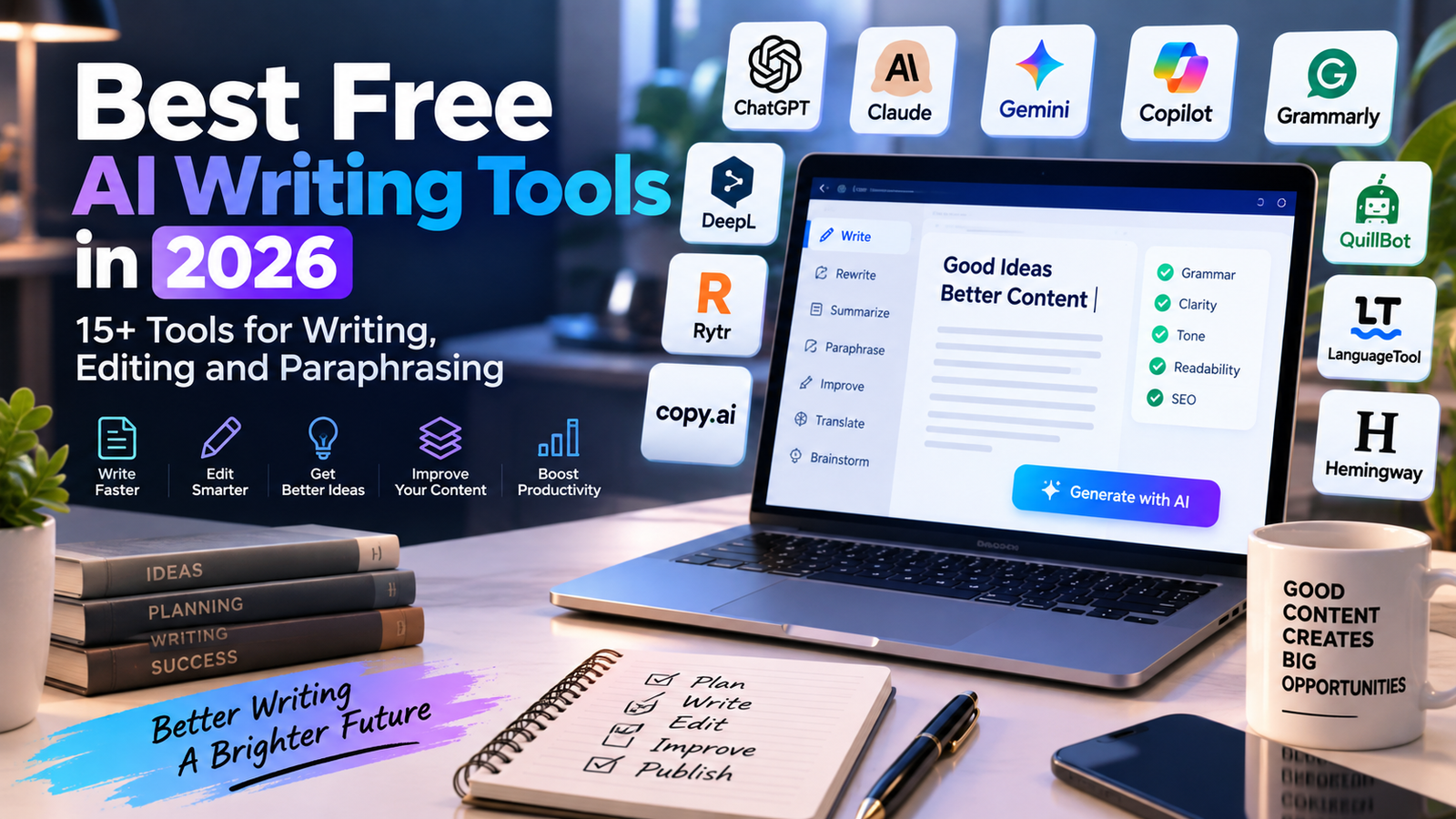
If you want to improve your writing without paying for expensive software, there are now many AI writing tools that offer useful free access.
In 2026, AI writing tools can help with brainstorming, drafting, grammar correction, paraphrasing, summarizing, rewriting, research and content creation.
If you are new to AI tools, start with our complete guide to the Best Free AI Tools in 2026, featuring 50+ useful AI tools across different categories.
In this guide, we have collected more than 15 AI writing tools that offer free access or useful free plans. Some services have usage limits, credits or premium features, so always check the provider’s current terms before using a tool for important work.
What Are AI Writing Tools?
AI writing tools use artificial intelligence to help users create, improve or transform written content.
Depending on the platform, an AI writing tool can help you:
- Write blog posts and articles
- Generate ideas and outlines
- Rewrite paragraphs
- Correct grammar and spelling
- Improve sentence clarity
- Paraphrase text
- Summarize documents
- Write emails
- Create marketing copy
- Translate or improve text
- Research topics
- Create social media content
Some tools are general-purpose AI assistants, while others are specialized for grammar, paraphrasing, marketing or professional writing.
Best Free AI Writing Tools in 2026
1. ChatGPT
ChatGPT is a general-purpose AI assistant that can help with almost every stage of the writing process.
You can use it to brainstorm ideas, create outlines, draft articles, rewrite paragraphs, summarize information, improve emails and develop content ideas.
It can also help writers analyze their own content and suggest different ways to structure an article.
For bloggers and content creators, ChatGPT can be useful for moving from an initial idea to a structured draft much faster.
Free access is available, although usage limits can apply depending on the features being used.
2. Claude
Claude is an AI assistant developed by Anthropic and is particularly useful for writing, summarization, analysis and working with longer pieces of text.
You can use Claude to brainstorm topics, improve drafts, summarize documents and rewrite content in different styles.
Writers can also use it to analyze an article and identify areas that could be clearer or better organized.
Claude offers free access with usage limitations.
3. Google Gemini
Gemini is Google’s AI assistant and can be used for writing, brainstorming, research, summarization and content creation.
It can help create outlines for articles, rewrite text, generate ideas and explain complex subjects.
Gemini can also be useful when you are researching a topic and want to organize information before starting to write.
A free version is available, although some advanced features may require a paid plan.
4. Microsoft Copilot
Microsoft Copilot is an AI assistant that can help users generate and improve written content.
It can be used for brainstorming, drafting emails, summarizing information, rewriting text and generating ideas.
For people already using Microsoft products, Copilot can be a convenient addition to an everyday writing workflow.
Free access is available for many users, while additional features may depend on the Microsoft product and plan.
5. Grammarly
Grammarly is one of the most well-known AI-powered writing assistants.
It can help detect grammar, spelling and punctuation problems and provide suggestions to make writing clearer and more concise.
Grammarly also provides AI-powered writing assistance for generating and improving text.
Its Free plan currently includes basic writing assistance and 100 AI prompts per month, while more advanced features are available in paid plans.
Grammarly can be particularly useful for emails, school assignments, professional communication and everyday writing.
6. QuillBot
QuillBot is an AI writing platform focused heavily on paraphrasing and rewriting.
It can help users rewrite sentences and paragraphs while maintaining the original meaning.
It is also useful for summarization and other writing-related tasks.
QuillBot is particularly interesting for students, writers and professionals who want to improve the wording of existing content.
A free version is available, although some features and usage are limited compared with paid plans.
7. LanguageTool
LanguageTool is an online writing assistant designed to detect grammar, spelling, punctuation and style issues.
It supports multiple languages and can be useful for people writing emails, articles, reports and other documents.
One of its advantages is that it can be used as a general proofreading assistant rather than only as a content generator.
LanguageTool offers free access, with additional features available through premium plans.
8. Hemingway Editor
Hemingway Editor focuses on readability rather than simply generating text.
It helps identify complicated sentences, excessive passive voice, difficult words and other issues that can make content harder to read.
This makes it particularly useful for bloggers, students and content creators who already have a draft and want to make it clearer.
The tool can be used to improve the readability of articles, emails and other written content.
9. DeepL Write
DeepL Write is a writing assistant from DeepL that helps users improve and refine their text.
It can suggest alternative wording and help make sentences sound more natural.
DeepL is particularly well known for its translation technology, while DeepL Write focuses more specifically on improving written communication.
It can be useful for professionals, students and multilingual writers.
Free access is available with limitations depending on the service and account.
10. Wordtune
Wordtune is an AI writing assistant designed to help users rewrite and improve sentences.
It can help make writing clearer, more concise or better suited to a particular tone.
For example, a user can start with a rough sentence and ask the tool to provide alternative versions.
Wordtune can be useful for emails, articles, professional communication and everyday writing.
A free access option is available, with additional features offered through paid plans.
11. Rytr
Rytr is an AI writing platform designed for creating different types of content.
It can help users generate blog ideas, marketing copy, emails, social media posts and other types of written content.
The platform is particularly aimed at users who want to speed up repetitive content creation.
Rytr offers a free access option, while higher usage and additional features may require a paid plan.
12. Copy.ai
Copy.ai provides AI-powered tools for content creation and marketing.
It can be used to generate marketing copy, product descriptions, sales content, emails and other business-related text.
The platform is particularly relevant for marketers, entrepreneurs and businesses that need to produce a large amount of written content.
Copy.ai provides access options that may vary according to the current plan structure.
13. Writesonic
Writesonic is an AI content platform that provides tools for writing and marketing.
It can help generate articles, marketing content, product descriptions and other types of text.
The platform is designed for users who want to accelerate content creation while maintaining a structured workflow.
Writesonic offers limited access options, while more extensive usage is available through paid plans.
14. Perplexity
Perplexity is primarily known as an AI answer and research platform, but it can also be useful during the writing process.
Writers can use it to research a topic, explore sources, identify important questions and gather information before creating an article.
This makes Perplexity particularly useful during the research stage rather than only the writing stage.
Its free access allows users to explore AI-powered search and research features, subject to current usage limits.
15. Notion AI
Notion combines note-taking, project management and document organization with AI features.
Notion AI can help users summarize information, improve writing, brainstorm ideas and organize content.
For writers who already use Notion to manage their projects, having writing assistance inside the same workspace can be convenient.
Availability of AI features depends on the current Notion plan and account.
16. Microsoft Word with AI Features
Microsoft Word has increasingly incorporated AI-powered writing features through Microsoft’s AI ecosystem.
Depending on the account and subscription, users can use AI assistance to draft, rewrite, summarize and improve documents.
For people who already work extensively with Word, AI assistance inside the document editor can reduce the need to move text between different applications.
Some AI features require an eligible Microsoft subscription.
17. Google Docs with AI Assistance
Google Docs can also be used as part of an AI-assisted writing workflow through Google’s AI features.
Depending on the account and plan, users may have access to tools that help draft, rewrite or organize written content.
This can be useful for students, teams and professionals who already use Google Workspace.
The availability of specific AI features depends on the user’s Google account and current plan.
Best Free AI Writing Tools for Different Needs
Different writing tasks require different tools.
For generating ideas
ChatGPT, Claude and Gemini can help brainstorm article topics, create outlines and develop ideas.
For grammar and proofreading
Grammarly and LanguageTool are useful for identifying spelling, grammar and punctuation problems.
For paraphrasing
QuillBot and Wordtune are designed to help rewrite existing text and provide alternative wording.
For readability
Hemingway Editor can help make complicated writing easier to understand.
For research
Perplexity can help users research subjects and explore information before writing.
For marketing content
Copy.ai, Writesonic and Rytr provide tools designed for marketing and business content.
For multilingual writing
LanguageTool and DeepL Write can be useful for people who write in multiple languages.
How to Use AI Writing Tools Effectively
AI writing tools can save a significant amount of time, but they work best when used as assistants rather than complete replacements for human judgment.
A useful workflow is:
Step 1: Start with your own idea
Define the topic, target audience and purpose of the content before asking an AI tool to generate text.
Step 2: Create an outline
Use an AI assistant to organize the main sections and questions that your article should answer.
Step 3: Generate or improve a draft
Use an AI writing tool to create a first draft or improve your existing content.
Step 4: Check the information
AI-generated text can contain mistakes or outdated information. Verify important facts, statistics, product features and pricing.
Step 5: Add your own experience
Add examples, opinions, screenshots, comparisons, original research or practical advice.
This is especially important for websites that want to build long-term search traffic.
Step 6: Proofread the final version
Use tools such as Grammarly or LanguageTool to identify spelling, grammar and readability problems.
Step 7: Optimize for readers
Do not write only for search engines. Use clear headings, short paragraphs, useful examples and descriptive subheadings.
Are Free AI Writing Tools Really Free?
Most AI writing platforms use a combination of free and paid access.
A free plan may include:
- A limited number of AI prompts
- A limited number of words
- A limited number of generations
- Fewer advanced models
- Slower processing
- Limited document features
- Access to only some tools
For example, Grammarly currently offers a Free plan with basic writing assistance and 100 AI prompts per month, while additional capabilities are included in paid plans.
Free plans can change over time, so it is always a good idea to check the provider’s current pricing page before depending on a particular feature.
Can AI Writing Tools Replace Human Writers?
AI writing tools can help writers work faster, but they do not remove the need for human review.
AI can help generate ideas, create drafts and improve wording. However, writers still need to check facts, add context, verify sources and make sure the final content is useful for its audience.
The strongest workflow is often a combination of AI assistance and human expertise.
Free AI Writing Tools for Students
Students can use AI writing tools for many legitimate tasks, including:
- Brainstorming research topics
- Creating study outlines
- Improving grammar
- Summarizing their own notes
- Rewriting confusing sentences
- Understanding difficult concepts
- Organizing ideas before writing
Students should always follow the academic rules of their school or university when using AI.
Free AI Writing Tools for Bloggers
Bloggers can combine several tools to create a more efficient workflow.
For example:
ChatGPT or Claude → brainstorming and outline
Perplexity → research
ChatGPT, Claude or Gemini → first draft
Grammarly or LanguageTool → proofreading
Hemingway Editor → readability
WordPress → publication
This workflow can help reduce the time required to move from an idea to a finished article.
How to Choose the Right AI Writing Tool
Before choosing an AI writing tool, consider what you actually need.
Ask yourself:
- Do I need grammar correction?
- Do I need complete article generation?
- Do I mainly need paraphrasing?
- Do I need research assistance?
- Do I write in several languages?
- Do I need marketing content?
- Do I need help with long documents?
- How much free usage do I need?
There is no need to subscribe to every AI writing platform.
Start with one or two tools, test their free features and choose the workflow that fits your needs.
Final Thoughts
Free AI writing tools have become powerful assistants for students, bloggers, businesses, marketers and everyday users.
Whether you need help brainstorming an idea, correcting grammar, rewriting a paragraph, researching a topic or creating a first draft, there are many tools worth exploring.
The best approach is to combine AI assistance with human judgment.
Use AI to save time, but always review important information and add your own expertise, examples and perspective.
AI Free Tools will continue to explore new AI writing platforms, free tools and useful resources to help you find the right technology without paying for unnecessary subscriptions.
Bookmark AI Free Tools and come back regularly for more guides, comparisons and practical AI tool recommendations.
Leave a Reply