
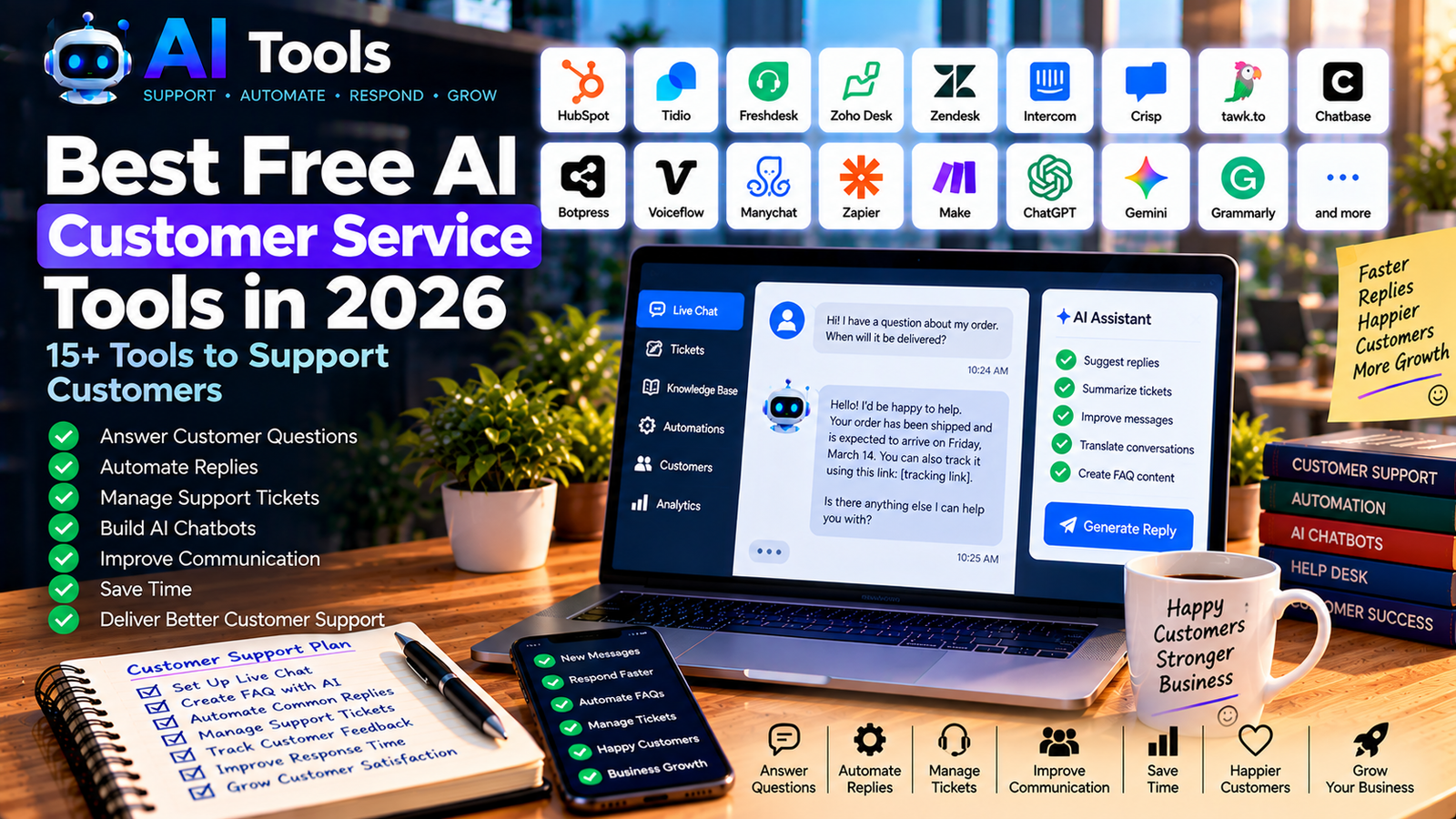
Best Free AI Customer Service Tools in 2026: 15+ Tools to Support Customers
Providing excellent customer service is essential for every business. Customers expect fast answers, helpful support and easy ways to solve problems. However, small businesses often have limited time and resources to manage customer questions.
Free AI customer service tools can help businesses respond to common questions, organize support requests, draft replies and improve communication. Some platforms specialize in chatbots and help desks, while others use AI to assist human support agents.
In this guide, we explore 17 AI-powered tools and useful resources that businesses can evaluate for customer support, online stores, service companies and growing teams.
Important: Free plans and AI features change frequently. Some tools offer limited free accounts, trials or AI credits rather than unlimited free customer support. Check the provider’s current pricing, usage limits and data policies before choosing a solution.
Quick Comparison: Best Free AI Customer Service Tools
| Tool | Best For | Free Access |
|---|---|---|
| HubSpot Service Hub | Organizing customer support | Free CRM and selected service features |
| Tidio | Website chat and customer support | Limited free features |
| Freshdesk | Help desk and ticket management | Check current plan availability |
| Zoho Desk | Customer support tickets | Free or limited plans may be available |
| Zendesk | Professional support teams | Trial or paid plans may apply |
| Intercom | Customer messaging and AI support | Check current trial and pricing |
| Crisp | Website live chat | Free basic features |
| tawk.to | Website live chat | Core chat features are free; paid add-ons may apply |
| Chatbase | AI chatbots trained on content | Limited free plan may be available |
| Botpress | Building AI chatbots | Usage-based free allowances may apply |
| Voiceflow | Designing conversational assistants | Limited free workspace features |
| Manychat | Automated social messaging | Free plan with limits |
| Zapier | Connecting support workflows | Limited free tasks |
| Make | Visual workflow automation | Limited free operations |
| ChatGPT | Drafting support replies and FAQs | Free access with limits |
| Google Gemini | Writing and summarizing support responses | Free access with limits |
| Grammarly | Improving support message quality | Free writing assistance |
These tools do not all provide the same service. Some manage customer conversations, others build chatbots, and some help staff write better replies. Choose based on your actual support needs.
1. HubSpot Service Hub — Best for Organizing Customer Support
HubSpot offers customer relationship management and service tools that can help businesses keep track of customer interactions.
Depending on the features available in your account, you may be able to organize contacts, record customer conversations and manage parts of your support workflow.
Key features:
- Customer contact management
- Customer interaction history
- Support ticket features on eligible plans
- Shared customer information
- Integrations with other business tools
Best for: Small businesses that want to connect customer service with sales and customer relationship management.
Free access: HubSpot offers free CRM features, but advanced service automation and AI capabilities may require a paid plan.
Website: https://www.hubspot.com/products/service
2. Tidio — Best for Website Chat and Customer Support
Tidio combines website live chat with customer support features and AI-powered options. It can help online stores and service businesses respond to common visitor questions.
Key features:
- Website chat widget
- Customer conversation management
- Chatbot options
- Automated responses on eligible plans
- AI customer support features
Best for: E-commerce stores and small businesses that want to help website visitors without building a support system from scratch.
Free access: The available conversations, chatbot capabilities and AI usage may be limited by the current plan.
Website: https://www.tidio.com/
3. Freshdesk — Best for Managing Support Tickets
Freshdesk is a help desk platform designed to organize customer requests and support conversations. It can be useful when questions arrive through multiple channels and need to be assigned or tracked.
Key features:
- Ticket management
- Support team workflows
- Customer communication history
- Reporting features
- AI-assisted capabilities on eligible plans
Best for: Businesses receiving enough customer questions to need a structured support process.
Free access: Plan availability and included features can change. Check the current pricing page before choosing it for a free setup.
Website: https://www.freshworks.com/freshdesk/
4. Zoho Desk — Best for Structured Customer Support
Zoho Desk helps businesses organize customer requests and manage support activities. It can be particularly useful for teams already using other Zoho products.
Key features:
- Ticket management
- Customer support workflows
- Team collaboration
- Help center options
- AI-assisted features on eligible plans
Best for: Small businesses looking for a structured help desk and the option to expand later.
Free access: Zoho Desk has offered entry-level plans, but current eligibility, user limits and AI features should be verified.
Website: https://www.zoho.com/desk/
5. Zendesk — Best for Larger Support Operations
Zendesk provides customer service software for businesses that need to manage conversations, tickets and support workflows across channels.
Key features:
- Support ticket management
- Customer communication tools
- Knowledge base options
- Reporting and workflow features
- AI-assisted support on eligible plans
Best for: Growing companies that need a more comprehensive customer service platform.
Free access: Do not assume that a permanent free plan is available. Check current trial terms, subscriptions and included AI features.
Website: https://www.zendesk.com/
6. Intercom — Best for Customer Messaging
Intercom combines customer messaging, support workflows and AI-powered customer service features. It is worth evaluating if your business needs to communicate with website visitors and customers in one place.
Key features:
- Customer messaging
- Website chat
- Support workflows
- Help center tools
- AI customer service features on eligible plans
Best for: Businesses that need a more advanced customer communication system.
Free access: Availability may depend on current trials, subscriptions and usage conditions. Check pricing before implementation.
Website: https://www.intercom.com/
7. Crisp — Best for Simple Website Live Chat
Crisp provides live chat and customer messaging features for websites. It can give visitors a convenient way to contact a business without relying exclusively on email.
Key features:
- Website chat widget
- Shared team inbox
- Customer conversation history
- Knowledge base options
- Automation and AI features on eligible plans
Best for: Small companies that want to centralize website conversations.
Free access: Basic features may be available at no cost, while advanced automation and AI capabilities can require payment.
Website: https://crisp.chat/
8. tawk.to — Best for Free Website Chat
tawk.to is a customer messaging platform known for offering core live chat functionality without a standard subscription fee.
Businesses can use it to communicate with website visitors and manage incoming conversations.
Key features:
- Website live chat
- Visitor monitoring features
- Shared inbox
- Conversation history
- Optional paid services
Best for: Small websites and businesses that want to add a live chat feature on a tight budget.
Free access: Core chat functionality is free, but optional services and additional features may cost extra. Check the current offer for AI-specific capabilities.
Website: https://www.tawk.to/
9. Chatbase — Best for AI Chatbots Trained on Your Content
Chatbase helps users create AI chatbots based on information from sources such as website content and documents, subject to the platform’s supported inputs.
This can be useful for answering recurring questions about products, services, opening hours or company policies.
Key features:
- AI chatbot creation
- Knowledge-source configuration
- Website integration options
- Customer question handling
- Conversation monitoring on eligible plans
Best for: Businesses that receive repeated questions and want to experiment with an automated website assistant.
Free access: A limited plan or trial may be available, with restrictions on messages, sources or integrations.
Website: https://www.chatbase.co/
10. Botpress — Best for Custom AI Chatbots
Botpress is a platform for building conversational AI applications. It offers more customization than a simple website chat widget and can be useful for more complex customer support flows.
Key features:
- Conversational AI bot creation
- Workflow design
- Knowledge integration
- Custom conversation logic
- Integration options
Best for: Businesses that want a customized chatbot for questions, lead qualification or support workflows.
Free access: Usage allowances, AI costs and integrations depend on the current plan. Review possible consumption charges before deploying a bot.
Website: https://botpress.com/
11. Voiceflow — Best for Designing Conversational Assistants
Voiceflow provides a visual environment for designing conversational assistants and customer-facing AI experiences.
It can help teams map how a chatbot should respond to questions and guide users through a process.
Key features:
- Visual conversation design
- Prototyping
- Conversational workflow creation
- Collaboration features
- Integration capabilities
Best for: Teams that want to design and test chatbot experiences before deploying them.
Free access: Free workspace features and usage limits may change. Check the current plan for deployment and integration requirements.
Website: https://www.voiceflow.com/
12. Manychat — Best for Automated Social Messaging
Manychat focuses on messaging automation across supported social and messaging platforms. Businesses can use it to handle common questions, respond to interactions and guide potential customers.
Key features:
- Automated messaging flows
- Frequently asked question responses
- Lead collection
- Social messaging workflows
- Integrations on eligible plans
Best for: Businesses that receive many customer questions through social media and supported messaging channels.
Free access: The free plan may limit contacts, automation features or supported channels. Check the current restrictions.
Website: https://manychat.com/
13. Zapier — Best for Connecting Support Workflows
Zapier connects applications so that routine tasks can happen automatically. For example, a new contact form submission could trigger an email notification or create a record in a customer management system.
Key features:
- App integrations
- Trigger-based workflows
- Notifications and data transfer
- Connections between support and CRM tools
- AI-related workflow integrations where supported
Best for: Small teams that want to reduce repetitive administrative work.
Free access: The free plan has task and workflow limits. More advanced automation may require a paid plan.
Website: https://zapier.com/
14. Make — Best for Visual Support Automation
Make provides a visual workflow builder that connects applications and automates multi-step processes.
For customer service, it can help route form submissions, update records and notify the right team when a request arrives.
Key features:
- Visual automation scenarios
- App integrations
- Multi-step workflows
- Data processing
- AI integrations where supported
Best for: Businesses that want more control over how information moves between their support tools.
Free access: A limited free allowance may be available, with operation and feature limits.
Website: https://www.make.com/
15. ChatGPT — Best for Drafting Customer Support Replies
ChatGPT can help customer service teams draft replies, summarize long messages and prepare consistent answers to recurring questions.
It is not automatically connected to your support inbox. You need an appropriate integration or manual workflow to use it with customer conversations.
Key features:
- Drafting customer replies
- Summarizing customer messages
- Creating FAQ content
- Rewriting unclear responses
- Preparing support templates
Example prompt:
“Draft a polite response to this customer complaint. Acknowledge the problem, apologize for the inconvenience, explain the next steps using only the information provided, and do not promise a refund or delivery date unless confirmed.”
Best for: Small teams that need help writing clear and professional support messages.
Free access: A free version is available with usage limits.
Website: https://chatgpt.com/
16. Google Gemini — Best for Summarizing and Rewriting Replies
Google Gemini can help support agents summarize customer messages, organize information and prepare drafts for frequently asked questions.
Key features:
- Reply drafting
- Message summarization
- FAQ creation
- Tone and clarity improvements
- Support documentation assistance
Best for: Businesses that want an AI assistant to support writing and information organization.
Free access: Free access is available subject to current usage and feature limits.
Website: https://gemini.google.com/
17. Grammarly — Best for Improving Support Message Quality
Grammarly helps improve spelling, grammar, clarity and tone. It can be useful for support teams that communicate with customers by email or written messages.
Key features:
- Grammar and spelling checks
- Clarity suggestions
- Tone recommendations
- Professional writing assistance
- Rewriting support
Best for: Businesses that want their customer messages to sound clear, courteous and professional.
Free access: Basic writing assistance is available, while advanced features may require payment.
Website: https://www.grammarly.com/
How to Use AI to Improve Customer Service
You do not need to install every tool in this list. Start with one problem and choose a solution that addresses it.
Step 1: Identify Your Most Common Customer Questions
Review the questions customers ask repeatedly. Common examples include:
- What are your prices?
- Where can I find product specifications?
- What are your delivery options?
- How can I return or exchange an item?
- What are your opening hours?
- How can I contact your support team?
Write accurate answers to these questions before configuring an AI assistant.
Step 2: Build a Reliable FAQ
Create a document containing your official product information, policies, prices, contact details and answers to recurring questions.
Keep it updated. Incorrect or outdated information can lead to customer complaints.
Step 3: Choose the Right Tool
Use a live chat platform if you need website conversations. Choose a help desk if you need to track and assign support requests. Consider a chatbot platform if you want customers to ask questions about your documentation.
For simple reply drafting, a general AI assistant may be enough.
Step 4: Create Response Templates
Prepare templates for common situations, including order questions, product availability, complaints and requests for additional information.
AI can help draft these templates, but a staff member should review them before they are used with customers.
Step 5: Automate Only Suitable Tasks
Good candidates for automation include routing requests, sending notifications and answering straightforward questions using verified information.
Keep human support available for complaints, refunds, unusual requests and sensitive situations.
Step 6: Measure Results
Monitor response times, unresolved tickets, customer feedback and the number of conversations that require human intervention.
Compare the results before and after introducing automation to understand whether the tool is genuinely helping.
Best Free AI Customer Service Tools by Business Need
- For basic website live chat: tawk.to or Crisp.
- For customer relationship management: HubSpot.
- For structured support tickets: Freshdesk or Zoho Desk, depending on current free-plan availability.
- For a website knowledge chatbot: Chatbase or Botpress.
- For social messaging automation: Manychat.
- For connecting applications: Zapier or Make.
- For drafting replies: ChatGPT or Google Gemini.
- For improving written communication: Grammarly.
The right choice depends on your existing systems, customer volume, technical skills and the amount of automation you need.
Frequently Asked Questions
What is the best free AI customer service tool in 2026?
There is no single best option for every business. For basic website chat, consider tawk.to or Crisp. For organizing customer information, explore HubSpot. For a custom AI chatbot, compare Chatbase and Botpress, including their current usage limits.
Can AI answer customer questions automatically?
Yes. Chatbots can answer questions when they have access to appropriate information and are configured correctly. However, they may misunderstand questions or produce incorrect answers. Test the system and provide an easy way to contact a human.
Can small businesses use AI customer service for free?
Yes. Some providers offer free plans or limited free features. The available messages, users, integrations and AI usage may be restricted. A small business can often begin with basic live chat and add more advanced features as its needs grow.
Can AI customer service tools work with an online store?
Many customer messaging and chatbot platforms offer website integrations, and some support e-commerce workflows. Verify compatibility with your store platform and check which integrations are included in the plan you choose.
Will AI replace human customer service agents?
AI can handle some repetitive tasks, but human agents remain important for complex complaints, unusual situations, sensitive issues and decisions that require judgment. A combination of automation and human support is often more practical than full automation.
Is it safe to send customer data to AI tools?
Review the provider’s privacy policy, data retention rules and security controls. Avoid sending passwords, payment card details or unnecessary personal information to general-purpose AI assistants. Follow applicable privacy laws and your company’s data policies.
How can I prevent an AI chatbot from giving incorrect answers?
Use reliable and updated source material, limit what the chatbot is allowed to answer, test common and difficult questions, and direct uncertain cases to a human agent. Review conversations regularly and correct problems when they appear.
Final Thoughts
Free AI customer service tools can help businesses respond faster, organize requests and improve communication. The most effective solution is not necessarily the one with the most features, but the one that solves a real customer support problem reliably.
Start with a simple live chat or a collection of verified response templates. Add AI chatbots and workflow automation only when you understand the costs, limitations and risks.
Explore more AI tools on AI Free Tools:
Leave a Reply