
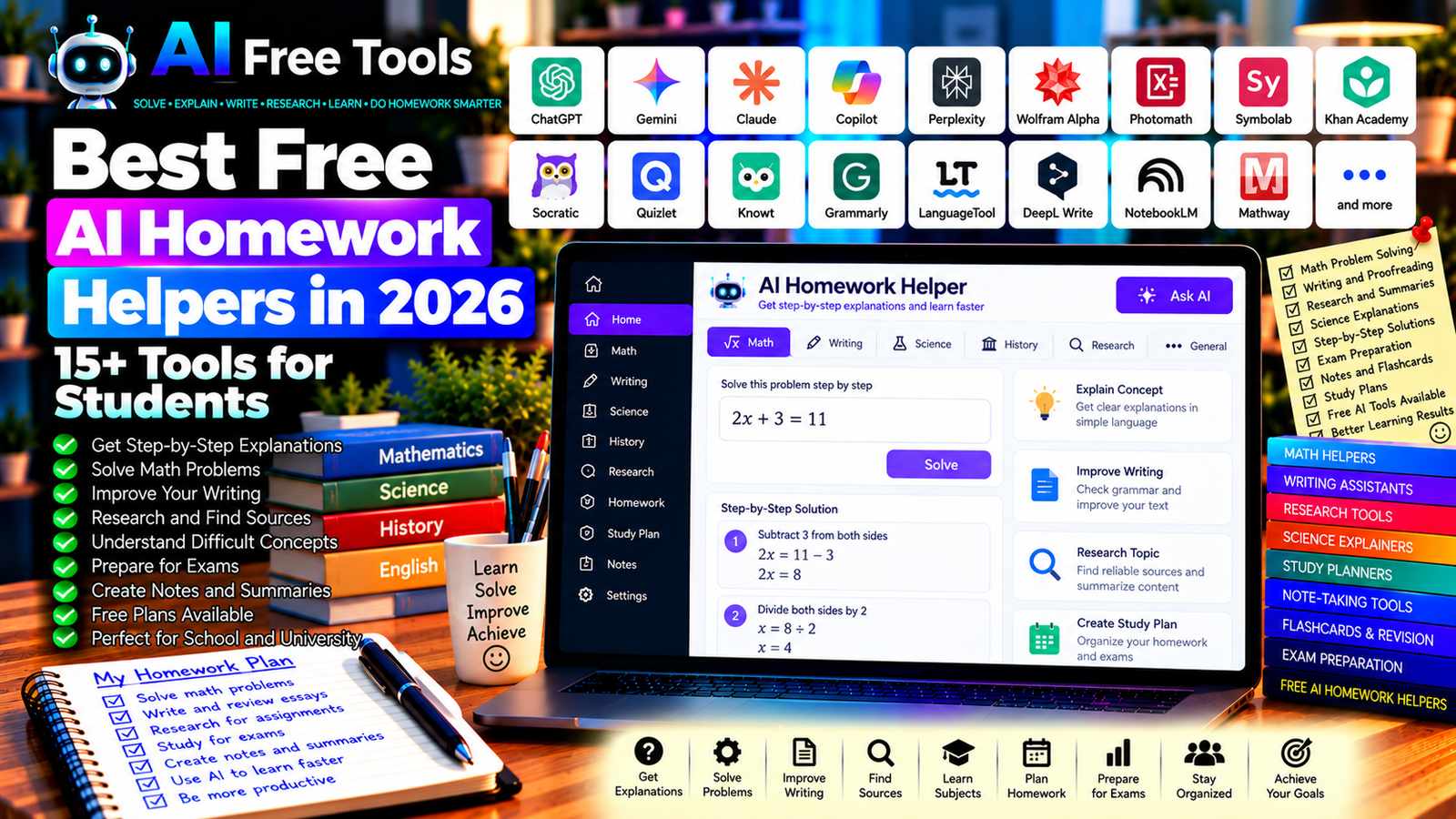
Best Free AI Homework Helpers in 2026: 15+ Tools for Students
Free AI homework helpers can help students understand difficult concepts, solve problems step by step, improve writing, and prepare for exams. Instead of searching through dozens of websites, you can use AI-assisted tools to explain a topic, check your reasoning, or identify the next step in a problem.
The best tool depends on the subject. Mathematics may require a symbolic calculator, writing assignments may benefit from grammar and editing assistance, and research projects need reliable sources and careful fact-checking. Some tools provide direct explanations, while others help organize notes or practice questions.
In this guide, we compare 17 AI assistants and educational tools in 2026. You will discover their main uses, what to check in their free plans, and how to use them responsibly for school, university, and independent learning.
Important: Free access does not always mean unlimited access. Some services limit messages, image uploads, advanced models, document processing, or specialized features. Availability and pricing can change, so check each provider’s current terms before relying on a tool for an important assignment.
Quick Comparison: Best Free AI Homework Helpers
| Tool | Best For | Free Access |
|---|---|---|
| ChatGPT | Explanations, brainstorming, and problem-solving guidance | Free tier with limits |
| Google Gemini | Explanations and study assistance | Free tier with limits |
| Microsoft Copilot | General questions and learning support | Free access with limits |
| Claude | Writing, explanations, and document analysis | Free tier with limits |
| Perplexity | Research and source discovery | Free tier with limits |
| Wolfram Alpha | Mathematics and computational questions | Free features; some steps may be paid |
| Photomath | Understanding math problems | Free features; advanced explanations may be paid |
| Symbolab | Algebra, calculus, and equations | Free features with restrictions |
| Khan Academy / Khanmigo | Learning and guided practice | Access varies by feature and region |
| Socratic by Google | Learning support for school subjects | Availability may vary |
| Quizlet | Flashcards and revision | Free features with restrictions |
| Knowt | Notes, flashcards, and practice | Free access with possible limits |
| Grammarly | Grammar and writing clarity | Free writing assistance |
| LanguageTool | Grammar and proofreading | Free plan with limits |
| DeepL Write | Writing refinement | Free access and limits vary |
| NotebookLM | Studying supplied documents | Free access with usage limits |
| Mathway | Solving mathematical problems | Free answers; detailed steps may be paid |
1. ChatGPT — Best All-Round Homework Helper
ChatGPT can help explain concepts, break complicated tasks into smaller steps, generate practice questions, and review a student’s reasoning. It can support many subjects, including mathematics, science, history, languages, and writing.
The most useful approach is to ask for an explanation rather than simply requesting a final answer. You can also provide your own attempt and ask the assistant to identify where your reasoning went wrong.
Best features:
- Explain difficult concepts in simpler language.
- Break problems into manageable steps.
- Generate practice questions and quizzes.
- Help outline essays and organize ideas.
- Review supplied work and identify possible mistakes.
Free access: ChatGPT offers a free tier with usage and feature limits. Available models and tools can vary by account and over time.
Best for: Students who need help understanding a wide range of subjects.
Official website: https://chatgpt.com/
Example prompt:
“Help me understand this homework problem without immediately giving me the final answer. Explain the concept, ask me one question at a time, and give me a hint if I get stuck. After I solve it, check my reasoning and explain any mistakes.”
2. Google Gemini — Best for Explanations and Study Assistance
Google Gemini can help students summarize information, clarify concepts, brainstorm essay topics, and create revision questions. Depending on current capabilities and account settings, it may also work with supported files or Google productivity workflows.
Best features:
- Explain school and university topics.
- Summarize supplied study material.
- Generate practice questions.
- Help organize research and essay outlines.
- Work with supported files and integrations.
Free access: Gemini offers a free tier with usage limits. Advanced features and integrations depend on the current account and plan.
Best for: Students who want a general-purpose AI assistant, particularly those already using Google services.
Official website: https://gemini.google.com/
3. Microsoft Copilot — Best for Everyday Learning Support
Microsoft Copilot can help students explore unfamiliar topics, summarize information, brainstorm ideas, and clarify concepts. It can be useful for initial explanations before consulting textbooks, course materials, or other authoritative sources.
Best features:
- Explain concepts and terminology.
- Help structure essays and reports.
- Generate revision questions.
- Brainstorm examples and project ideas.
- Support eligible Microsoft productivity workflows.
Free access: Copilot offers free access options, although usage, model availability, and advanced features can vary.
Best for: Students who want general study assistance and users working with Microsoft services.
Official website: https://copilot.microsoft.com/
4. Claude — Best for Writing and Long Explanations
Claude can help students analyze supplied text, organize essays, understand complex passages, and improve the structure of written assignments. It is particularly useful when you want to discuss a document or refine an explanation.
Best features:
- Explain complex passages.
- Organize essay arguments.
- Summarize supplied documents.
- Review clarity and structure.
- Help brainstorm examples and counterarguments.
Free access: Claude offers a free tier with usage limits. Document size, model availability, and other capabilities may depend on the current plan.
Best for: Students working on essays, reading assignments, and research-based projects.
Official website: https://claude.ai/
5. Perplexity — Best for Research and Finding Sources
Perplexity is an AI-powered search and research tool that can help students explore a topic and discover potential sources. It can be useful when a homework assignment requires background research rather than only a general explanation.
Best features:
- Explore questions using web search.
- Discover potential reference sources.
- Summarize information from available sources.
- Compare explanations from different pages.
- Find starting points for further research.
Free access: Perplexity offers a free tier with limits on certain searches and advanced features.
Best for: Students preparing research assignments, reports, and presentations.
Official website: https://www.perplexity.ai/
Study tip: Open the original sources, check their credibility, and confirm that they actually support the claims you intend to use.
6. Wolfram Alpha — Best for Mathematics and Computation
Wolfram Alpha is a computational knowledge engine that can answer many mathematical and scientific questions. It is useful for evaluating expressions, exploring equations, checking calculations, and investigating quantitative problems.
Best features:
- Calculate mathematical expressions.
- Evaluate equations and functions.
- Explore algebra and calculus questions.
- Work with supported scientific calculations.
- Check numerical results.
Free access: Wolfram Alpha provides free computational features, while some step-by-step solutions and advanced capabilities may require a paid plan.
Best for: Students studying mathematics, physics, statistics, and other quantitative subjects.
Official website: https://www.wolframalpha.com/
7. Photomath — Best for Understanding Math Problems
Photomath helps users work through mathematical problems, including problems entered through supported scanning or input features. It can be useful when a student wants to see how a calculation is approached.
Best features:
- Enter or scan supported math problems.
- Review solution steps where available.
- Explore arithmetic, algebra, and other supported topics.
- Check calculations.
- Practice understanding mathematical procedures.
Free access: Photomath offers free features, while some detailed explanations and advanced capabilities may require a subscription.
Best for: Students who need help understanding written mathematics problems.
Official website: https://photomath.com/
Study tip: Try solving the problem yourself before viewing the explanation, then compare your method with the solution.
8. Symbolab — Best for Algebra and Calculus
Symbolab is a mathematical problem-solving tool that supports a wide range of equations and calculations. It can help students check their work and explore the procedures used to reach a solution.
Best features:
- Solve supported equations.
- Explore algebra and calculus problems.
- Work with functions and graphing tools.
- Check mathematical expressions.
- Review available solution steps.
Free access: Symbolab offers free features, but detailed steps and some advanced tools may require payment.
Best for: Secondary school and university students studying mathematics.
Official website: https://www.symbolab.com/
9. Khan Academy and Khanmigo — Best for Guided Learning
Khan Academy provides educational lessons, exercises, and practice activities across multiple subjects. Khanmigo is its AI-powered learning and teaching assistant, with availability and access conditions that differ from the core educational platform.
Best features:
- Study using structured lessons.
- Practice concepts through exercises.
- Review subject-specific learning material.
- Explore guided AI tutoring where available.
- Track learning through supported features.
Free access: Much of Khan Academy’s core learning content is available free. Khanmigo access, pricing, and availability can vary by region and user type.
Best for: Students who want structured lessons and practice rather than only quick answers.
Official website: https://www.khanacademy.org/
10. Socratic by Google — Best to Check for School-Subject Support
Socratic became known as a learning aid for exploring questions across school subjects. However, its current availability and supported features may vary, so verify its status and compatibility with your device before relying on it.
What to check:
- Whether the service is available for your device and region.
- Which subjects and input methods it supports.
- Whether explanations and learning resources are accessible.
- Current account or application requirements.
- Whether it fits your school’s learning workflow.
Best for: Students researching visual or question-based homework assistance, provided the service is currently available to them.
Official Google information: https://socratic.org/
11. Quizlet — Best for Revision and Practice
Quizlet helps students create flashcards and study sets for definitions, vocabulary, formulas, and other information that benefits from repeated review.
It is not a general-purpose homework solver, but it can help students prepare for tests and reinforce what they have learned.
Best features:
- Create digital flashcards.
- Organize terms and definitions.
- Review existing study sets.
- Practice with supported study modes.
- Explore available assessment features.
Free access: Quizlet offers free features, while some study modes and AI-related capabilities may require payment.
Best for: Students preparing for vocabulary tests, exams, and concept-based assessments.
Official website: https://quizlet.com/
12. Knowt — Best for Turning Notes into Revision Materials
Knowt provides study tools including notes, flashcards, and practice activities. It can help students turn existing course material into resources for homework review and exam preparation.
Best features to investigate:
- Organize study notes.
- Create flashcards from supported material.
- Practice with quizzes.
- Review concepts using available study modes.
- Explore AI-assisted study workflows.
Free access: Knowt offers free study features, with possible limits on AI generation and other capabilities.
Best for: Students who want to combine revision and homework preparation.
Official website: https://knowt.com/
13. Grammarly — Best for Grammar and Writing Clarity
Grammarly helps students identify grammar issues, improve clarity, and refine the wording of their writing. It can be useful for proofreading essays, reports, and other written assignments.
It should support the student’s own writing rather than replace the thinking and analysis required by an assignment.
Best features:
- Identify grammar and spelling issues.
- Improve clarity and readability.
- Suggest wording changes.
- Review tone and conciseness through supported features.
- Work in supported writing applications.
Free access: Grammarly offers free writing assistance, while some advanced AI and editing features may require payment.
Best for: Students writing essays, reports, applications, and other academic documents.
Official website: https://www.grammarly.com/
14. LanguageTool — Best for Multilingual Proofreading
LanguageTool is a grammar and spelling checker that supports multiple languages. It can be helpful when students write in English, French, or another supported language and want to catch common mistakes.
Best features:
- Check grammar and spelling.
- Identify punctuation issues.
- Improve wording and readability.
- Review writing in supported languages.
- Use browser and editor integrations where available.
Free access: LanguageTool offers a free plan with limits on text length and advanced suggestions.
Best for: Multilingual students, language learners, and anyone proofreading academic writing.
Official website: https://languagetool.org/
15. DeepL Write — Best for Refining Written Language
DeepL Write helps users improve phrasing, grammar, and style in supported languages. It can be useful when you have already written a paragraph and want to make it clearer or more natural.
Best features:
- Suggest alternative phrasing.
- Improve grammar and readability.
- Refine tone and style.
- Help make sentences more concise.
- Support eligible languages and writing workflows.
Free access: DeepL Write offers free access with possible limits. Availability and usage allowances depend on the current service and plan.
Best for: Students writing essays, reports, and other text-based assignments.
Official website: https://www.deepl.com/write
16. Google NotebookLM — Best for Studying from Your Own Documents
NotebookLM is an AI research assistant designed to work with supported source materials. It can help students summarize documents, ask questions about supplied sources, and organize information for research or revision.
Best features:
- Work with supported source documents.
- Summarize course materials.
- Ask questions about supplied sources.
- Organize information for revision.
- Generate study-oriented outputs using available features.
Free access: NotebookLM offers free access with usage limits. Source types, quotas, and available features can change.
Best for: Students with lecture notes, reading material, research documents, or course PDFs.
Official website: https://notebooklm.google.com/
Study tip: Check the original document whenever an answer is important, and distinguish the author’s claims from the tool’s interpretation.
17. Mathway — Best for Checking Mathematical Answers
Mathway is a mathematical problem-solving service that supports multiple areas of mathematics. It can be useful for checking calculations and exploring possible solutions to homework problems.
Best features:
- Enter mathematical expressions.
- Explore algebra and calculus problems.
- Work with supported statistics and other topics.
- Check numerical answers.
- Review solution steps where available.
Free access: Mathway allows some problem solving for free, while detailed step-by-step explanations may require a subscription.
Best for: Students who need to check mathematical work across several topics.
Official website: https://www.mathway.com/
How to Choose the Best Free AI Homework Helper
The best choice depends on the assignment and the type of help you need.
| Homework Goal | Recommended Starting Tools |
|---|---|
| Understand a difficult concept | ChatGPT, Gemini, or Claude |
| Research a topic and find sources | Perplexity or NotebookLM |
| Check mathematical calculations | Wolfram Alpha, Symbolab, or Mathway |
| Understand a scanned math problem | Photomath |
| Improve grammar and clarity | Grammarly or LanguageTool |
| Refine wording in supported languages | DeepL Write |
| Prepare flashcards and revision quizzes | Quizlet or Knowt |
| Follow structured lessons | Khan Academy |
| Create a study plan | ChatGPT or Gemini |
Best Free AI Homework Helpers for Mathematics
For mathematics, choose a tool that helps you understand the procedure, not just obtain a numerical answer.
Wolfram Alpha, Symbolab, Photomath, and Mathway can help with supported mathematical problems. A general-purpose AI assistant can explain the underlying concept or create a similar practice problem.
Always check calculations and notation. For advanced mathematics, compare the solution with your course methods and textbook.
Best AI Homework Helpers for Writing Assignments
For essays and reports, an AI assistant can help brainstorm ideas, organize an outline, explain a topic, and identify questions that need further research.
Grammarly, LanguageTool, and DeepL Write can support proofreading and clarity. You should still develop your own argument, use appropriate sources, and follow your institution’s rules on AI assistance.
Best AI Homework Helpers for Research
Research assignments require more than a fluent explanation. You need credible sources, accurate evidence, and clear citations.
Perplexity can help discover potential sources, while NotebookLM can help analyze supplied documents. ChatGPT and Gemini can assist with outlining and understanding the topic, but verify factual claims against the original sources before including them in your work.
How to Use AI for Homework in Five Steps
Step 1: Read the Assignment Carefully
Identify the question, required format, deadline, and any restrictions on outside assistance. Check whether your teacher or institution allows AI use for that task.
Step 2: Attempt the Problem Yourself
Write down what you already know and where you are stuck. This makes it easier to ask for useful guidance rather than receiving a generic answer.
Step 3: Ask for an Explanation
Request hints, a worked example, or a step-by-step explanation of the relevant concept. For difficult problems, ask the assistant to guide you through one step at a time.
Step 4: Verify the Answer
Check calculations, definitions, quotations, and factual claims against reliable sources or your course materials. AI tools can make mistakes or misunderstand the question.
Step 5: Write Your Own Final Response
Use what you learned to complete the assignment in your own words and show your own reasoning. Follow any citation, collaboration, or AI-disclosure requirements provided by your institution.
Example AI Prompt for Homework Help
Copy and adapt this prompt:
“Help me understand the following homework question: [INSERT QUESTION]. First, explain the main concept in simple language. Then give me a hint or ask me a question that helps me solve it myself. Do not immediately provide the final answer. If I make a mistake, explain why and help me correct it. Use only reliable information and identify anything that needs verification.”
Are Free AI Homework Helpers Worth Using?
Yes. They can make difficult topics easier to understand, help students organize their work, and provide additional practice outside the classroom.
For general explanations, explore ChatGPT, Gemini, or Claude. For mathematics, compare Wolfram Alpha, Photomath, Symbolab, and Mathway. For writing, Grammarly and LanguageTool can help with proofreading. For research and supplied documents, consider Perplexity and NotebookLM.
The most effective approach is to use AI as a learning assistant rather than a replacement for learning. Try to solve the problem, ask for guidance when you get stuck, and verify the final result.
Are AI Homework Helpers Safe to Use?
Homework questions may involve personal information, unpublished work, or school documents. Before uploading files, review the provider’s privacy policy and data-handling terms.
Avoid submitting sensitive personal information or confidential documents unnecessarily. If you are working with medical, legal, financial, or other high-stakes material, verify important information using appropriate authoritative sources.
Frequently Asked Questions
What is the best free AI homework helper in 2026?
The best option depends on the subject. ChatGPT and Gemini can help explain general topics, Wolfram Alpha and Symbolab are useful for mathematics, and Grammarly supports writing improvement. Check current free-plan limits before choosing.
Can AI solve homework problems step by step?
Some tools can explain problem-solving steps, but detailed explanations may be limited to paid plans for certain services. You can also ask a general AI assistant to guide you through the reasoning without immediately revealing the final answer.
Is it okay to use AI for homework?
That depends on your school’s or university’s rules and the assignment instructions. Use AI only in permitted ways, disclose assistance when required, and make sure the submitted work reflects your own understanding.
Can AI help with math homework from a photo?
Some tools, including Photomath and certain mathematical assistants, support image-based input or scanning features. Availability varies by device, subject, and plan, so check current capabilities.
Can AI write my entire essay?
AI tools can help brainstorm, outline, explain concepts, and improve a draft. Submitting AI-generated work as your own may violate academic rules. Follow your institution’s policies and make sure your analysis and final writing are genuinely yours.
Which AI tool is best for researching homework?
Perplexity can help discover sources, while NotebookLM is useful for working with supplied documents. Verify every important claim against original sources and follow the citation style required by your course.
Are free AI homework helpers accurate?
Not always. AI tools can produce incorrect calculations, misleading explanations, or fabricated details. Check important answers against textbooks, official documentation, trusted sources, or your teacher’s guidance.
Final Verdict
The best free AI homework helpers in 2026 can support learning across mathematics, writing, research, science, and exam preparation.
For general explanations, start with ChatGPT, Google Gemini, or Claude. For mathematics, compare Wolfram Alpha, Photomath, and Symbolab. For research, explore Perplexity and NotebookLM. For writing improvement, consider Grammarly, LanguageTool, or DeepL Write. For structured lessons and revision, Khan Academy, Quizlet, and Knowt are worth exploring.
Choose tools that fit your subject, verify their current free-plan limits, and use AI to strengthen your understanding rather than bypass the learning process.
Explore more guides on AI Free Tools:
Leave a Reply