
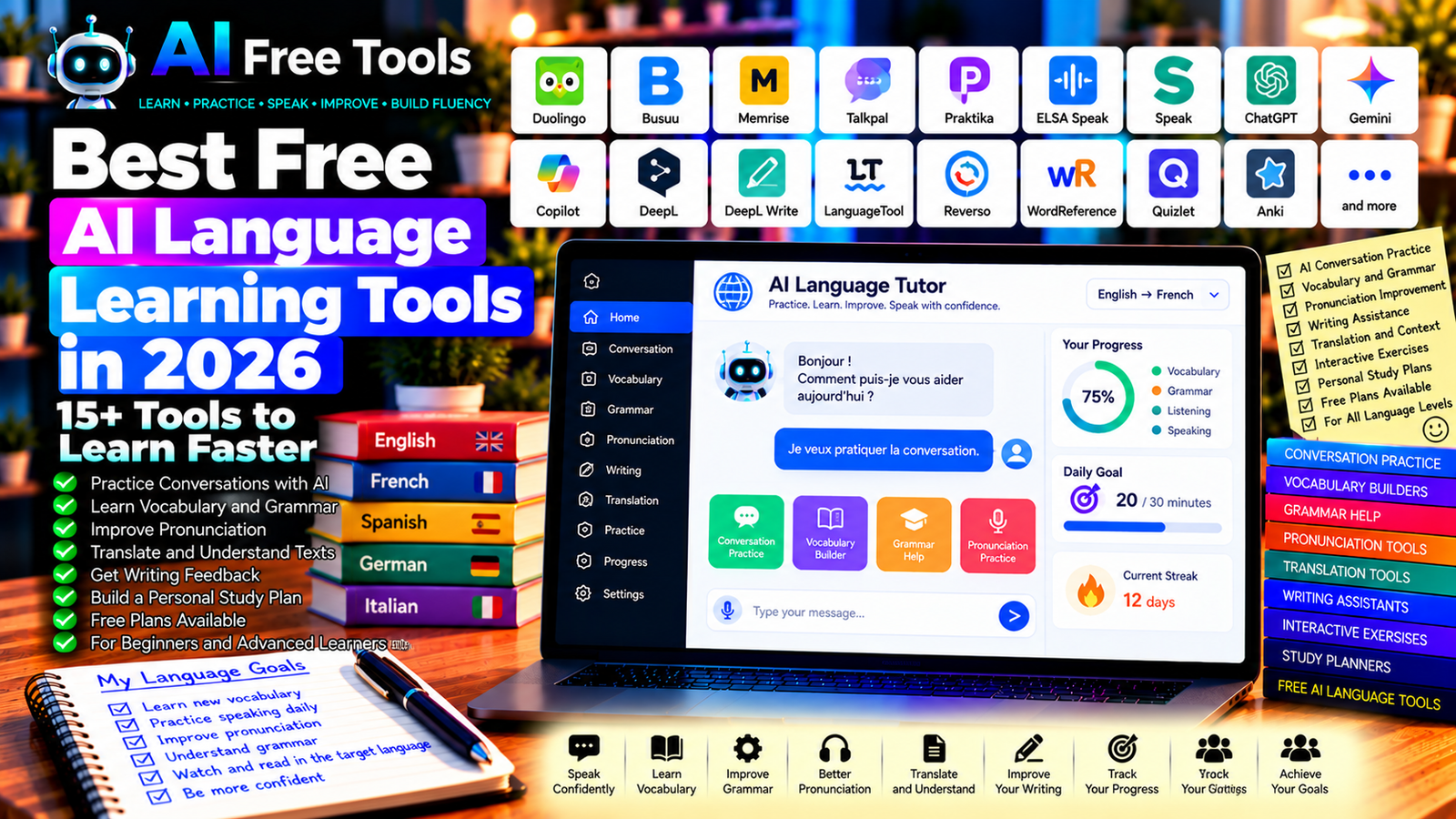
Best Free AI Language Learning Tools in 2026: 15+ Tools to Learn Faster
Free AI language learning tools can help you practice vocabulary, understand grammar, improve pronunciation, and become more confident when speaking another language. Instead of relying only on textbooks or traditional lessons, you can use AI assistants and language apps to practice conversations, receive explanations, and build a personalized learning routine.
Whether you want to learn English for work, improve your French, study Spanish, or prepare for a trip abroad, the right tools can make daily practice more accessible. Some platforms focus on structured lessons, while others specialize in speaking practice, translation, writing correction, or vocabulary revision.
In this guide, we compare 17 language-learning applications and AI assistants in 2026. You will discover what each tool offers, how its free access works, and which options may suit your learning goals.
Important: Not every tool in this guide is a dedicated AI language tutor. Some are traditional language-learning apps, dictionaries, translators, or writing assistants that can support your studies. Free plans, supported languages, voice features, and AI usage limits can change, so check the current terms before signing up.
Quick Comparison: Best Free AI Language Learning Tools
| Tool | Best For | Free Access |
|---|---|---|
| Duolingo | Structured language lessons | Free lessons with restrictions and ads |
| Busuu | Guided language courses | Free features with premium options |
| Memrise | Vocabulary and listening practice | Free features with paid options |
| Talkpal | AI conversation practice | Free access may be limited |
| Praktika | AI speaking practice | Free access and limits vary |
| ELSA Speak | English pronunciation | Free features with paid options |
| Speak | AI speaking exercises | Trial or paid access may apply |
| ChatGPT | Personalized conversation practice | Free tier with limits |
| Google Gemini | Conversation and language explanations | Free tier with limits |
| Microsoft Copilot | Vocabulary and grammar assistance | Free access with limits |
| DeepL | Translation and understanding context | Free translation with limits |
| DeepL Write | Writing and phrasing improvement | Free access with limits |
| LanguageTool | Grammar and spelling correction | Free plan with restrictions |
| Reverso Context | Translations in context | Free features with limits |
| WordReference | Dictionary and language reference | Core features generally free |
| Quizlet | Vocabulary flashcards | Free features with restrictions |
| Anki | Long-term vocabulary revision | Desktop version free; mobile terms vary |
1. Duolingo — Best for Building a Daily Learning Habit
Duolingo is a popular language-learning platform that organizes lessons into short activities. Its structured approach can help beginners practice vocabulary, grammar, listening, and other language skills consistently.
Although Duolingo includes technology-assisted learning features, not every feature is AI-powered or available on the free plan.
Best features:
- Follow structured language lessons.
- Practice vocabulary and grammar.
- Complete short listening and reading activities.
- Track learning progress.
- Build a daily study habit.
Free access: Duolingo offers free lessons supported by advertising and subject to feature limits. Some advanced features and AI-powered experiences may require a paid plan and may not be available for every language.
Best for: Beginners and learners who want a simple daily routine.
Official website: https://www.duolingo.com/
2. Busuu — Best for Guided Language Courses
Busuu provides structured language courses and learning activities for several languages. Depending on the course and available features, learners can practice vocabulary, grammar, reading, listening, and writing.
It can be useful if you prefer lessons arranged around a learning path rather than choosing random exercises.
Best features:
- Follow organized language courses.
- Practice grammar and vocabulary.
- Complete listening and reading exercises.
- Review progress through supported features.
- Explore available feedback and study tools.
Free access: Busuu offers free access to some learning features, while offline learning, certificates, advanced review, and other capabilities may require a premium plan.
Best for: Beginners and intermediate learners who want structured lessons.
Official website: https://www.busuu.com/
3. Memrise — Best for Vocabulary and Listening Practice
Memrise focuses on language learning through vocabulary, phrases, and listening-oriented activities. Depending on the language and current product features, it can help you become more familiar with expressions used in everyday situations.
Best features:
- Practice vocabulary and phrases.
- Review words through repeated exposure.
- Listen to language examples where available.
- Study common expressions.
- Explore available AI-related conversation features.
Free access: Memrise offers free features with paid options. Course availability, AI features, and usage limits can vary by language and plan.
Best for: Learners who want to build vocabulary and improve comprehension.
Official website: https://www.memrise.com/
4. Talkpal — Best for AI Conversation Practice
Talkpal is an AI language-learning application designed to help users practice languages through interactive activities and conversations. It may be useful when you want to practice producing sentences instead of only completing multiple-choice exercises.
Best features to investigate:
- Practice simulated conversations.
- Explore speaking and writing exercises.
- Receive language feedback through supported features.
- Practice everyday scenarios.
- Study multiple supported languages.
Free access: Talkpal offers access options that may include limited free usage. Conversation limits and advanced features can depend on the current plan.
Best for: Learners who want additional conversation practice outside a classroom.
Official website: https://talkpal.ai/
5. Praktika — Best for AI Speaking Practice
Praktika is an AI-powered language-learning app focused on conversation practice. It uses simulated conversational experiences to help learners practice expressing themselves in another language.
Best features to investigate:
- Practice conversational scenarios.
- Develop speaking confidence.
- Receive feedback through supported features.
- Work on everyday communication.
- Review language-learning activities.
Free access: Access and usage limits may change by platform, region, and subscription. Check the current terms before relying on it for daily practice.
Best for: Learners who want to practice speaking in a low-pressure environment.
Official website: https://praktika.ai/
6. ELSA Speak — Best for English Pronunciation
ELSA Speak focuses on English pronunciation and speaking practice. It can help learners identify areas to improve and work on clearer pronunciation through supported speech-analysis features.
Best features:
- Practice English pronunciation.
- Work on individual sounds and words.
- Complete speaking exercises.
- Receive pronunciation feedback through supported features.
- Track progress over time.
Free access: ELSA Speak offers some free features, while full lesson access and advanced feedback may require payment.
Best for: English learners who want to improve pronunciation and spoken clarity.
Official website: https://elsaspeak.com/
7. Speak — Best for Practicing Spoken Language
Speak is a language-learning platform focused on speaking practice. Its AI-assisted workflows are designed to help learners practice producing language in realistic situations.
Best features to investigate:
- Practice speaking through guided exercises.
- Simulate everyday conversations.
- Work on fluency and sentence construction.
- Receive feedback through supported features.
- Follow structured learning activities.
Free access: Speak may offer trials or limited access depending on the current plan and region. Verify the latest terms before subscribing.
Best for: Learners who want to spend more time speaking rather than only studying vocabulary.
Official website: https://www.speak.com/
8. ChatGPT — Best for Personalized Language Practice
ChatGPT can act as a flexible language practice partner. You can ask it to simulate a conversation, correct your writing, explain grammar, create vocabulary exercises, or adapt explanations to your current level.
Voice functionality depends on the available interface, account, and usage limits.
Best features:
- Practice conversations about everyday topics.
- Receive explanations of grammar and vocabulary.
- Rewrite sentences at different difficulty levels.
- Generate role-play scenarios.
- Create personalized quizzes and revision plans.
Free access: ChatGPT offers a free tier with usage and feature limits.
Best for: Learners who want flexible practice tailored to their goals.
Official website: https://chatgpt.com/
Example prompt:
“Act as my [TARGET LANGUAGE] tutor. My current level is [LEVEL]. Have a short conversation with me about everyday life. Ask one question at a time and wait for my answer. Correct important mistakes gently, explain the correction in simple English, and introduce no more than three new vocabulary words in each turn.”
9. Google Gemini — Best for Language Explanations and Dialogue
Google Gemini can help explain grammar rules, compare expressions, create vocabulary exercises, and generate dialogues for everyday situations. Depending on current capabilities and account settings, it may also support voice-based workflows.
Best features:
- Explain grammar concepts.
- Generate dialogues for different situations.
- Compare similar words and expressions.
- Create quizzes and vocabulary lists.
- Support eligible voice and productivity features.
Free access: Gemini offers a free tier with usage limits. Advanced capabilities and integrations depend on the current account and plan.
Best for: Learners who want explanations and customized language exercises.
Official website: https://gemini.google.com/
10. Microsoft Copilot — Best for Vocabulary and Grammar Help
Microsoft Copilot can help learners understand unfamiliar expressions, compare translations, and practice writing. It is a general-purpose AI assistant rather than a dedicated language course.
Best features:
- Explain unfamiliar words and phrases.
- Create example sentences.
- Compare formal and informal expressions.
- Generate practice questions.
- Help correct and rewrite short texts.
Free access: Copilot offers free access options, but usage limits and available features may change.
Best for: Learners who need flexible language assistance alongside a separate course or textbook.
Official website: https://copilot.microsoft.com/
11. DeepL — Best for Translation and Understanding Meaning
DeepL provides machine translation for supported languages. It can help learners understand unfamiliar passages, compare sentence structures, and check how a phrase might be expressed in another language.
Translation should be treated as a learning aid rather than an unquestionable answer, particularly for idioms, technical terms, and context-sensitive expressions.
Best features:
- Translate supported text.
- Compare wording across languages.
- Understand the general meaning of unfamiliar passages.
- Work with supported documents and features.
- Use available writing-related tools.
Free access: DeepL offers free translation with usage and feature limits. Document translation and other advanced capabilities may depend on the current plan.
Best for: Learners who read or write in multiple languages.
Official website: https://www.deepl.com/translator
12. DeepL Write — Best for Improving Written Language
DeepL Write helps users refine sentences, improve grammar, and explore alternative phrasing in supported languages. It is particularly useful after you have written a paragraph and want to make it clearer or more natural.
Best features:
- Improve grammar and phrasing.
- Explore alternative sentence structures.
- Refine tone and clarity.
- Make writing more concise.
- Review supported language varieties.
Free access: DeepL Write offers free access with possible limits. Language availability and usage allowances can change.
Best for: Intermediate and advanced learners who want to improve writing quality.
Official website: https://www.deepl.com/write
13. LanguageTool — Best for Grammar and Spelling
LanguageTool is a writing assistant that checks grammar, spelling, punctuation, and style in multiple languages. It can be useful when practicing writing in English, French, Spanish, German, and other supported languages.
Best features:
- Identify grammar and spelling mistakes.
- Check punctuation.
- Suggest clearer phrasing.
- Support multiple languages.
- Use browser and editor integrations where available.
Free access: LanguageTool offers a free plan with restrictions on text length and advanced suggestions.
Best for: Learners who write essays, emails, messages, and other texts in a second language.
Official website: https://languagetool.org/
14. Reverso Context — Best for Learning Words in Context
Reverso Context helps users explore translations and examples of words or expressions in context. It can be more helpful than translating an isolated word when you want to understand how a phrase is used in a sentence.
Best features:
- Explore contextual translations.
- Compare example sentences.
- Learn common expressions.
- Review vocabulary.
- Use supported conjugation and language tools.
Free access: Reverso provides free features, although some tools and usage allowances may be limited.
Best for: Language learners who want to understand idioms, expressions, and real-world sentence usage.
Official website: https://context.reverso.net/
15. WordReference — Best for Dictionary and Grammar Reference
WordReference provides dictionaries, translations, and language forums that can help learners investigate word meanings and usage. It is not an AI tutor, but it remains a useful reference alongside AI-powered learning tools.
Best features:
- Look up words and definitions.
- Compare translations.
- Explore conjugation tools for supported languages.
- Read discussions about usage and meaning.
- Investigate differences between similar expressions.
Free access: Core dictionary and reference features are generally free, with availability depending on the language and service.
Best for: Learners who want reliable reference material while studying vocabulary and grammar.
Official website: https://www.wordreference.com/
16. Quizlet — Best for Vocabulary Flashcards
Quizlet helps learners create and review flashcards containing vocabulary, definitions, example sentences, and translations. It can complement a language course by providing repeated practice with words you find difficult.
Best features:
- Create vocabulary flashcards.
- Organize words by topic.
- Review existing study sets.
- Practice with supported study modes.
- Explore available AI-assisted features.
Free access: Quizlet offers free features, while some study modes and AI-related capabilities may require a paid plan.
Best for: Beginners and intermediate learners who need to memorize vocabulary.
Official website: https://quizlet.com/
17. Anki — Best for Long-Term Vocabulary Retention
Anki is a flashcard application that uses spaced repetition to schedule reviews. You can create cards with words, definitions, example sentences, audio, and images, then review them over time.
Anki is not primarily an AI language tutor, but you can use AI tools to draft vocabulary cards and import them into your decks.
Best features:
- Create customized vocabulary decks.
- Schedule reviews with spaced repetition.
- Add audio and images.
- Organize cards by language or topic.
- Use supported community add-ons.
Free access: Anki’s desktop version and AnkiWeb are free. The official iOS app is paid, and third-party mobile applications may have different conditions.
Best for: Learners who want to remember vocabulary over weeks, months, and years.
Official website: https://apps.ankiweb.net/
How to Choose the Best Free AI Language Learning Tool
The right tool depends on which language skill you want to improve.
| Your Main Goal | Recommended Starting Tools |
|---|---|
| Follow structured lessons | Duolingo or Busuu |
| Practice AI conversations | Talkpal, Praktika, or ChatGPT |
| Improve English pronunciation | ELSA Speak |
| Understand grammar and expressions | ChatGPT, Gemini, or Copilot |
| Translate unfamiliar passages | DeepL |
| Improve writing and grammar | DeepL Write or LanguageTool |
| Understand phrases in context | Reverso Context |
| Look up word meanings | WordReference |
| Memorize vocabulary | Quizlet or Anki |
Best Free AI Language Learning Tools for English
English learners can combine structured lessons with speaking practice, writing correction, and vocabulary revision.
Duolingo or Busuu can provide a learning routine. ChatGPT or Gemini can generate dialogues and explain grammar. ELSA Speak may help with pronunciation, while LanguageTool can support writing practice.
For the best results, practice all four skills: reading, writing, listening, and speaking. Do not rely on translation alone.
Best AI Tools for Learning French
French learners can use structured courses for grammar and vocabulary, then add AI-assisted conversation and writing practice.
ChatGPT and Gemini can explain conjugations, generate short dialogues, and correct example sentences. Reverso Context can help you see how expressions are used, while WordReference can provide dictionary and conjugation references.
Check accents, grammatical gender, verb agreement, and the difference between formal and informal language when reviewing generated examples.
Best AI Tools for Learning Spanish
For Spanish, combine structured vocabulary lessons with listening and speaking practice. Duolingo and Busuu can help establish a routine, while a conversational AI assistant can simulate situations such as ordering food, travelling, or introducing yourself.
Use a dictionary or contextual translation service when a word has several meanings. Pay attention to regional vocabulary and pronunciation differences.
How to Learn a Language with AI in Five Steps
Step 1: Define Your Goal
Choose a specific objective, such as holding a basic conversation, passing a language examination, improving business English, or reading technical documents.
Step 2: Estimate Your Current Level
Identify what you can already do. Can you introduce yourself, understand simple conversations, write a paragraph, or discuss familiar topics? Choose practice activities that are challenging but manageable.
Step 3: Practice Every Day
Short, consistent sessions are often easier to maintain than occasional long study sessions. Divide your time between vocabulary, listening, speaking, reading, and writing.
Step 4: Ask AI for Specific Feedback
Instead of asking only whether a sentence is correct, request an explanation of the error and two additional examples. This helps you understand the underlying rule.
Step 5: Review and Reuse What You Learn
Save useful vocabulary and corrected sentences. Revisit them with flashcards or spaced repetition, and try to use new expressions in your own conversations.
Example AI Prompt for Daily Language Practice
Copy and adapt this prompt:
“Act as a patient language tutor. I want to learn [LANGUAGE] at [LEVEL] for [GOAL]. Create a 20-minute daily lesson with vocabulary, a short dialogue, one grammar point, a speaking or writing exercise, and a short review quiz. Explain mistakes clearly and use natural language. Do not introduce too many new concepts at once. Adapt the next lesson based on my mistakes.”
Are Free AI Language Learning Tools Worth Using?
Yes. They can make language practice more accessible and help you receive feedback outside traditional lessons.
For structured courses, compare Duolingo and Busuu. For conversational practice, explore Talkpal, Praktika, or ChatGPT. For pronunciation, investigate ELSA Speak. For writing, consider DeepL Write and LanguageTool. For vocabulary retention, Quizlet and Anki are useful options.
However, AI-generated translations and corrections can be imperfect. Verify important expressions, use authentic listening materials, and seek feedback from qualified teachers or proficient speakers when possible.
Are AI Language Learning Tools Safe to Use?
Language practice may involve voice recordings, personal details, or private messages. Before uploading recordings or documents, review the provider’s privacy policy and data-handling terms.
Avoid sharing sensitive personal information unnecessarily. If you use voice or conversation features, check what the service stores and which privacy controls are available.
Frequently Asked Questions
What is the best free AI language learning tool in 2026?
The best choice depends on your goal. Duolingo and Busuu are useful for structured lessons, ChatGPT can support personalized practice, ELSA Speak focuses on English pronunciation, and Anki helps with long-term vocabulary review. Check current free-plan limits before choosing.
Can AI help me speak a language fluently?
AI can provide additional conversation practice, explanations, and corrections. Fluency also requires regular listening, real communication, vocabulary development, and time. AI practice is a useful supplement, not a guarantee of fluency.
Can I learn English for free with AI?
Yes. You can combine free lessons, AI conversation practice, dictionaries, writing checkers, and flashcards. Some features are limited or paid, but a consistent routine can be built using free access options.
Is ChatGPT good for learning languages?
ChatGPT can explain grammar, simulate conversations, create quizzes, and review writing. Its feedback may contain mistakes, so verify important corrections and use trusted language references.
Which AI tool is best for pronunciation?
ELSA Speak is specifically focused on English pronunciation. Some other language apps and AI assistants offer speaking features, but supported languages, feedback quality, and free access vary.
Can AI correct my grammar in French or English?
Yes. Tools such as LanguageTool, DeepL Write, ChatGPT, and Gemini can help explain or correct writing. Review the suggested changes to make sure they preserve your intended meaning and suit the context.
How much time should I spend learning a language every day?
Choose a schedule you can maintain consistently. Even a short daily session can provide useful practice when it includes active recall and regular review. Increase the time when your goals or available schedule allow it.
Final Verdict
The best free AI language learning tools in 2026 can help you practice conversations, learn vocabulary, improve writing, and build a consistent study routine.
For structured lessons, start with Duolingo or Busuu. For AI conversation practice, explore Talkpal, Praktika, or ChatGPT. For English pronunciation, investigate ELSA Speak. For writing and grammar, consider DeepL Write and LanguageTool. For vocabulary retention, compare Quizlet and Anki.
Choose tools that match your current level and language goals, verify their free-plan limits, and combine AI practice with authentic language exposure and regular review.
Explore more guides on AI Free Tools:
Leave a Reply